Date Entry/Project Task

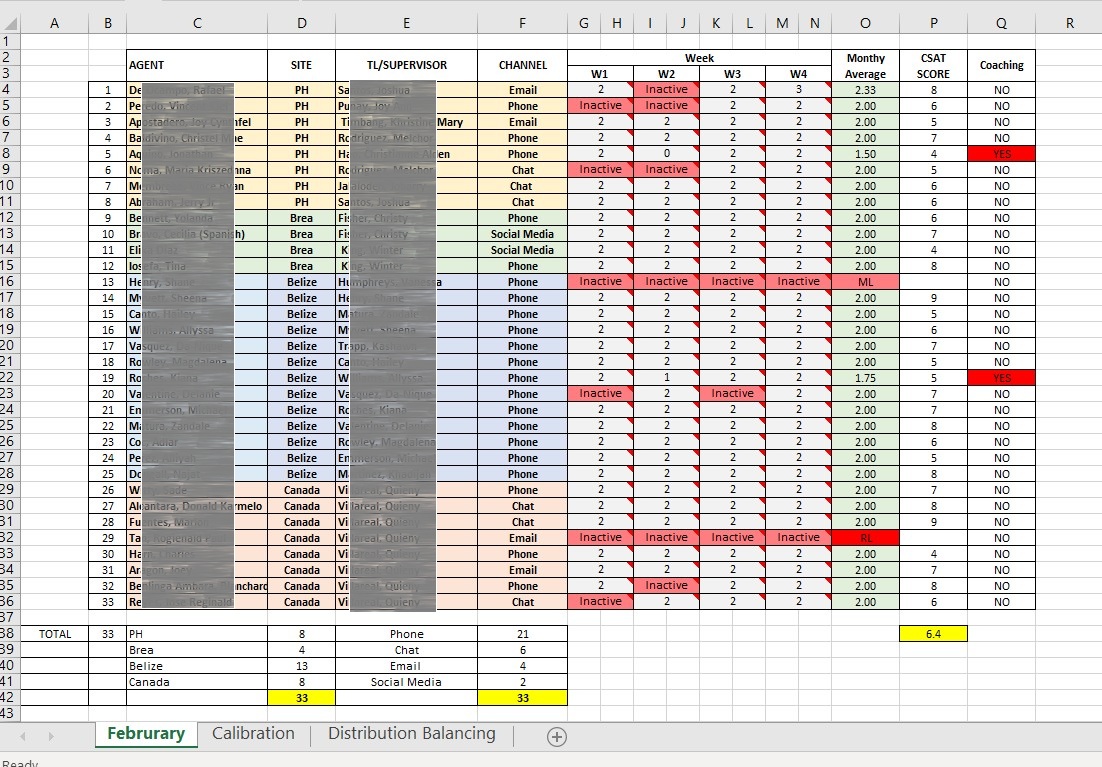
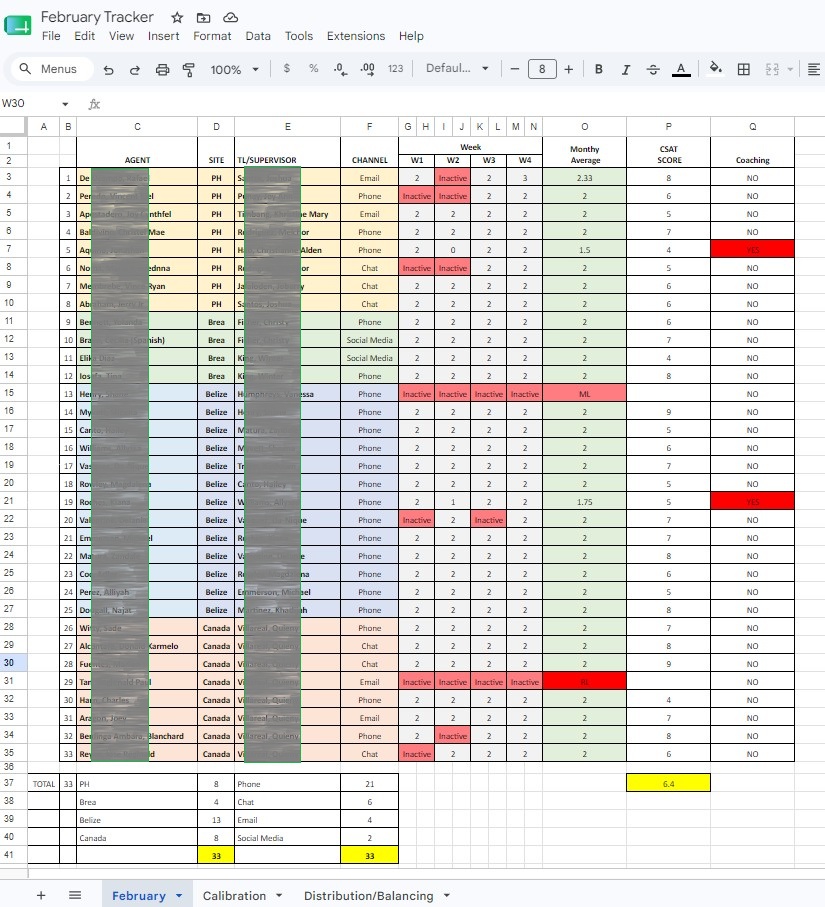
In my Quality Assurance role, I built an agent assessment tracker that monitored performance across multiple agents while ensuring zero errors in reporting. Here's what I handled:
I maintained 100% accuracy on all agent data, performance scores, and quality metrics. Every entry was verified against source documents to generate 0% error in reports. I understand that in data entry, accuracy isn't optional — it's the job.
I managed the distribution and balancing of agents among QAs, ensuring workload was fair and complete. This required organizing large datasets, tracking multiple variables, and making sure nothing fell through the cracks.
Excel Features I Used (Regularly):
- Data Validation - Created dropdown lists to ensure agents were entered consistently and correctly
- Formulas (SUMIF, AVERAGEIF, COUNT) - Calculated performance trends and quality scores automatically
- Conditional Formatting - Highlighted agents needing coaching or follow-up in red, making problems obvious at a glance
- AutoFilter and Sorting - Found specific agents or time periods fast without wasting time scrolling
- Freeze Panes - Kept agent names and dates visible while reviewing hundreds of rows of data
- Copy and Paste (Special Paste) - Moved data without breaking formulas or formatting
- IF Statements - Flagged inconsistencies and errors automatically
- Named Ranges - Made formulas readable so other team members could understand my work
- Find and Replace - Fixed data entry mistakes across the entire tracker in seconds
I don't just enter data. I enter it right the first time. I organize it so it's easy to audit. I use Excel features to catch errors before they become problems. I build systems that keep data bulletproof and require zero corrections.
For any data entry role, I bring accuracy, attention to detail, and the ability to work with speed without sacrificing quality.
GOOGLE SHEET
MICROSOFT EXCEL