Inbox Management using Gmail

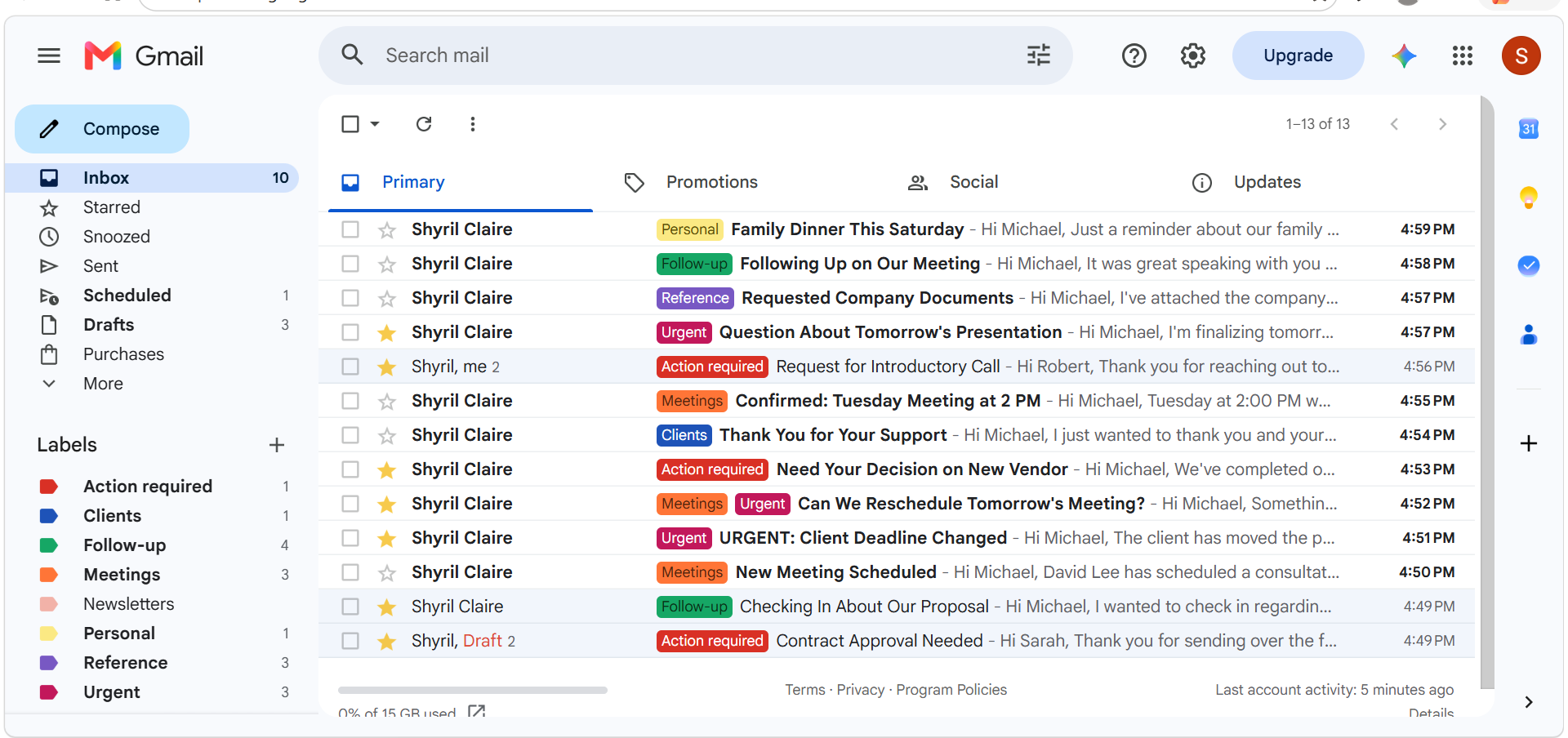
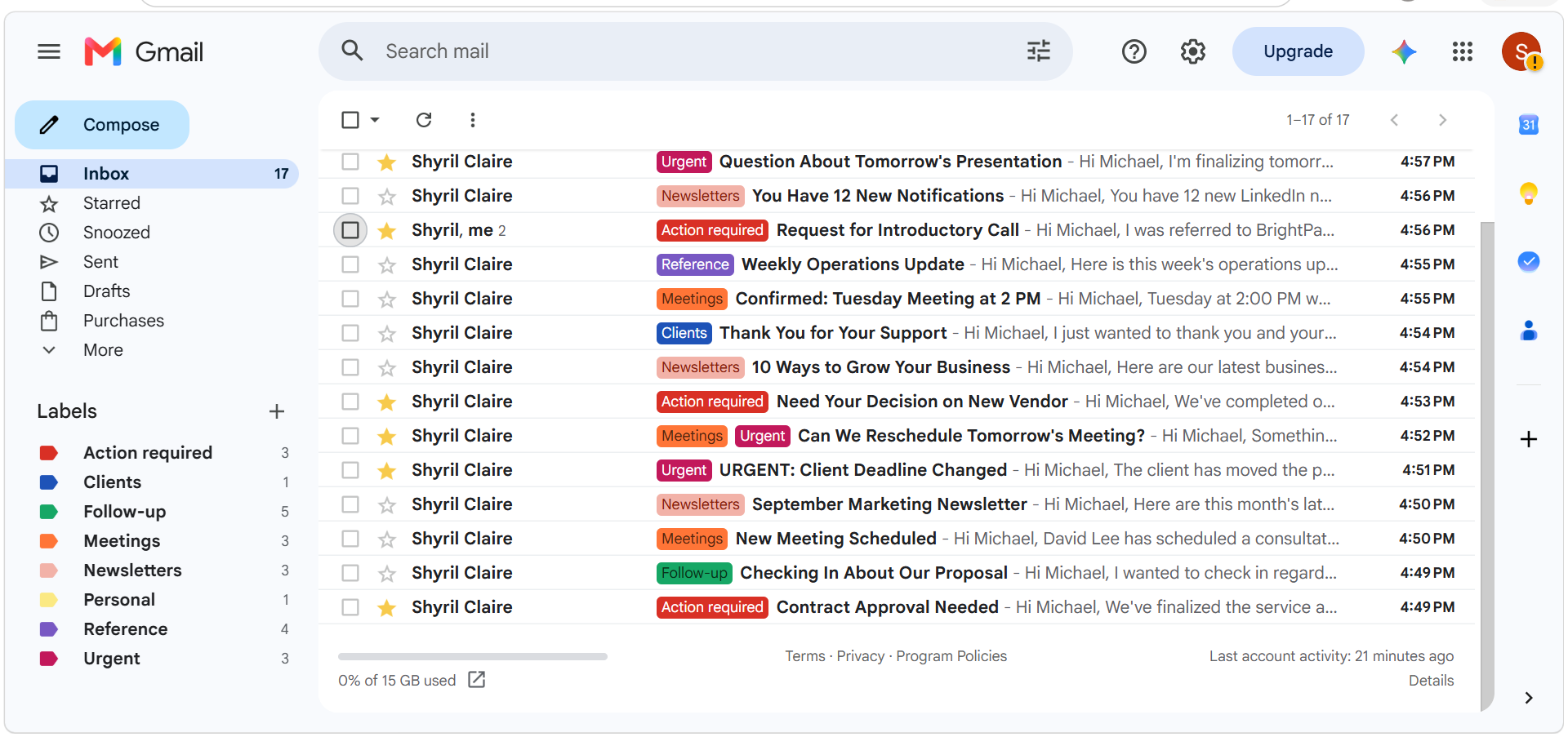
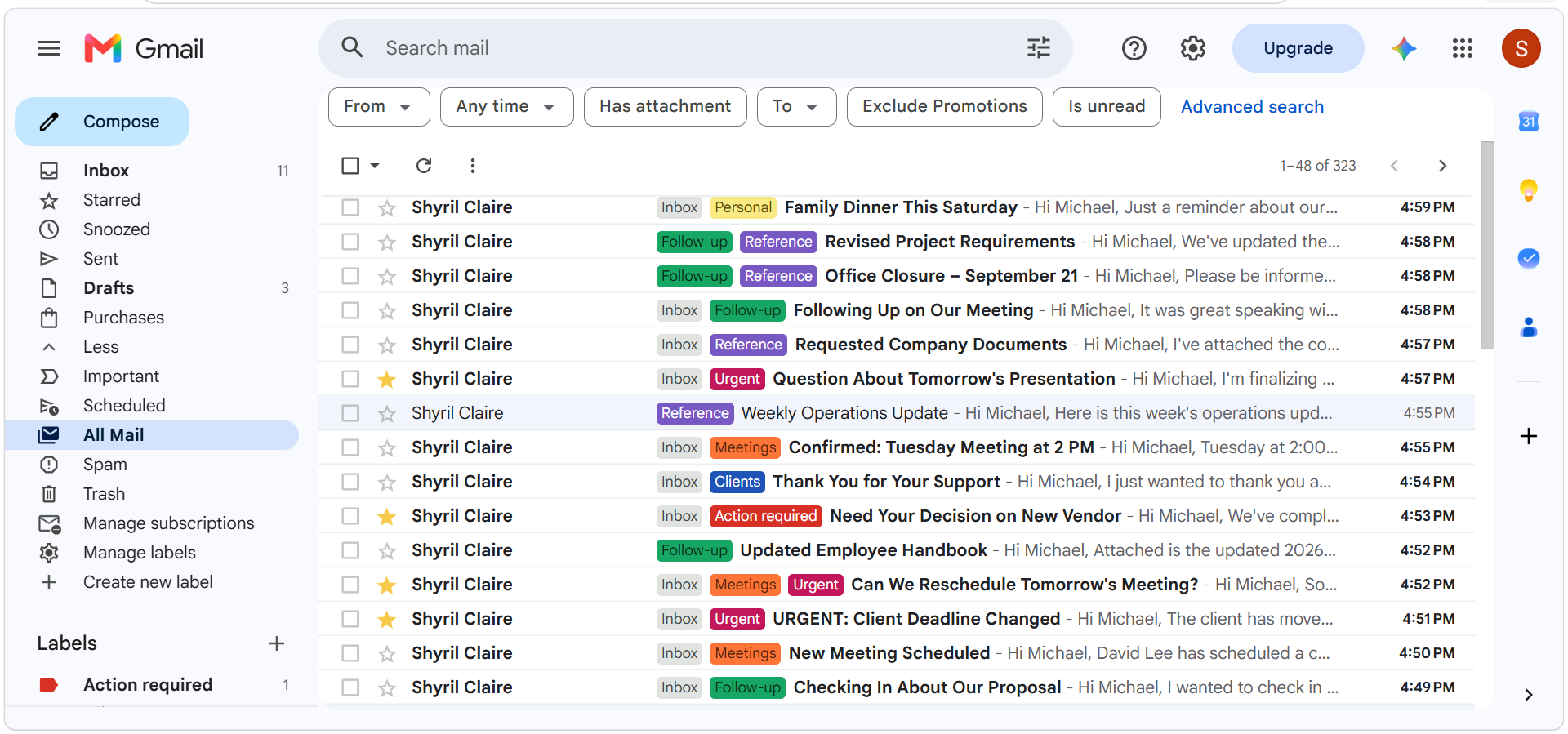
1. Organize emails and prioritized specific emails - created and applied labels. I also used stars to highlight important messages.
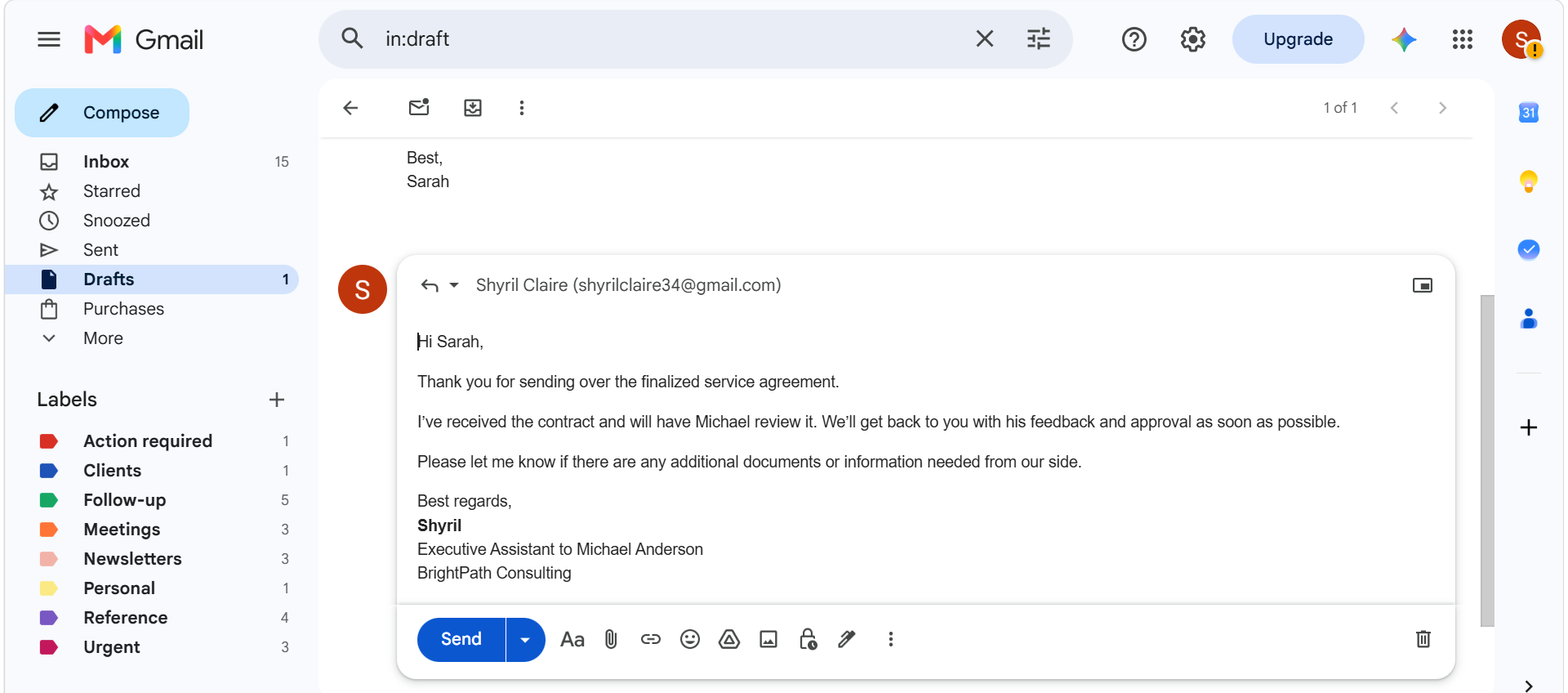
2. Draft reply- prepared a professional response for executive review.
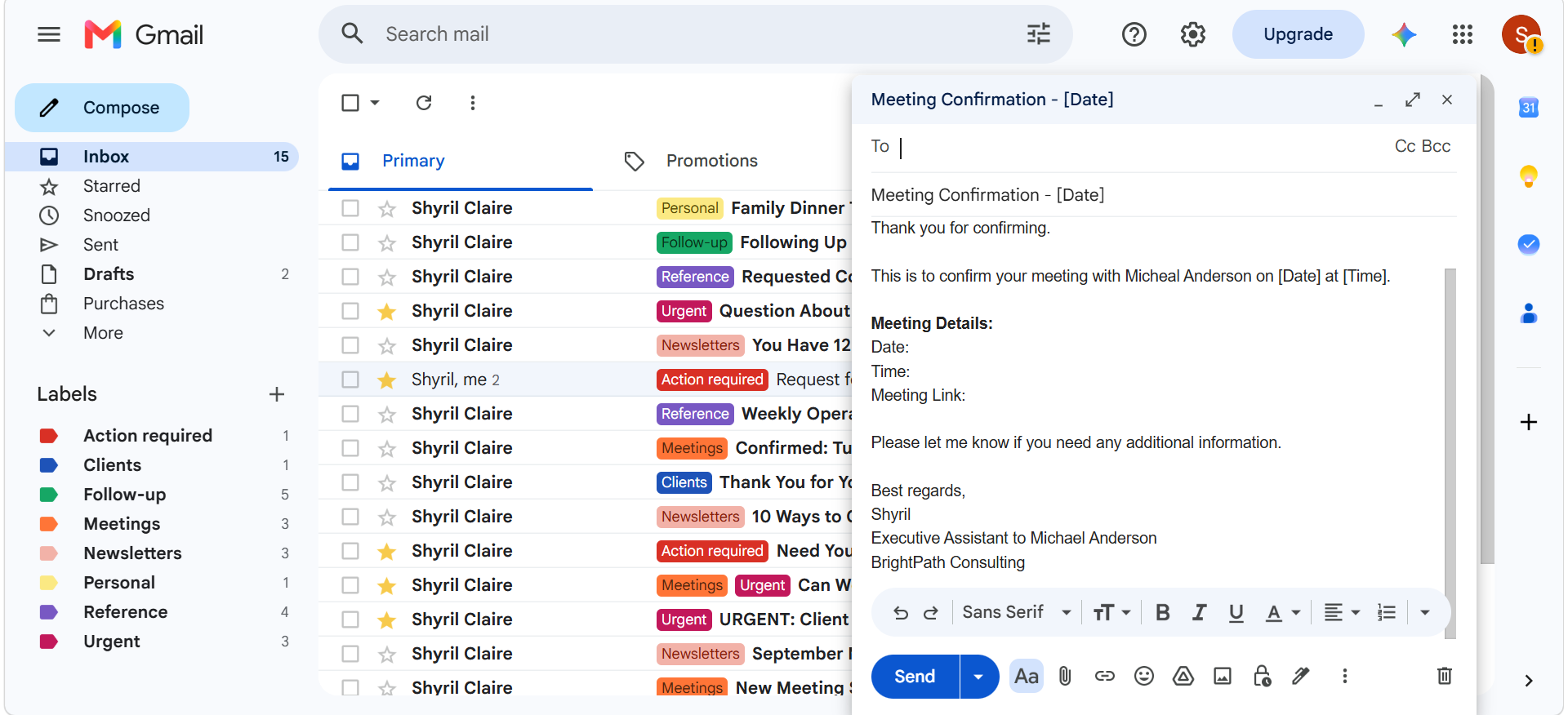
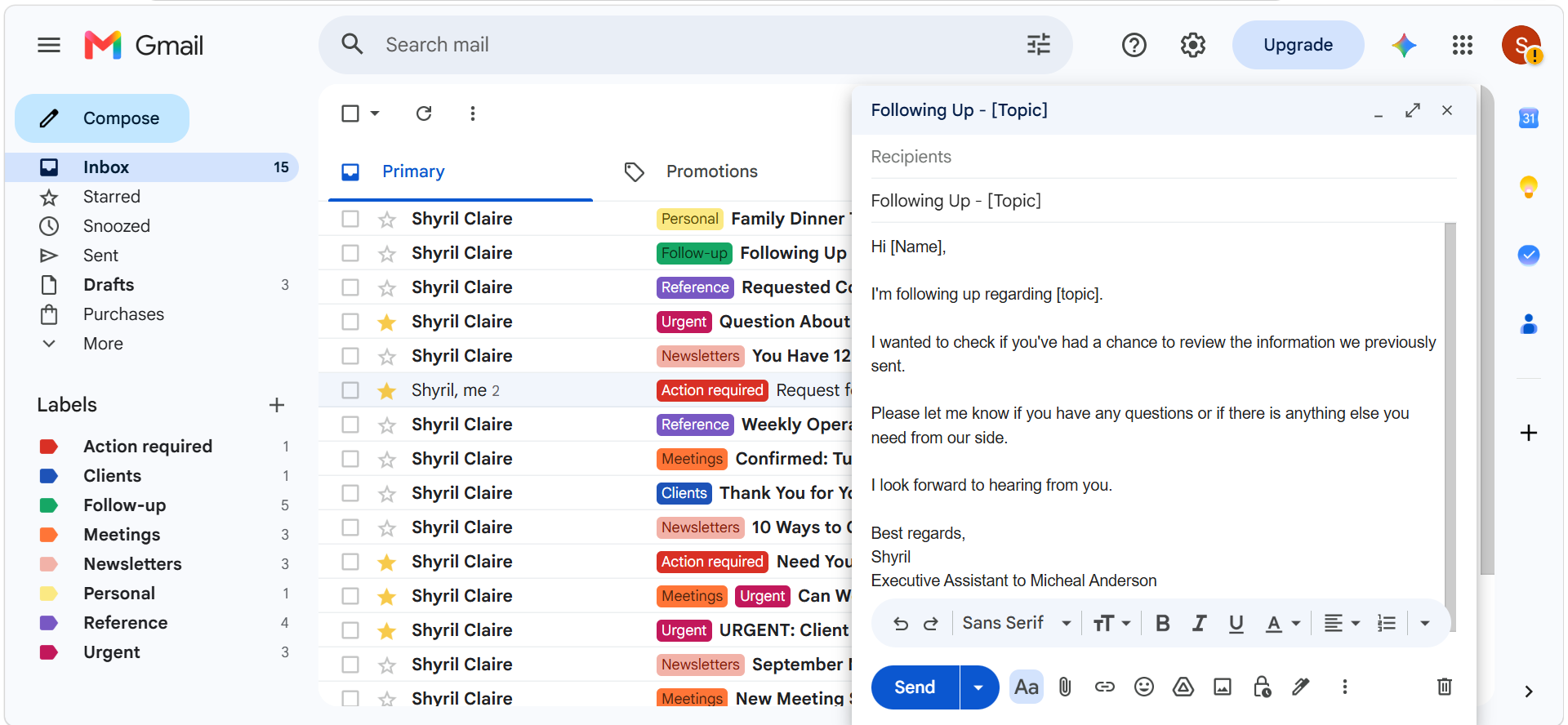
3. Email templates- created reusable templates for recurring communications.
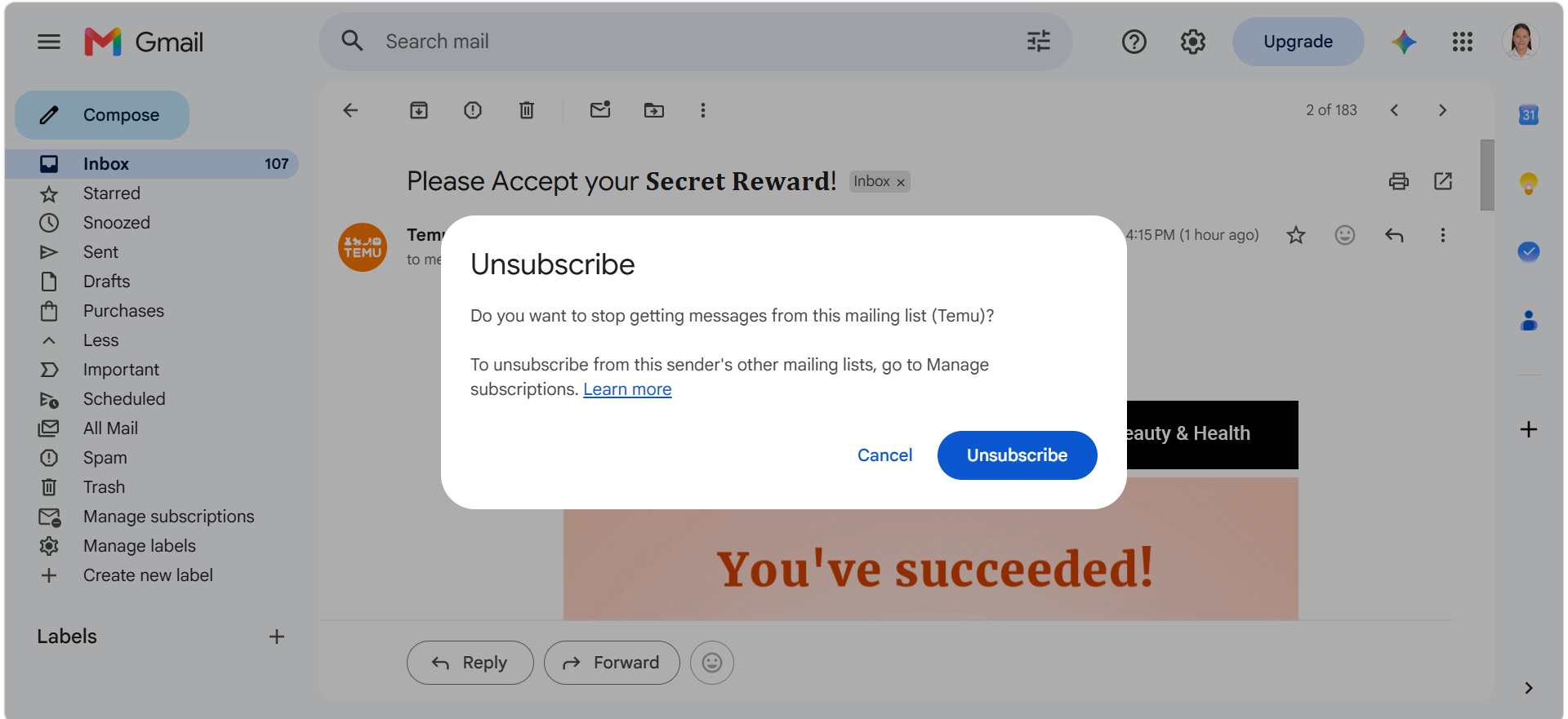
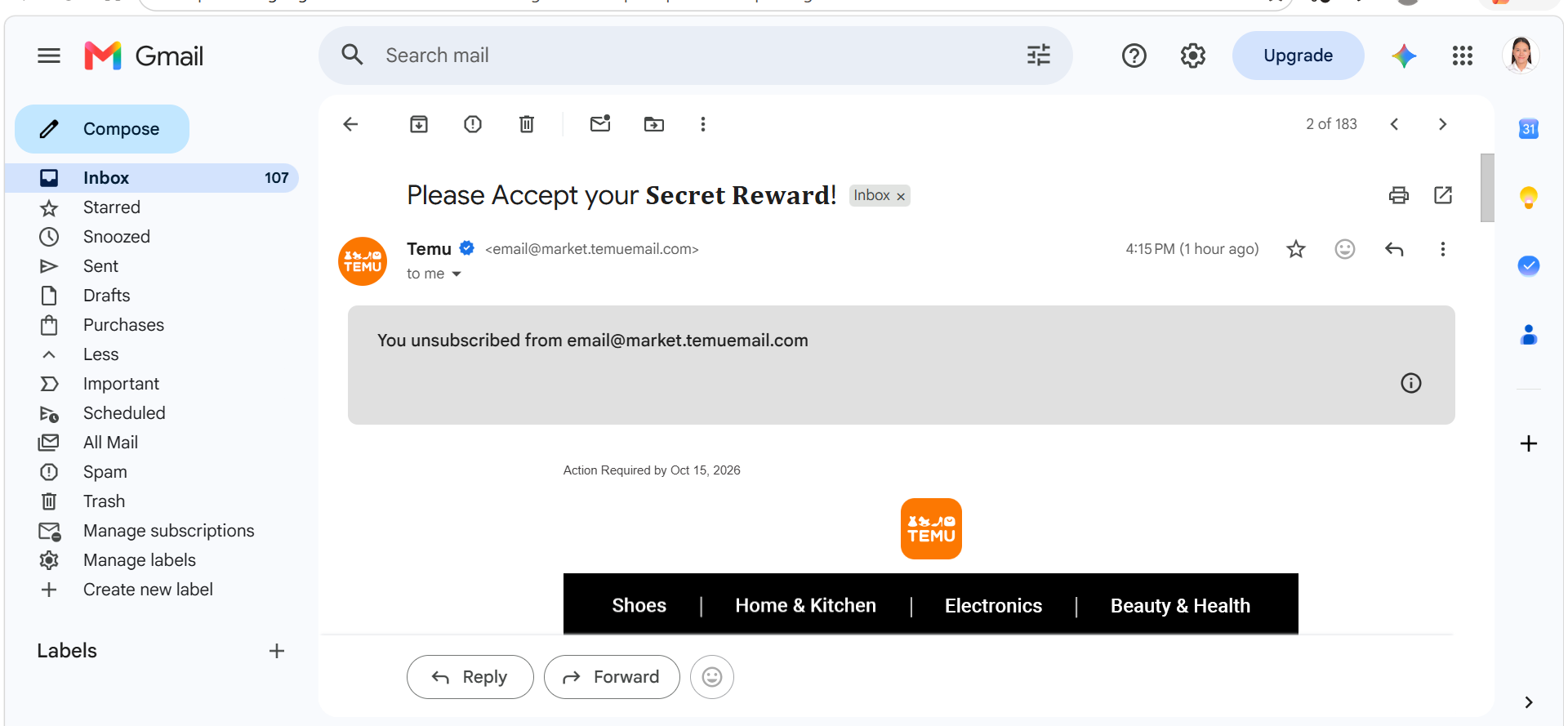
4. Unsubscribe from unwanted emails- unsubscribed from non-essential mailing lists to reduce inbox clutter and improve email efficiency.
5. Email archiving- archived non-actionable reference emails to maintain a clean and organized executive inbox while preserving information for future access.
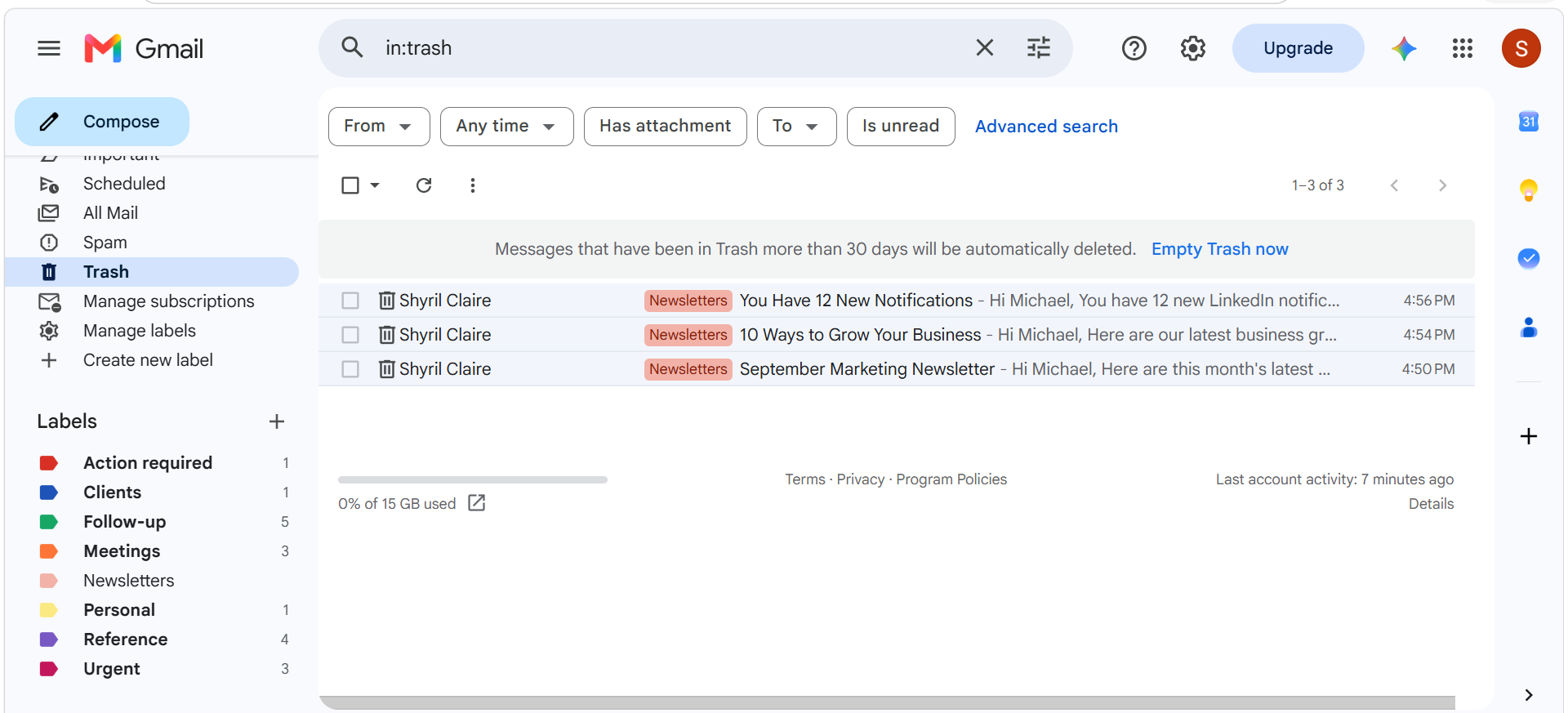
6. Email deletion- removed non-essential notification emails to reduce inbox and improve inbox organization.
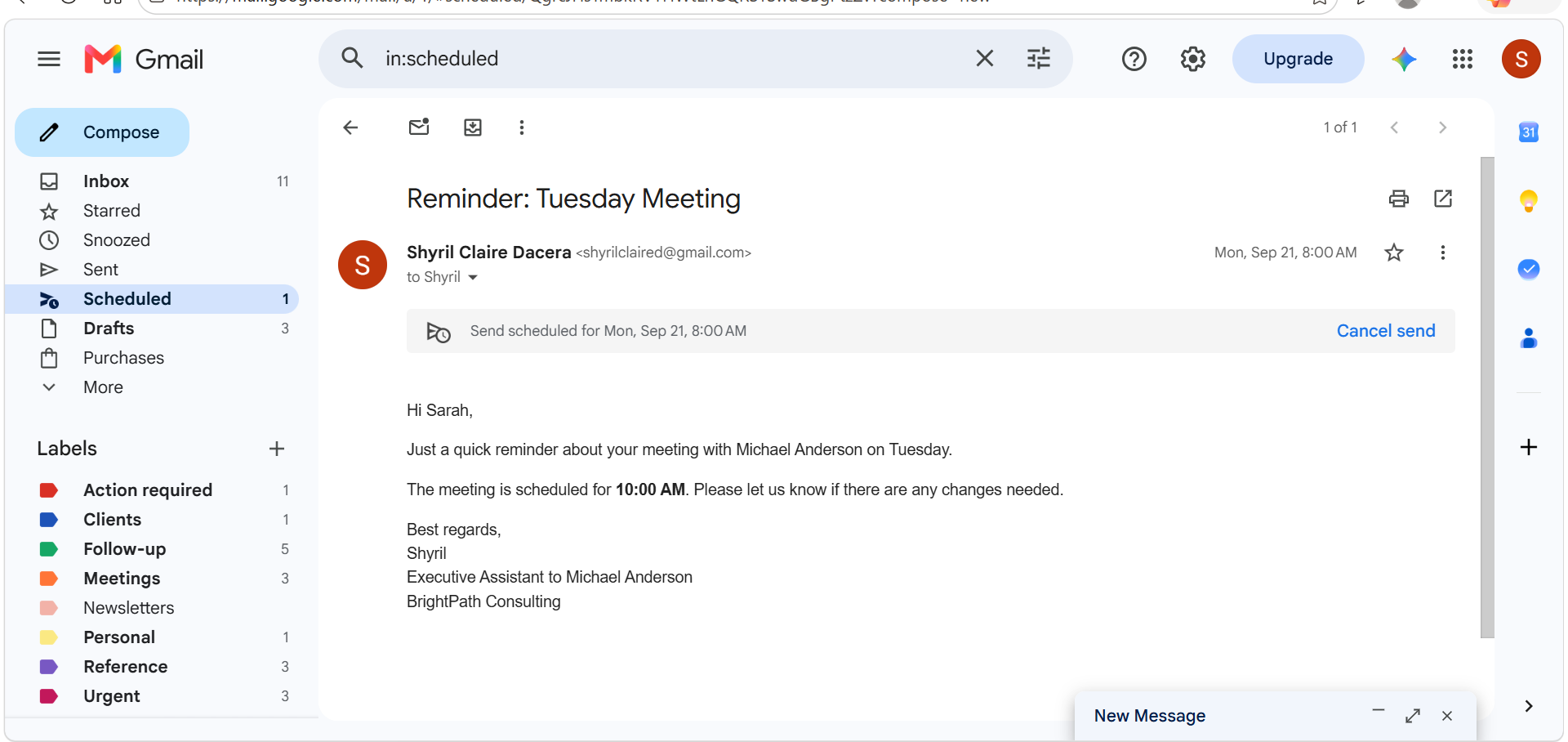
7. Email scheduling- scheduled a meeting reminder in advance to ensure timely communication and support executive calendar management.
8. Follow-up management- identified pending conversations and organized follow up items to ensure important communication and not overlooked.
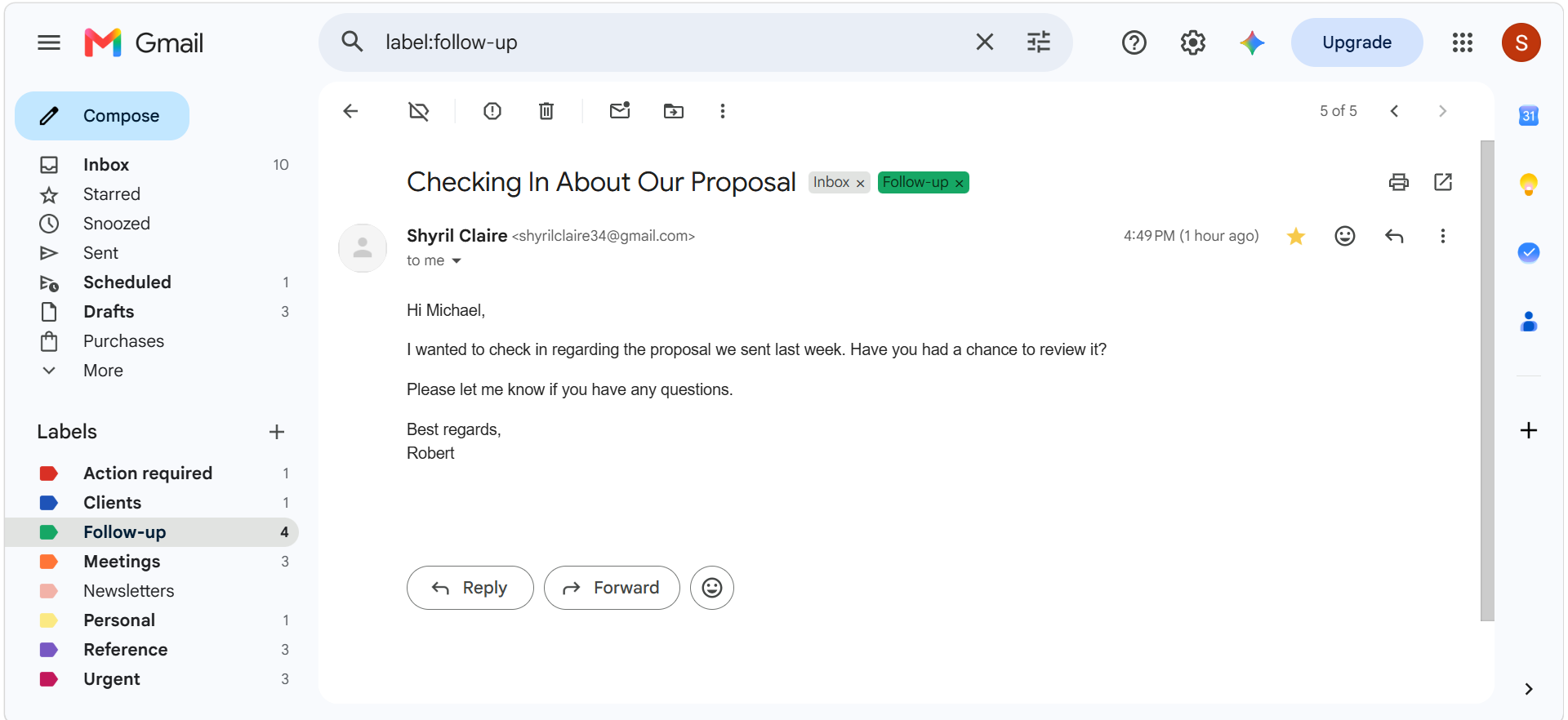
9. Final inbox audit- reviewed the executive inbox to ensure emails were properly categorized, prioritized, archived, deleted, and flagged for follow up.