Bookkeeping
About Me:
Sample Work – Xero Bookkeeping Simulation
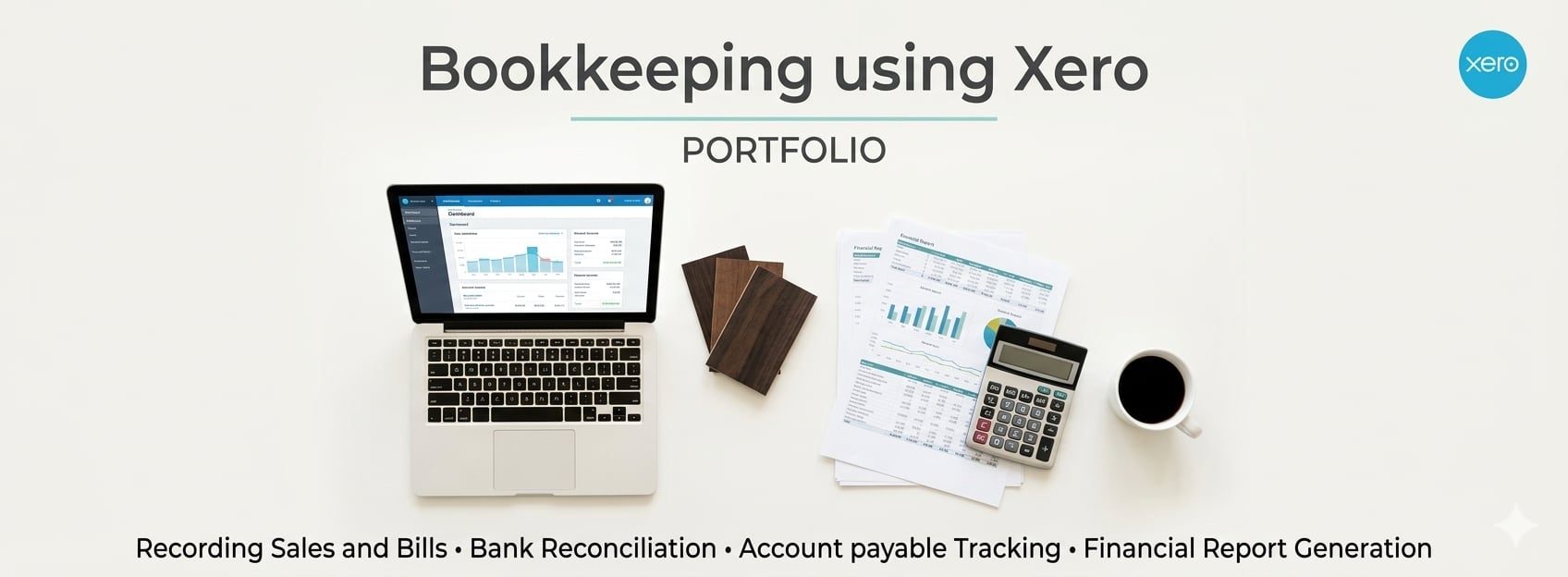
This project demonstrates my understanding of basic bookkeeping tasks using Xero, including generating financial reports and reviewing receivables and payables.
DASHBOARD
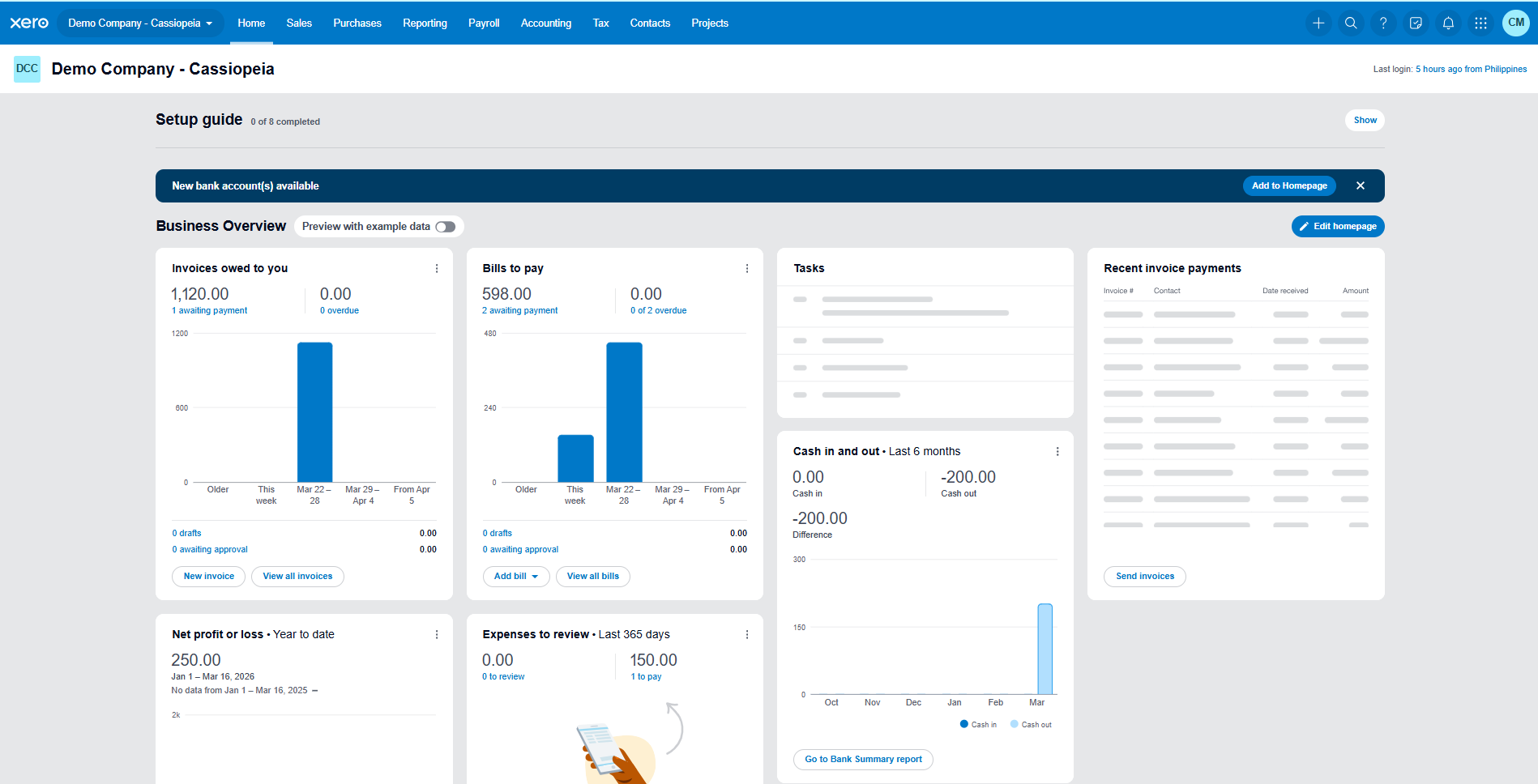
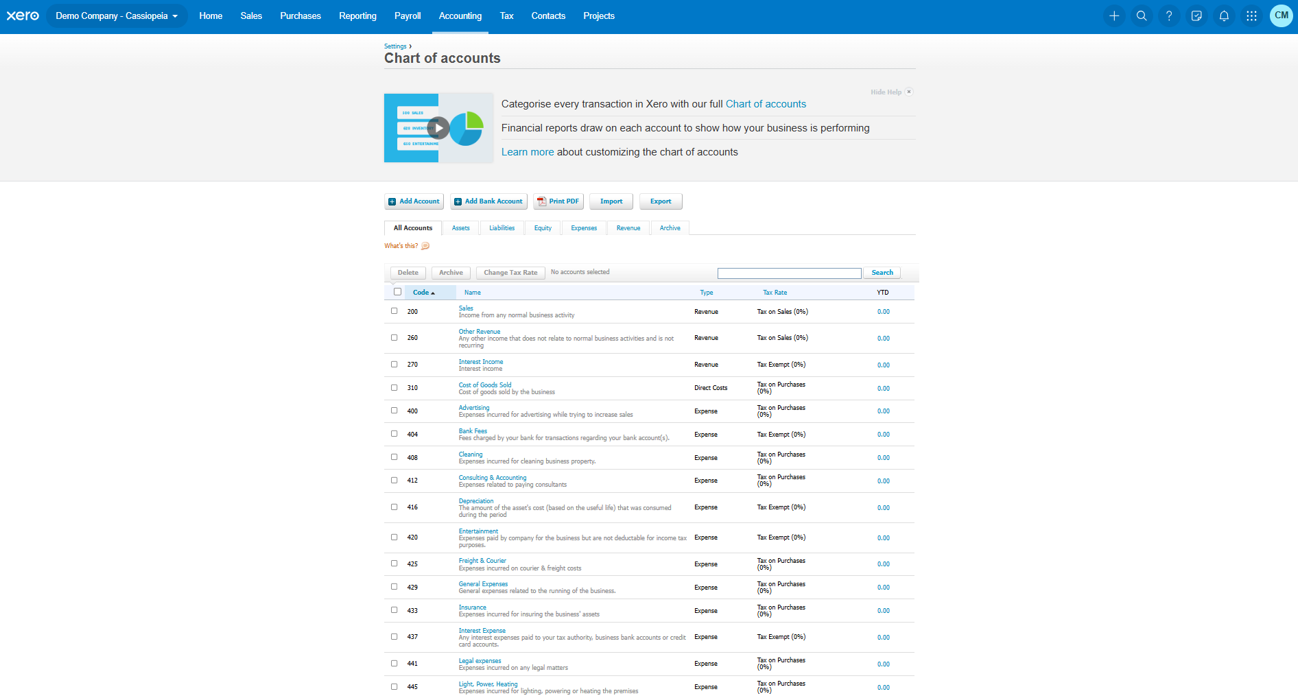
CHART OF ACCOUNTS
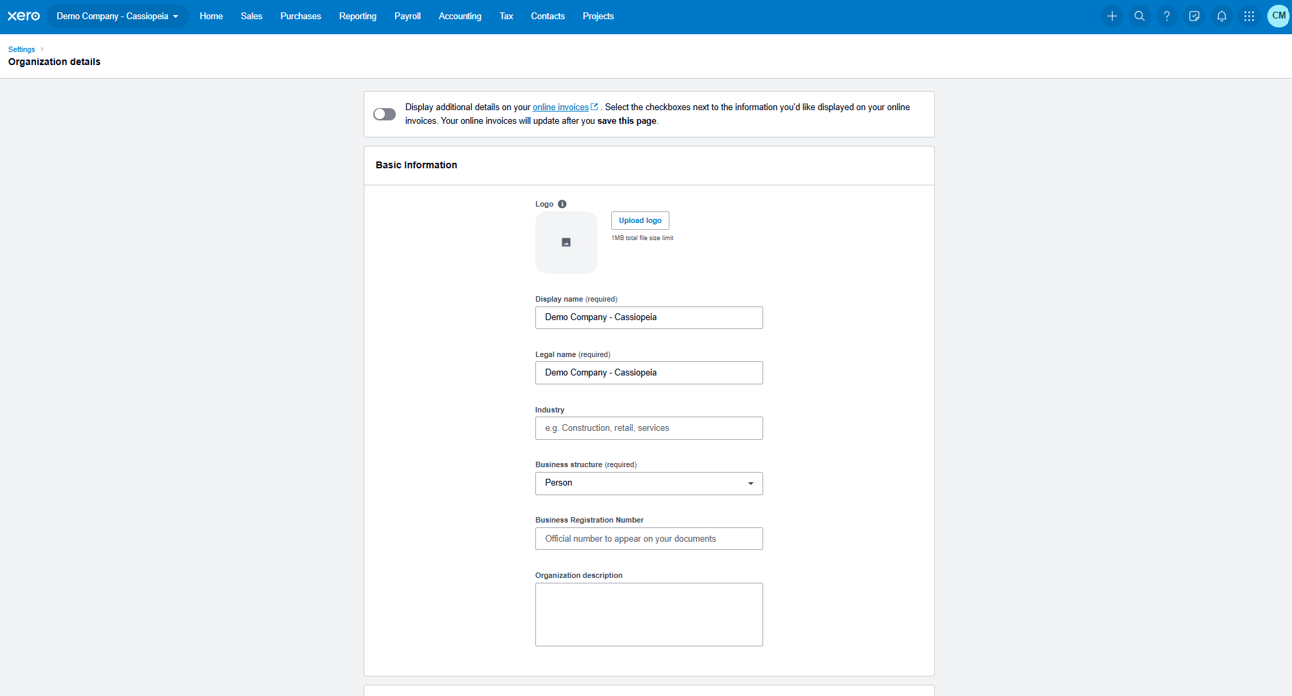
DELIVERABLES
Generated Reports
This project demonstrates my understanding of basic bookkeeping tasks using Xero, including generating financial reports and reviewing receivables and payables.
Reports generated from the simulation:
• Aged Receivables Report
• Aged Payables Report
• Balance Sheet
• Profit and Loss Statement
AGED RECEIVABLES
Shows customers who still need to pay invoices.
Example: Trendy Vegan has an outstanding balance of 1,120.00. 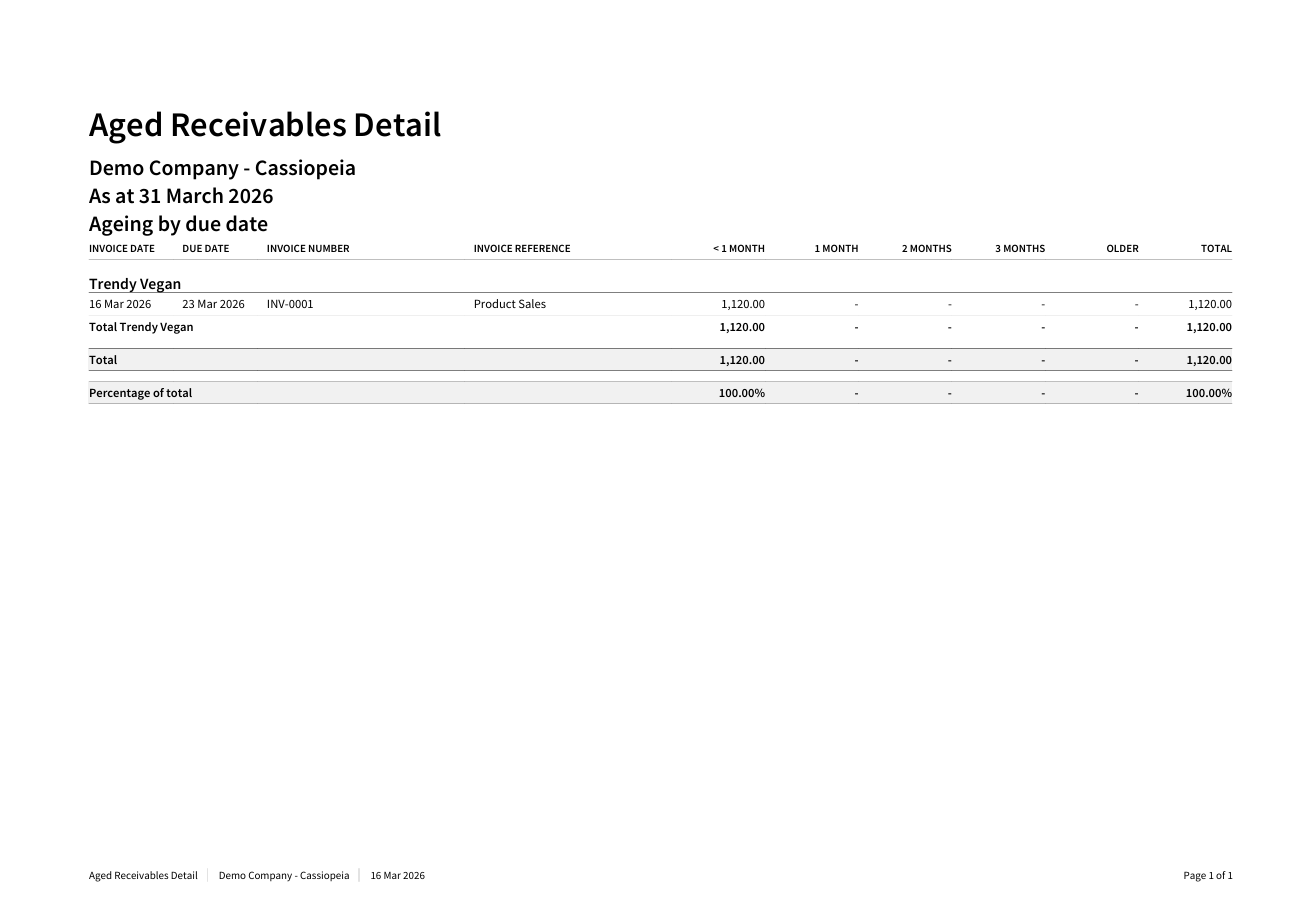
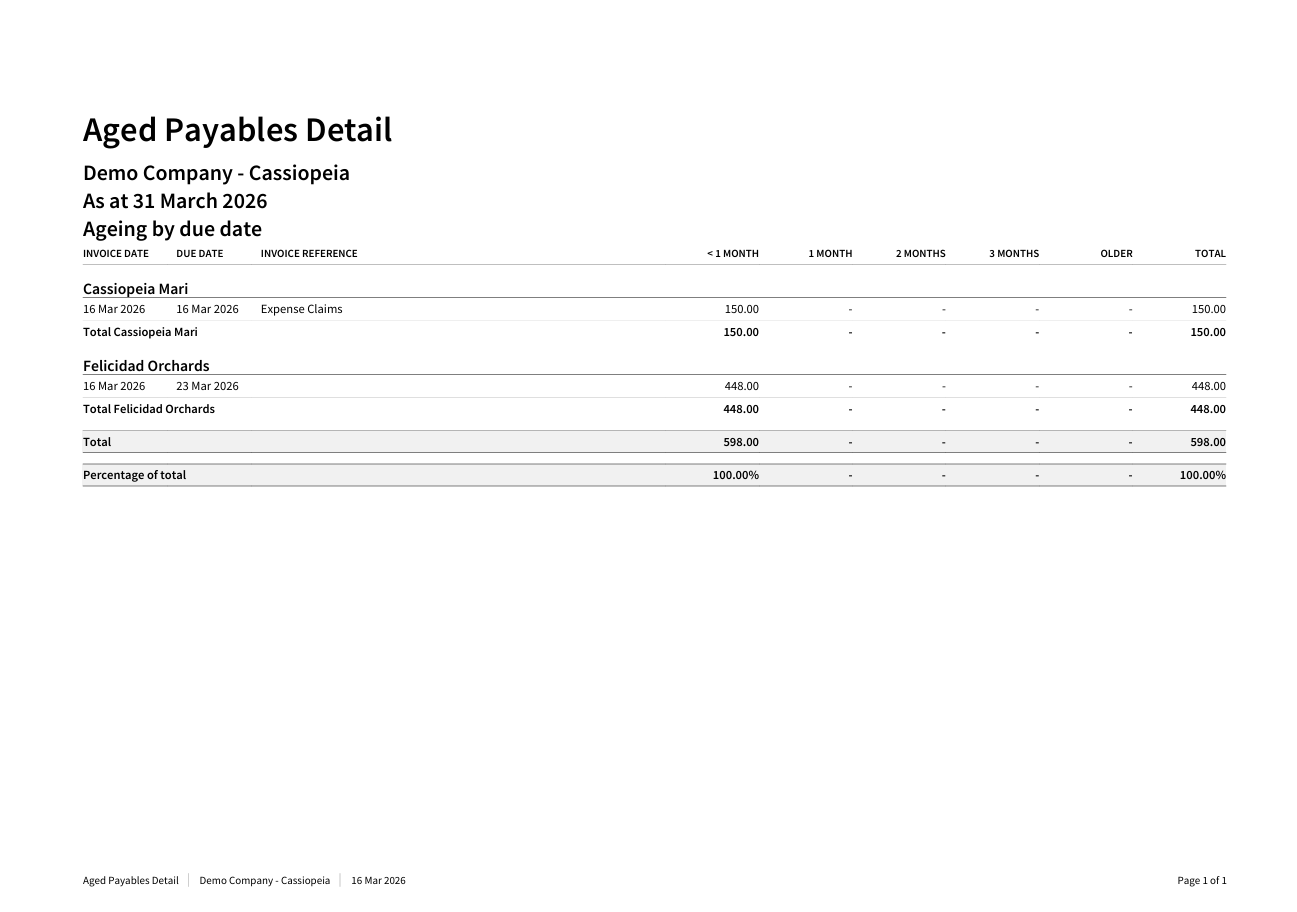
AGED PAYABLES
Shows company bills that still need to be paid.
Example: Total outstanding payables amount is 598.00
BALANCE SHEET
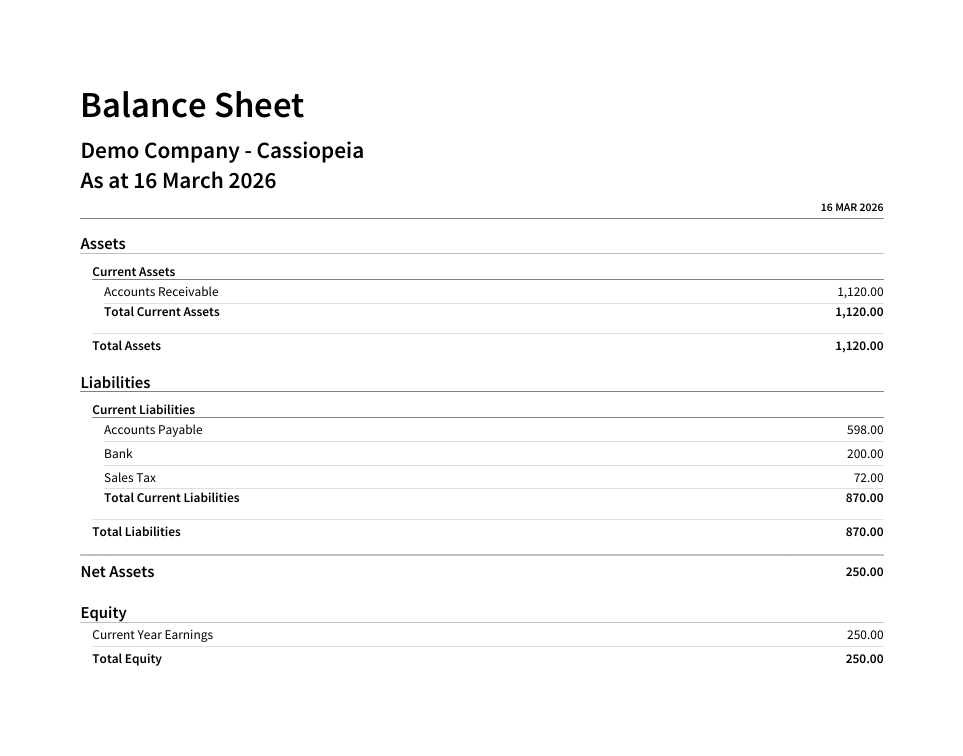
Shows the company's financial position at a specific date.
Example:
Total Assets: 1,120.00
Total Liabilities: 870.00
Net Assets / Equity: 250.00
This means the company has 250.00 remaining value after paying all liabilities.
Profit and Loss Statement
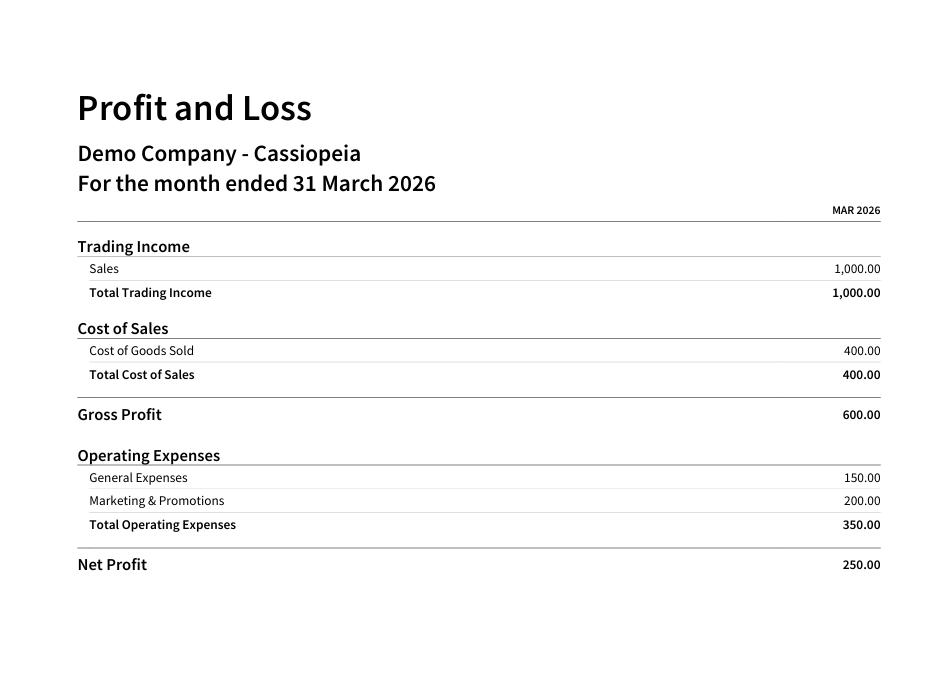
Shows the company’s income, expenses, and profit for a specific period.
Example:
Total Sales: 1,000.00
Cost of Goods Sold: 400.00
Operating Expenses: 350.00
Net Profit: 250.00
This indicates the business earned a profit of 250.00 after deducting all costs and expenses.
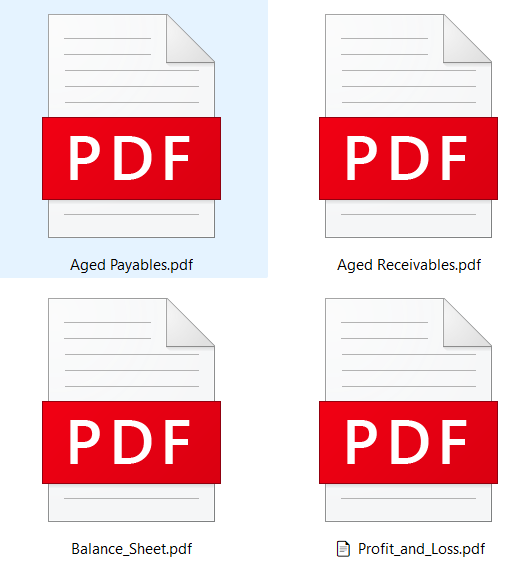
DOWNLOADED PDF REPORTS
Tools I Use:
• Xero
• Microsoft Excel
• Google Sheets
• Canva
Bookkeeping Services
• Recording sales and bills
• Accounts receivable monitoring
• Accounts payable tracking
• Bank reconciliation
• Financial report generation
• Data entry and expense tracking
If you need help organizing your financial records or managing your bookkeeping tasks, I would be happy to support your business.