Executive Assistant — Email & Inbox Management (Zero Inbox)
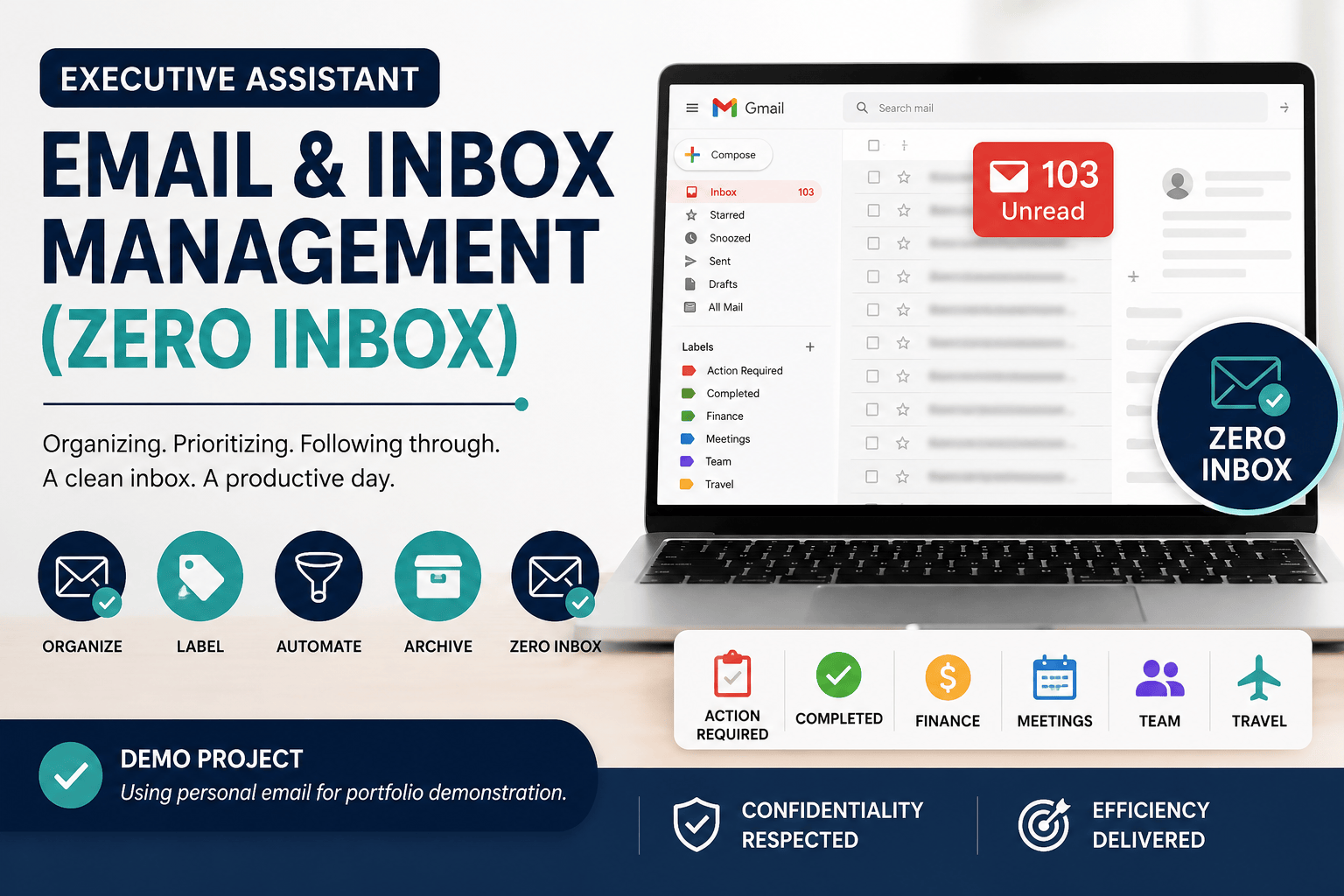
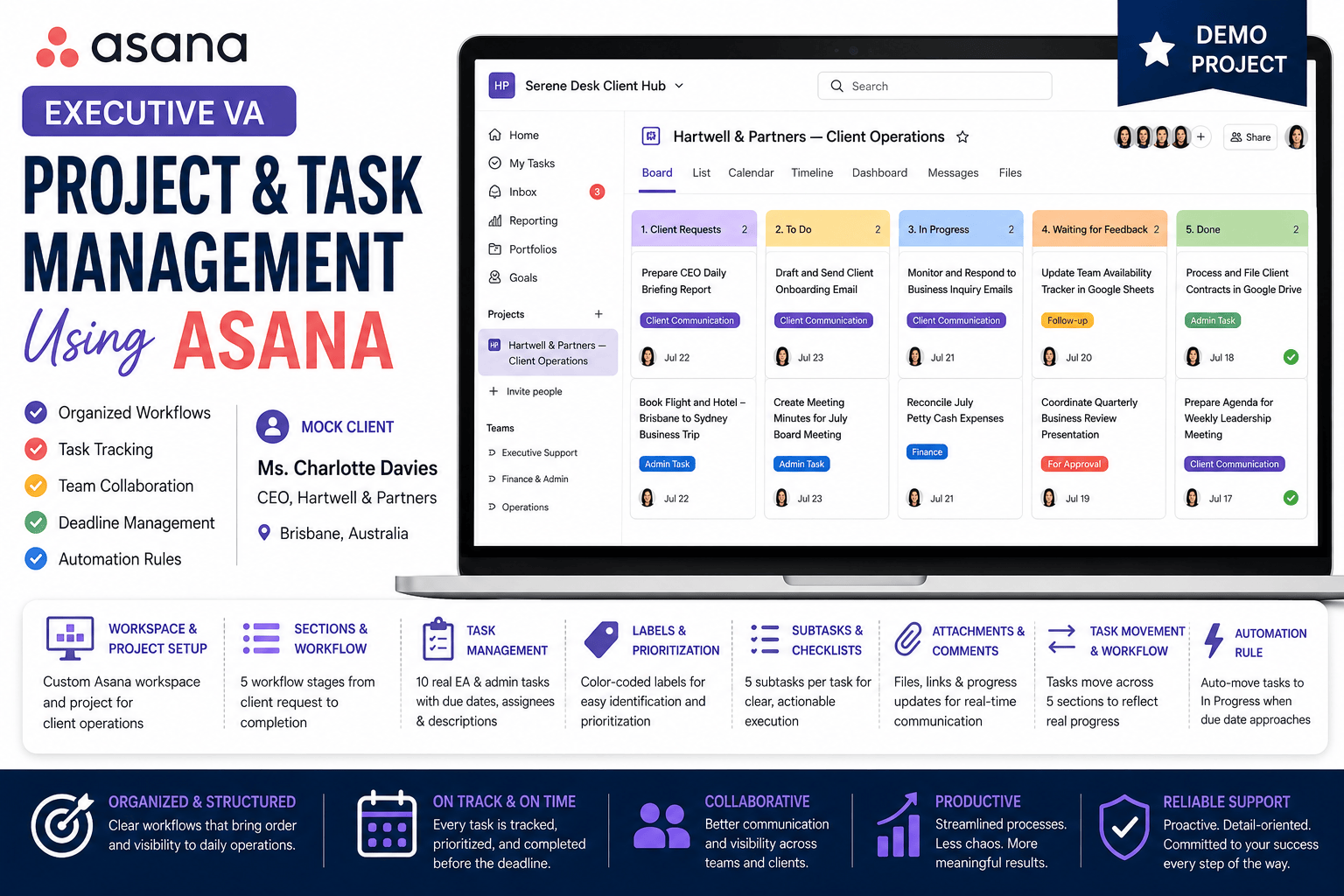
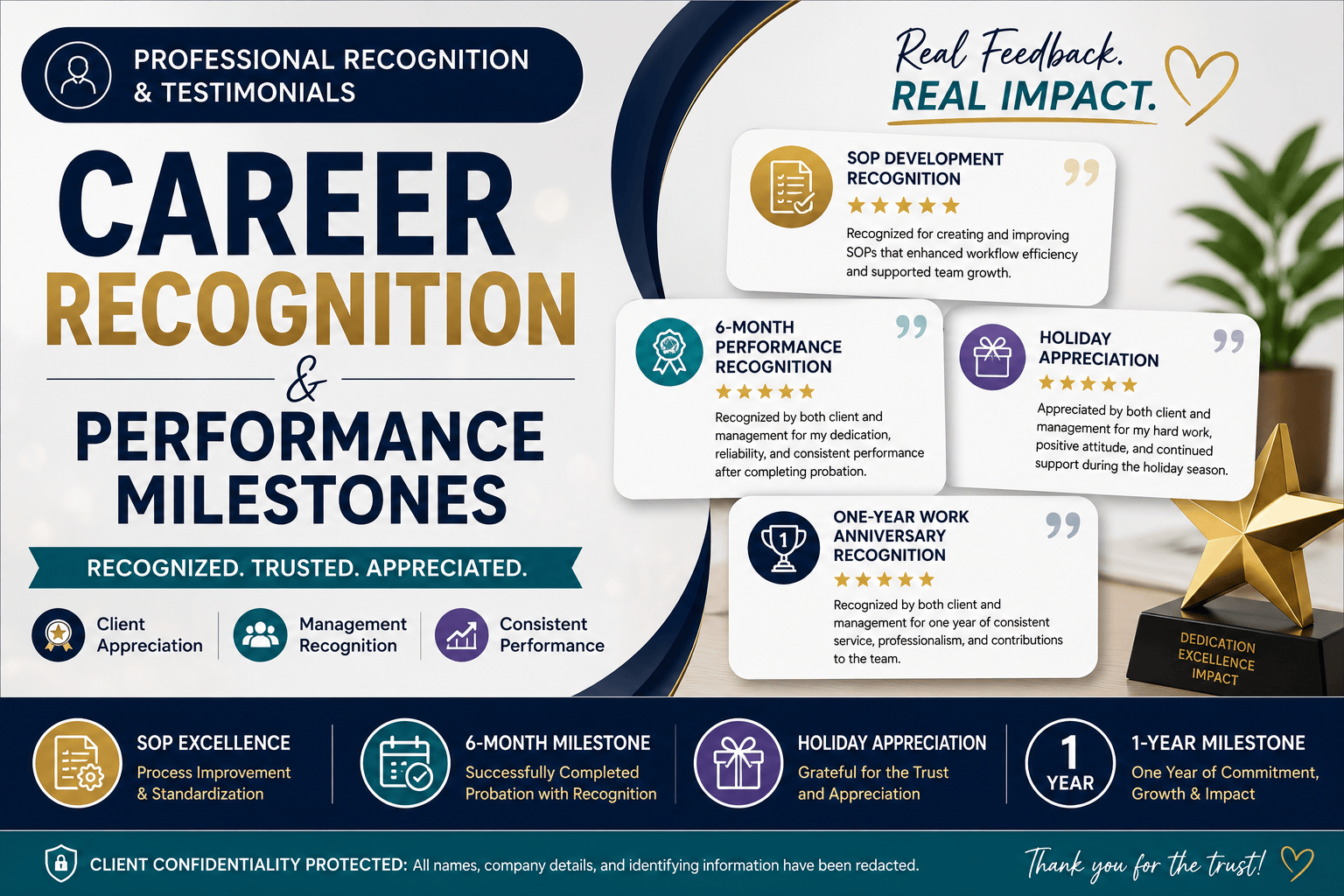
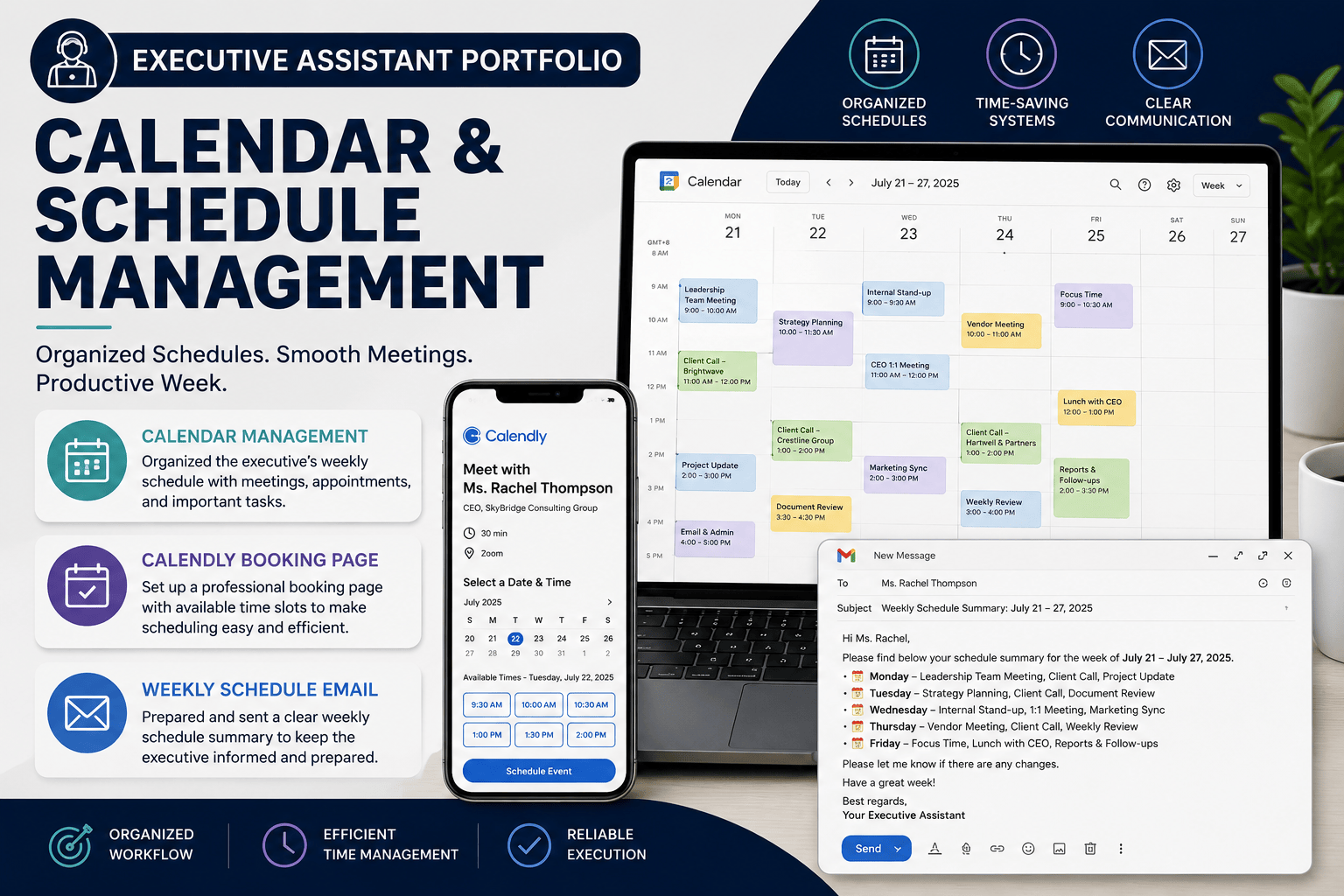
Experienced Executive Assistant with hands-on experience managing high-volume email inboxes, organizing business communications, and implementing efficient inbox management systems. Skilled in prioritizing emails, creating organizational workflows, configuring Gmail labels and filters, and applying the Zero Inbox methodology to improve productivity and ensure timely follow-ups.
Portfolio Demonstration Notice
Due to client confidentiality and the absence of retained work samples from previous employers, this portfolio is presented as a demonstration using my personal Gmail account. All examples focus on showcasing my email organization process, workflow, and Gmail management techniques rather than client-specific information. Personal and sensitive information has been protected where appropriate.
This project demonstrates my ability to organize and optimize email management using Gmail. Through a practical Zero Inbox workflow, I transformed a cluttered inbox into a structured system by implementing labels, automation, and efficient email processing techniques to support daily executive operations.
INBOX ASSESSMENT
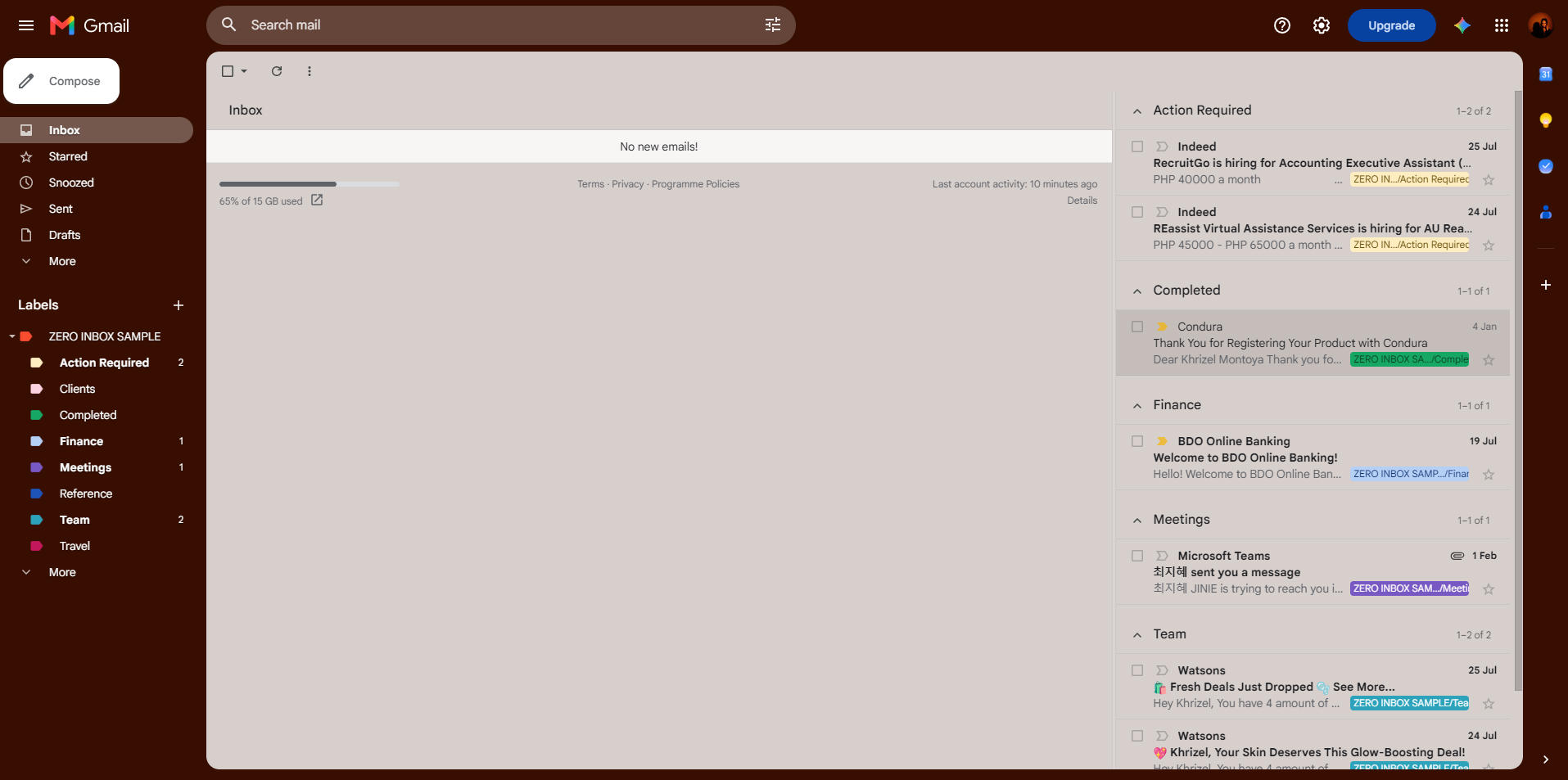
Reviewed and assessed a high-volume inbox containing over 100 emails to identify priorities, categorize communications, and determine appropriate actions. Emails were evaluated based on urgency, business relevance, and required follow-up before implementing an organized inbox management system.
LABEL ORGANIZATION
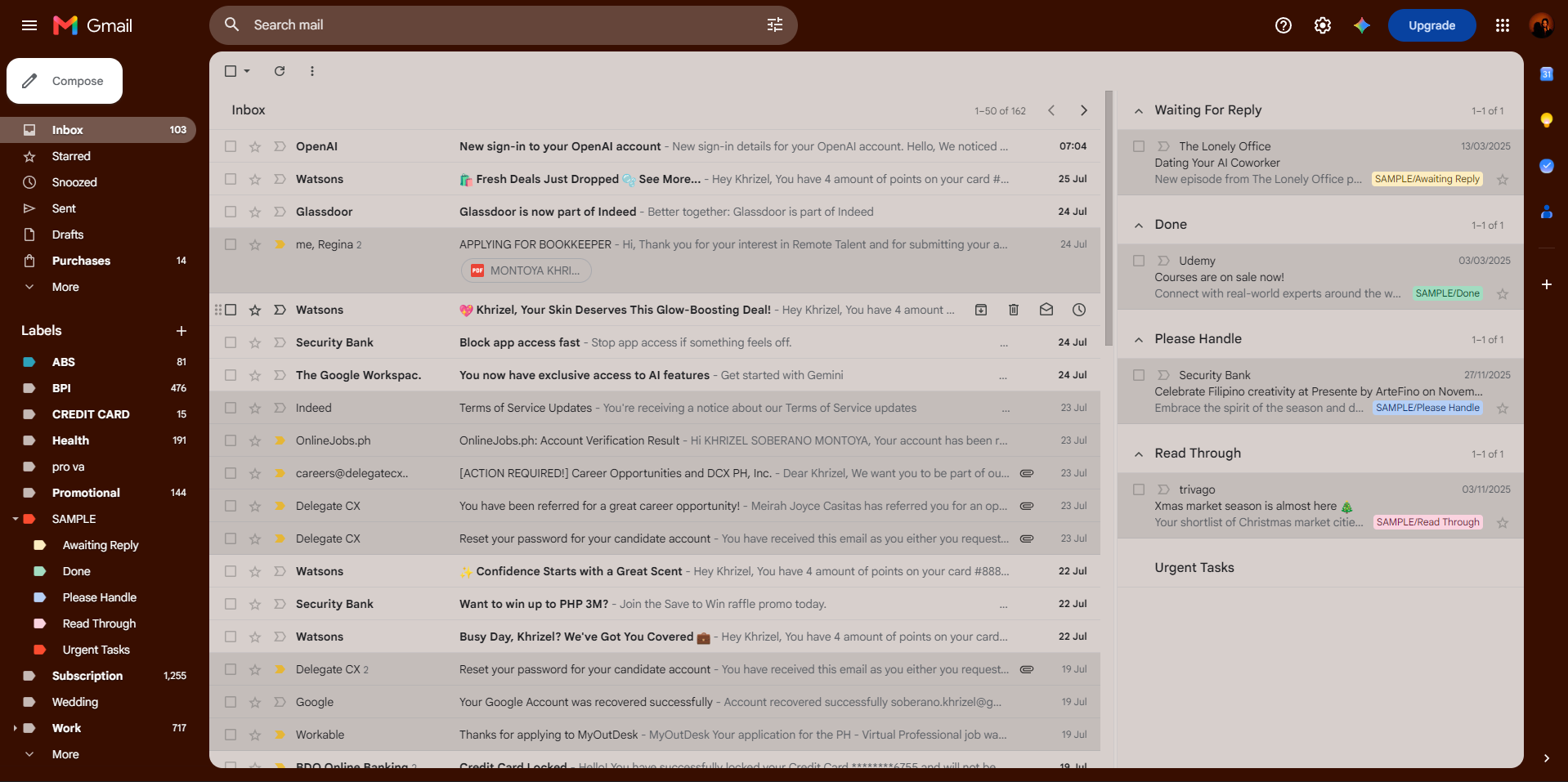
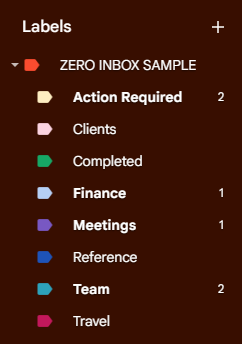
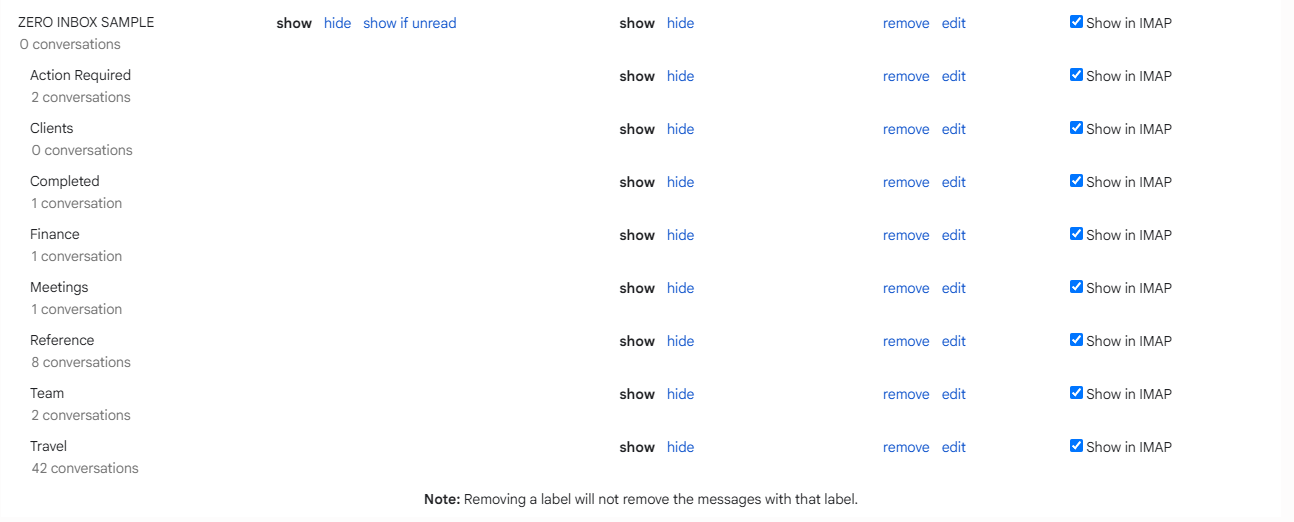
Created a structured Gmail label system to categorize emails by purpose, making business communications easier to organize, prioritize, and retrieve. Labels were designed to support efficient daily email management and reduce time spent searching for important messages.
Labels Created:
• Action Required
• Completed
• Finance
• Meetings
• Team
• Travel
READING PANE CONFIGURATION
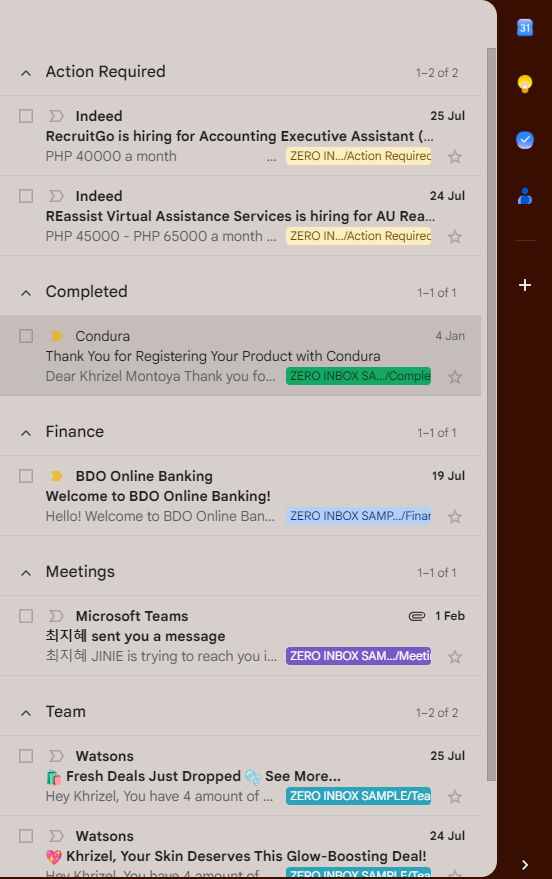
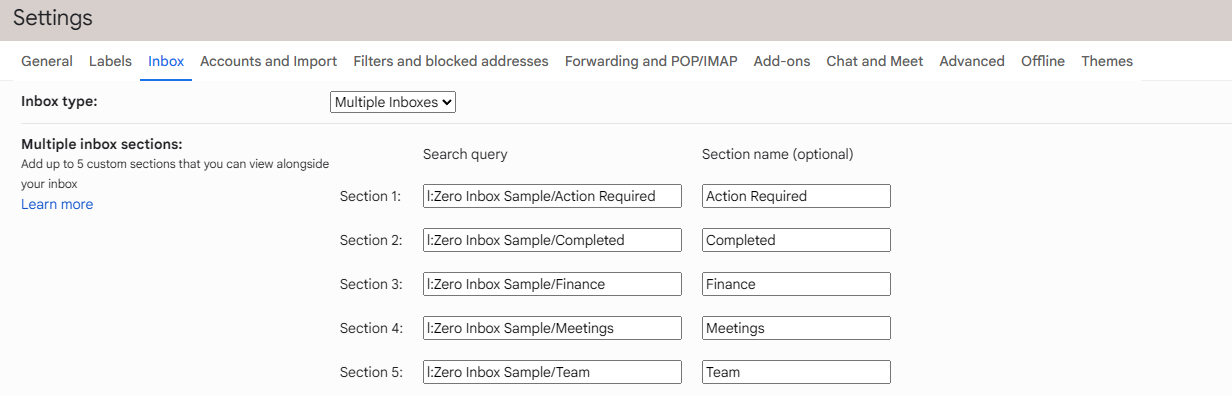
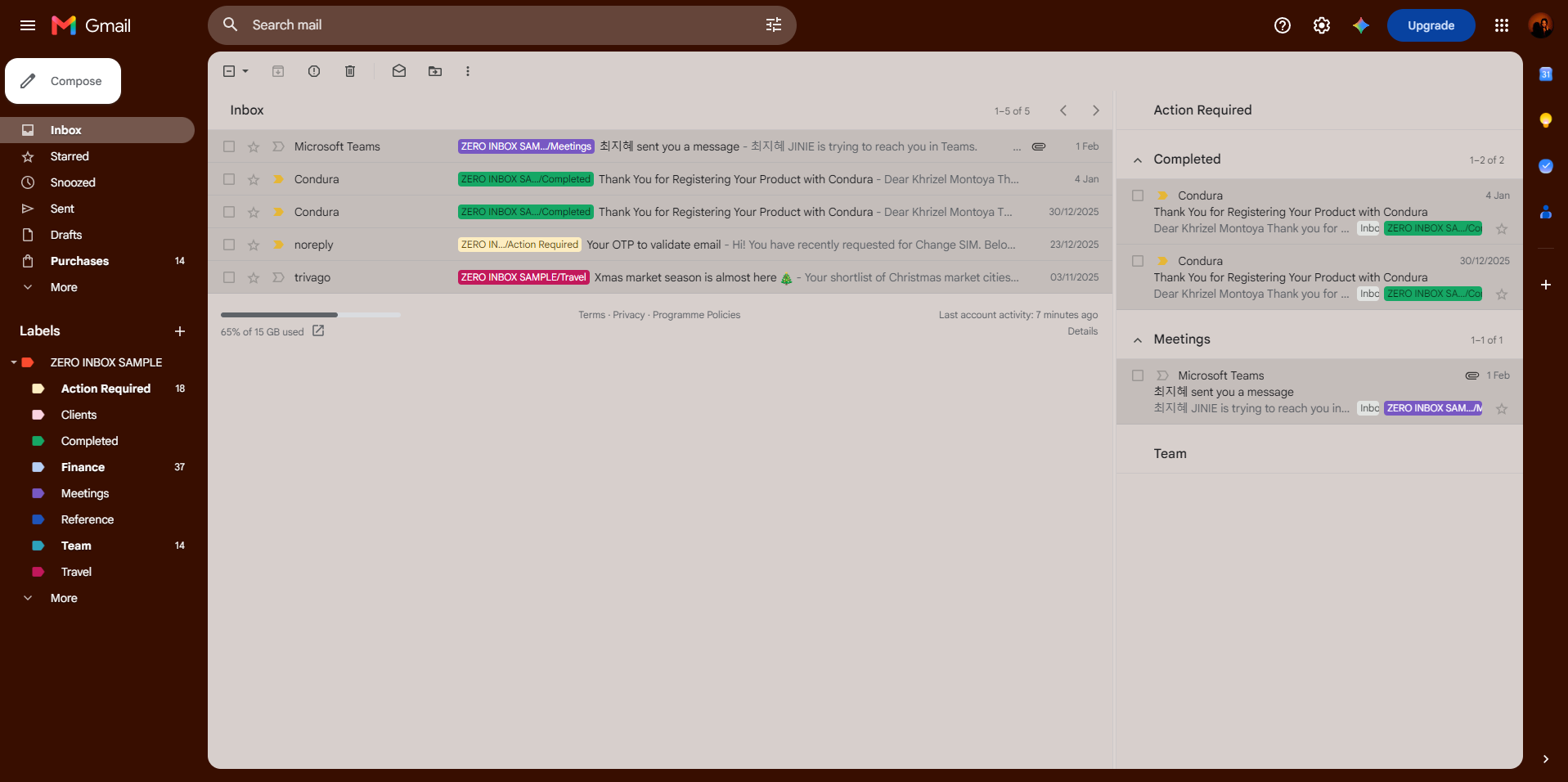
Configured Gmail's reading pane to display email content alongside the inbox, allowing messages to be reviewed without opening separate windows. This setup improves navigation, reduces unnecessary clicks, and increases productivity when processing large volumes of email.
EMAIL FILTERS & AUTOMATION
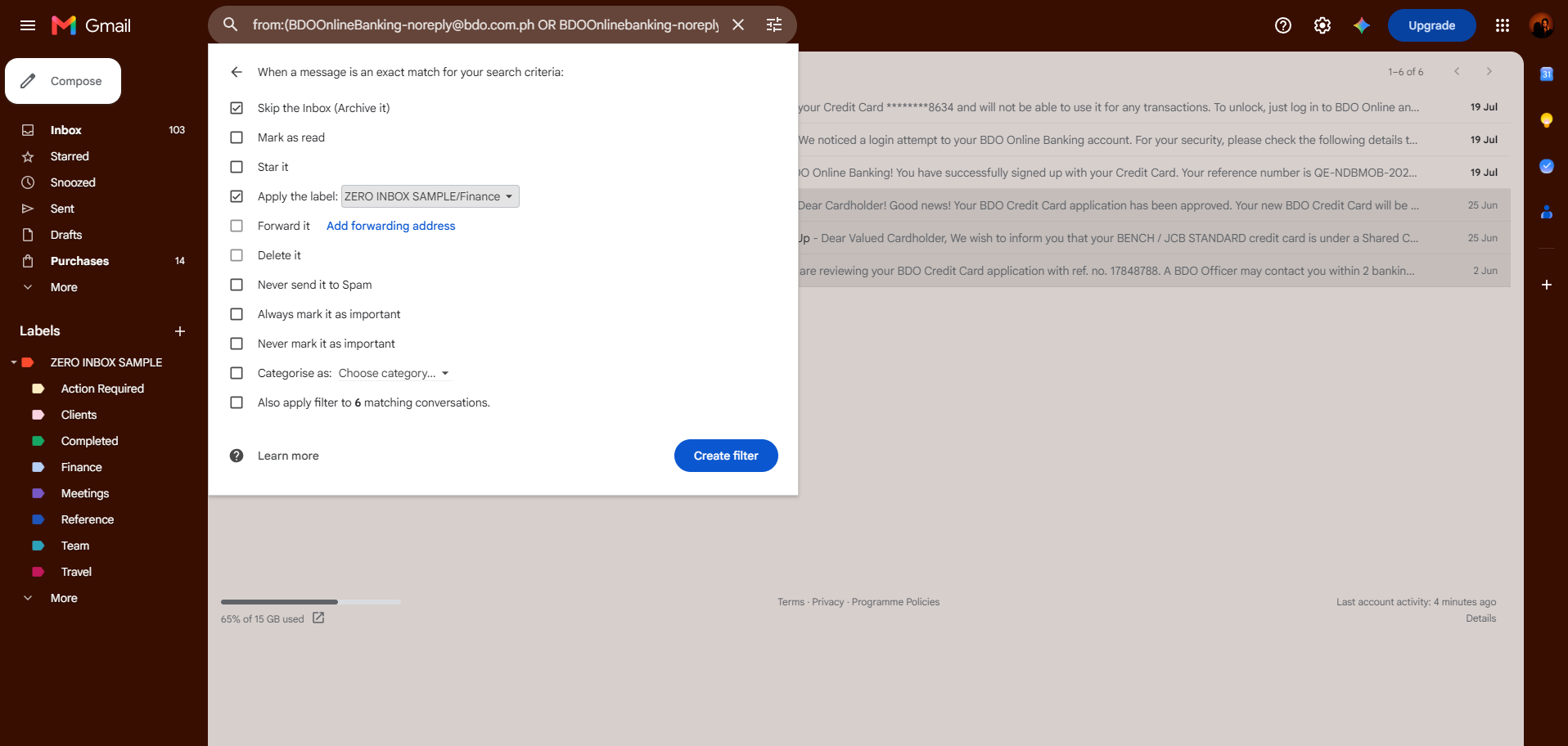
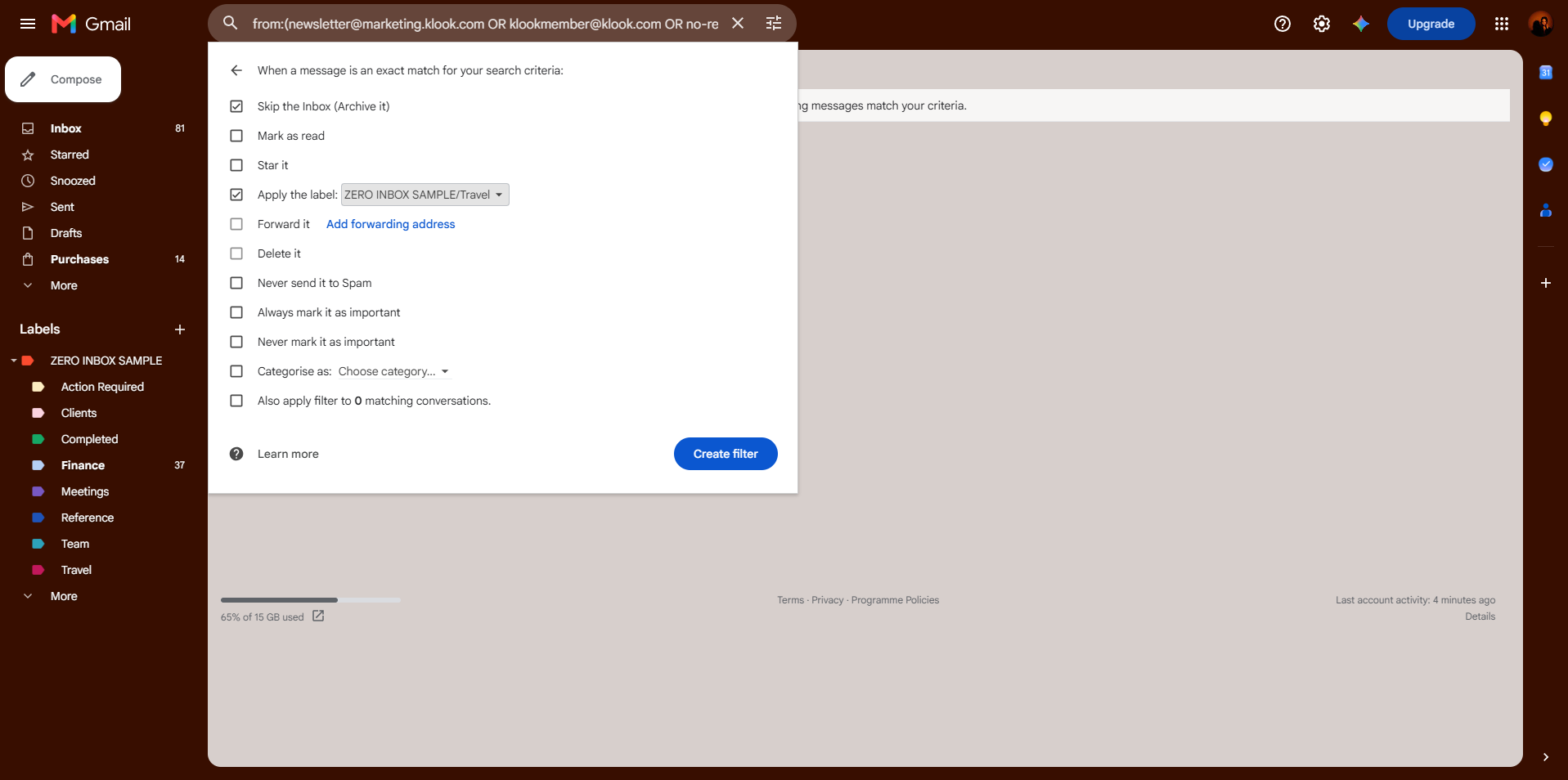
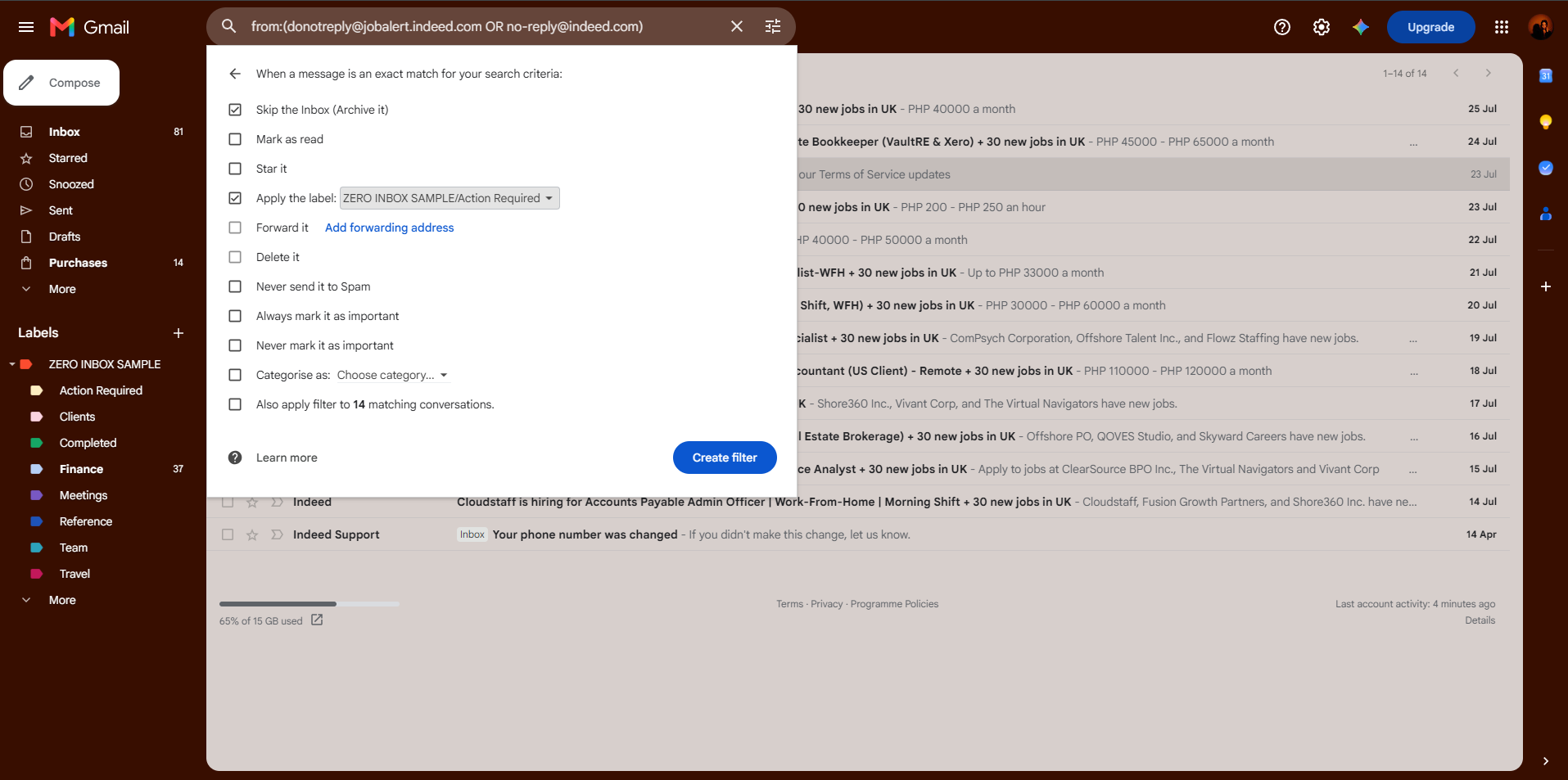
Configured Gmail filters to automatically apply labels to incoming emails based on predefined criteria. Automated labeling minimizes manual sorting, keeps the inbox organized, and ensures emails are directed to their appropriate categories for easier management.
EMAIL LABEL MANAGEMENT
Applied labels to individual emails based on their purpose and priority, ensuring messages were categorized consistently. This process supports faster retrieval, better organization, and a structured workflow for managing ongoing communications.
ZERO INBOX IMPLEMENTATION
Applied the Zero Inbox methodology by reviewing, categorizing, and organizing emails into a structured workflow. Each email was assigned an appropriate action—such as labeling, archiving, responding, or scheduling for follow-up—resulting in a cleaner, more manageable inbox and a more efficient email management process.