Xero Bookkeeping — Sales, Bills & Bank Reconciliation
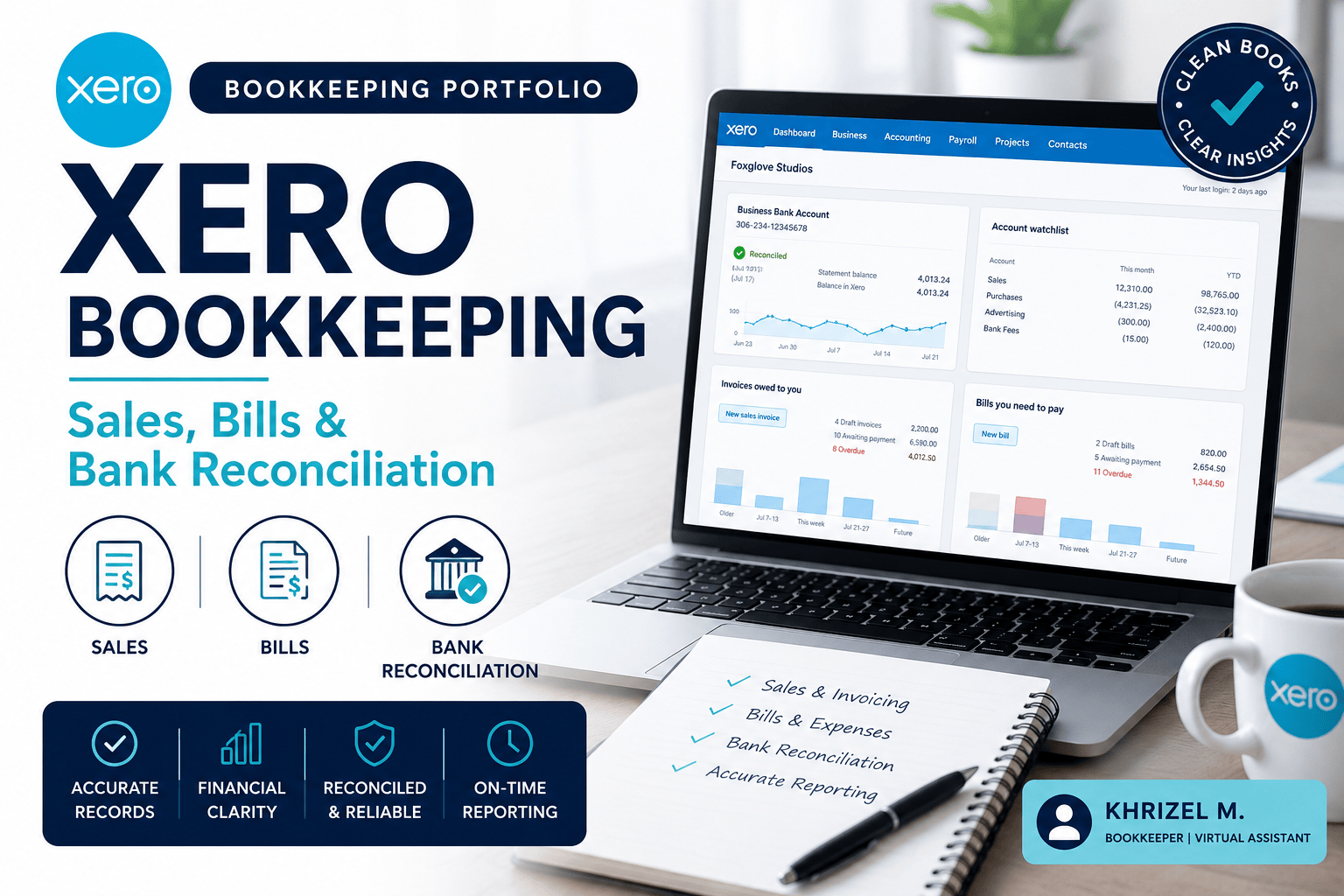
This project demonstrates my bookkeeping proficiency using Xero Accounting Software via the Demo Company environment. Drawing from my real-world bookkeeping experience, I applied established workflows across the complete bookkeeping cycle.
DASHBOARD OVERVIEW
Explored and familiarized with the Xero dashboard including bank accounts widget, invoices owed, bills to pay, and navigation menus covering Business, Accounting, Projects, and Contacts sections.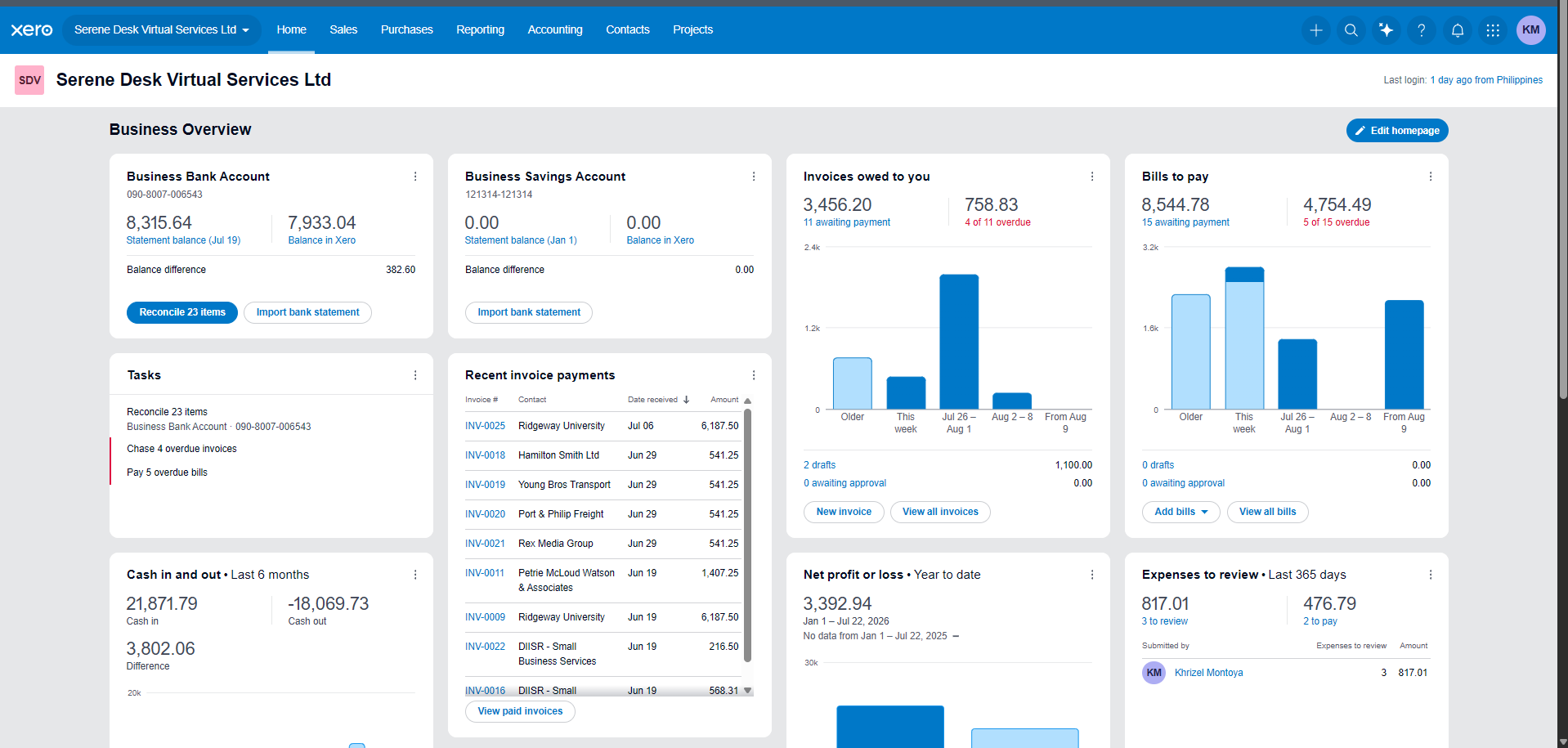
SALES INVOICES — ACCOUNTS RECEIVABLE
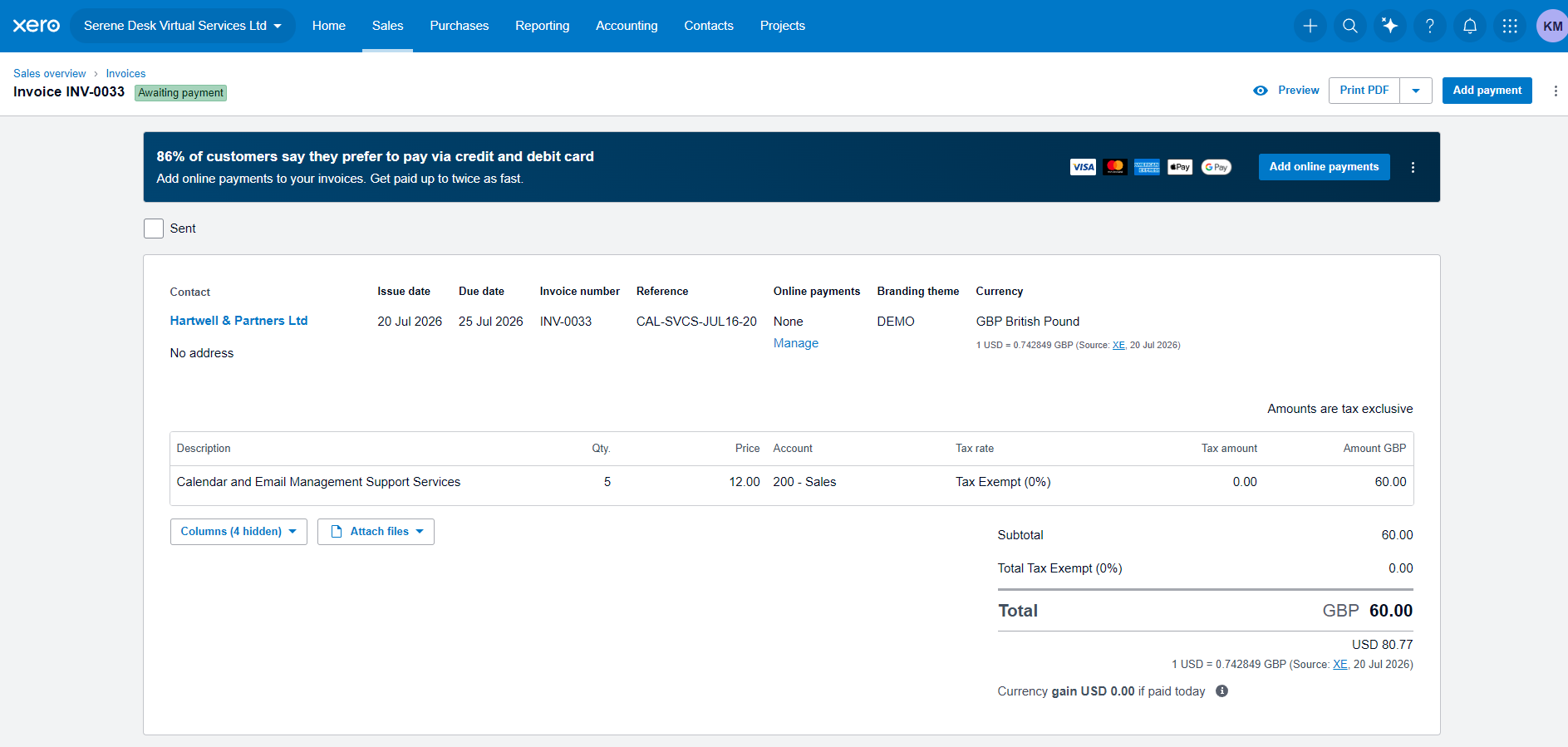
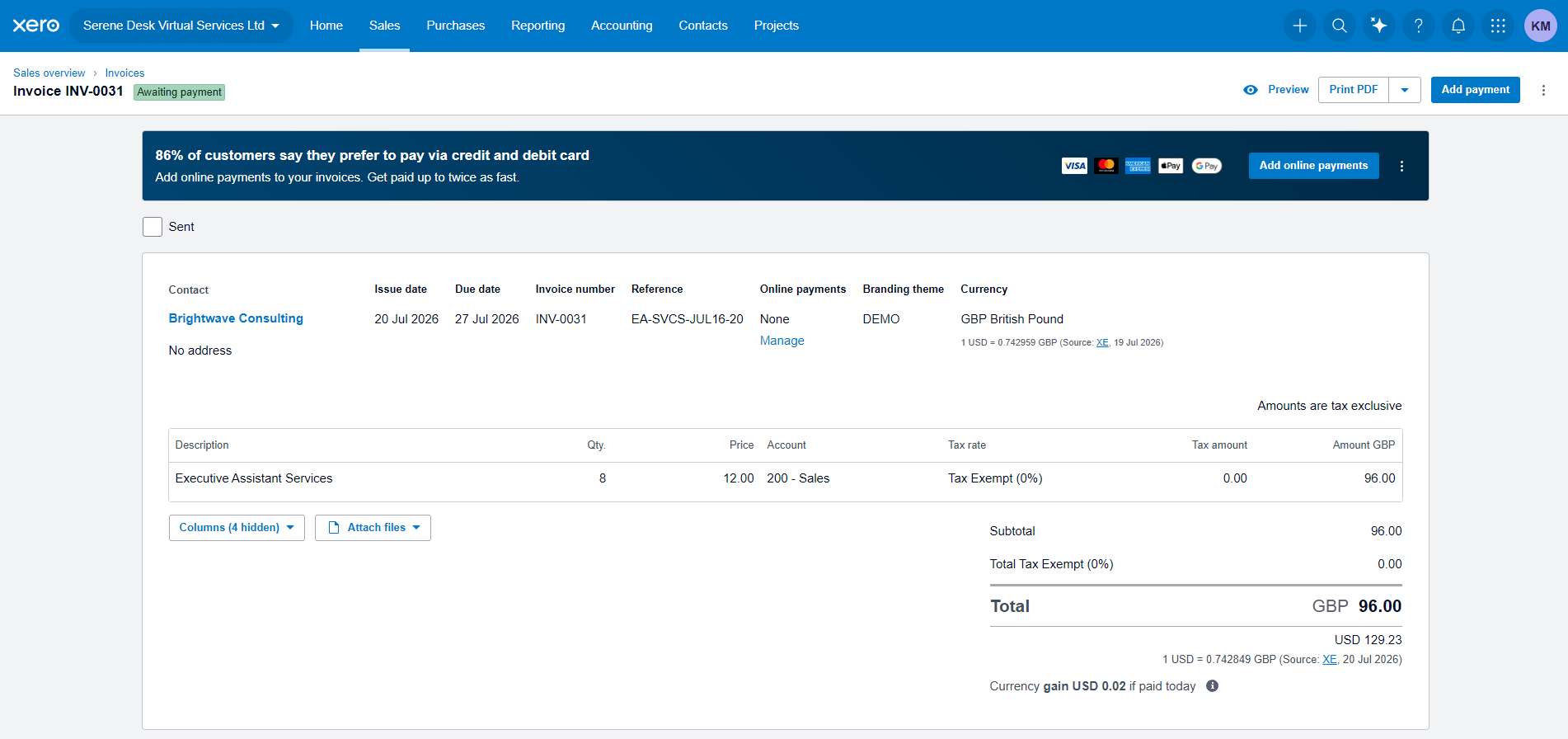
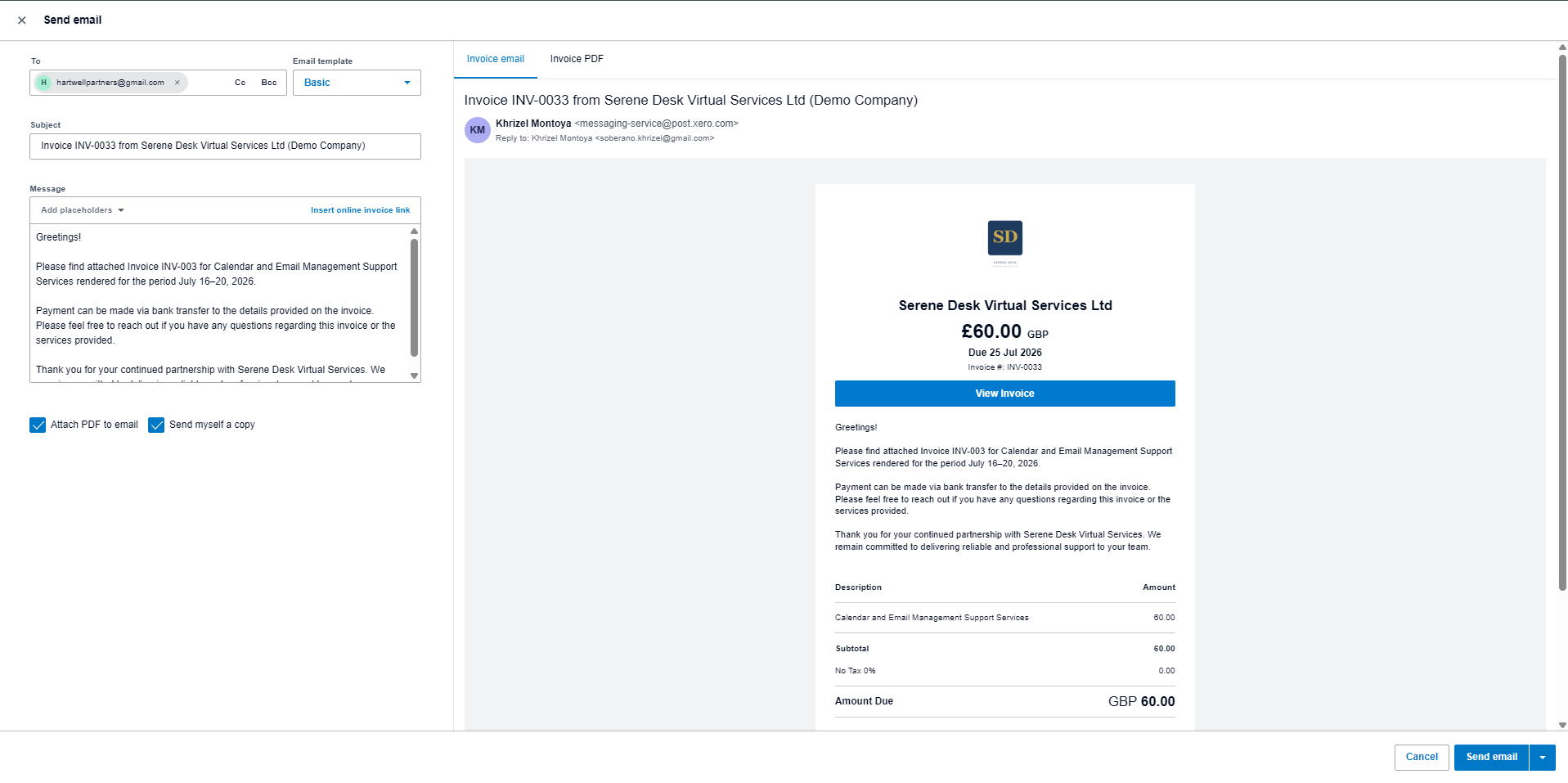
Created and approved sales invoices with unique client details, descriptions, and amounts. Each invoice was assigned to the correct account and approved within Xero to reflect accurate accounts receivable tracking.
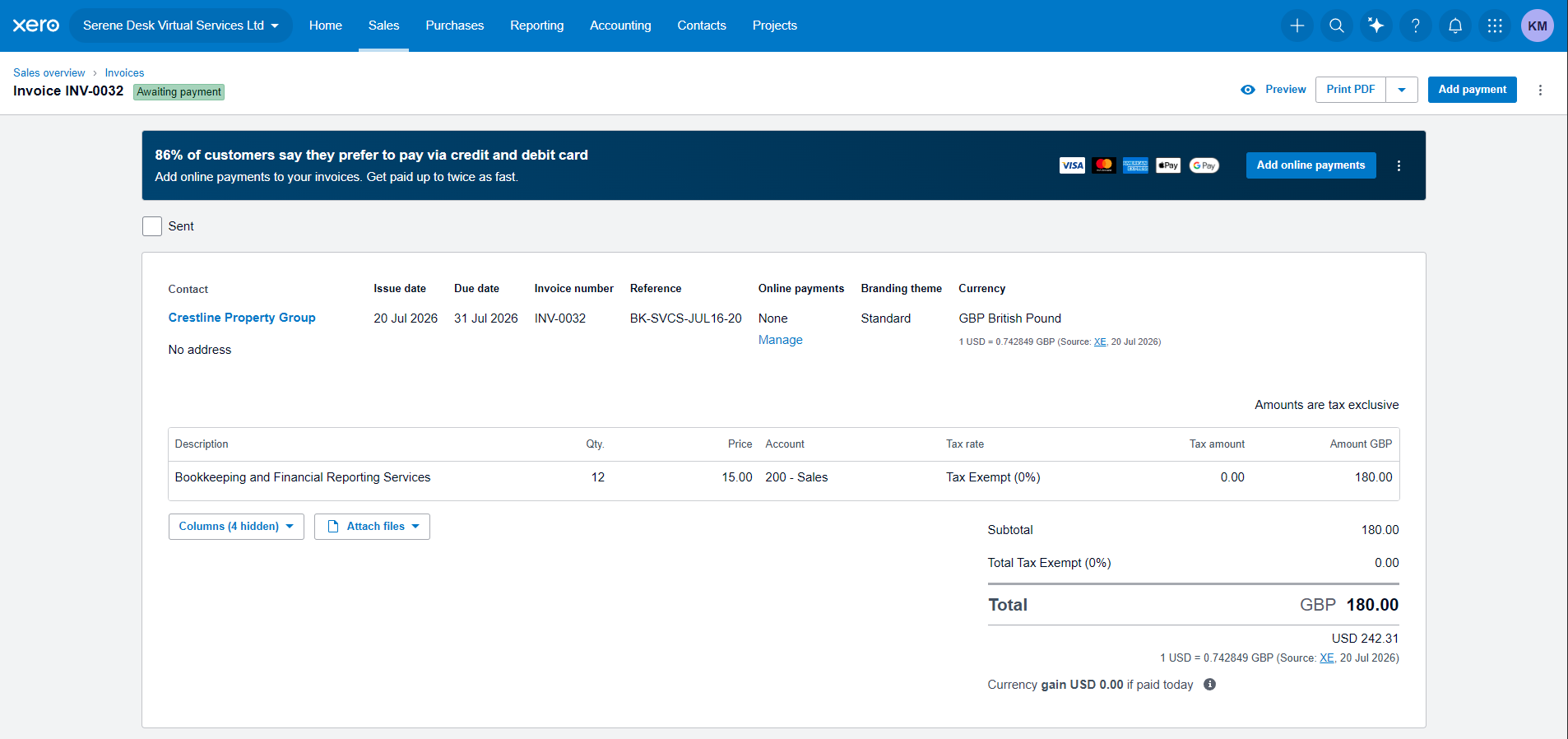
SUPPLIER BILLS — ACCOUNTS PAYABLE
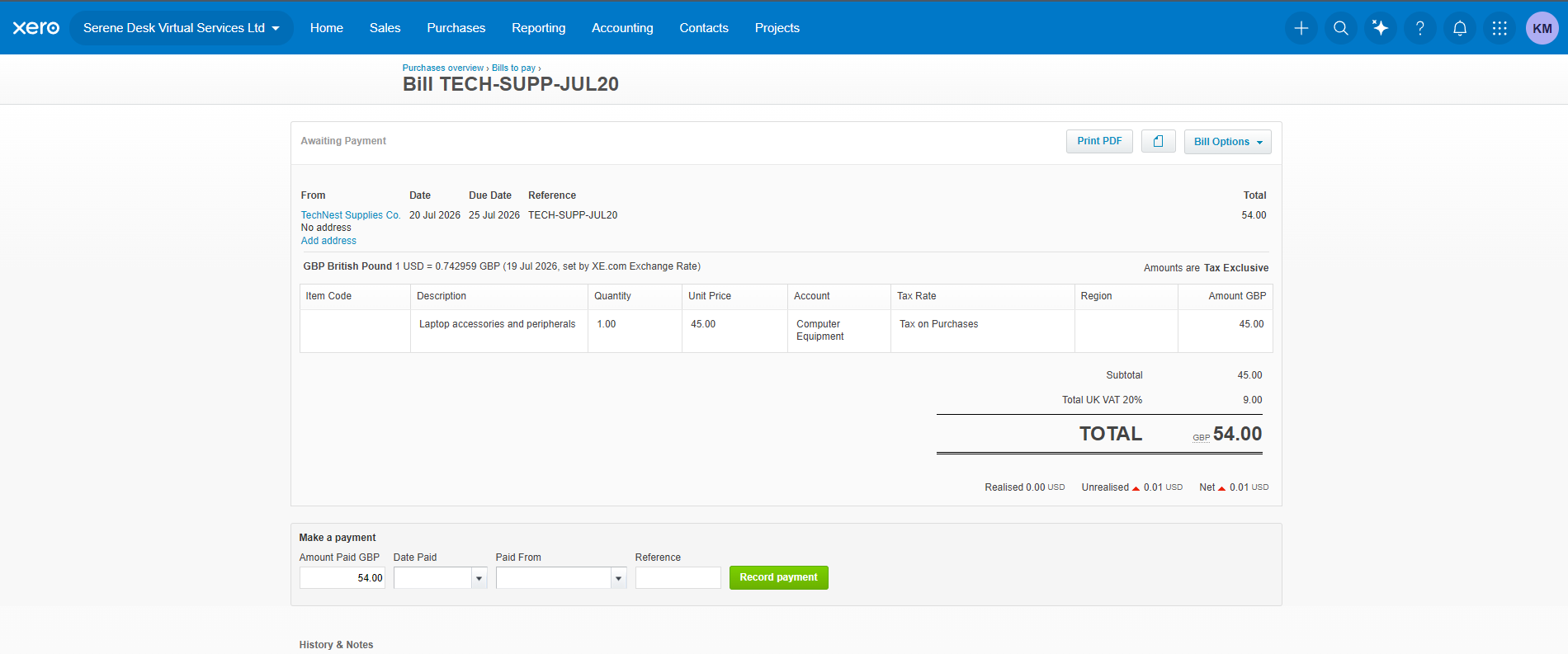
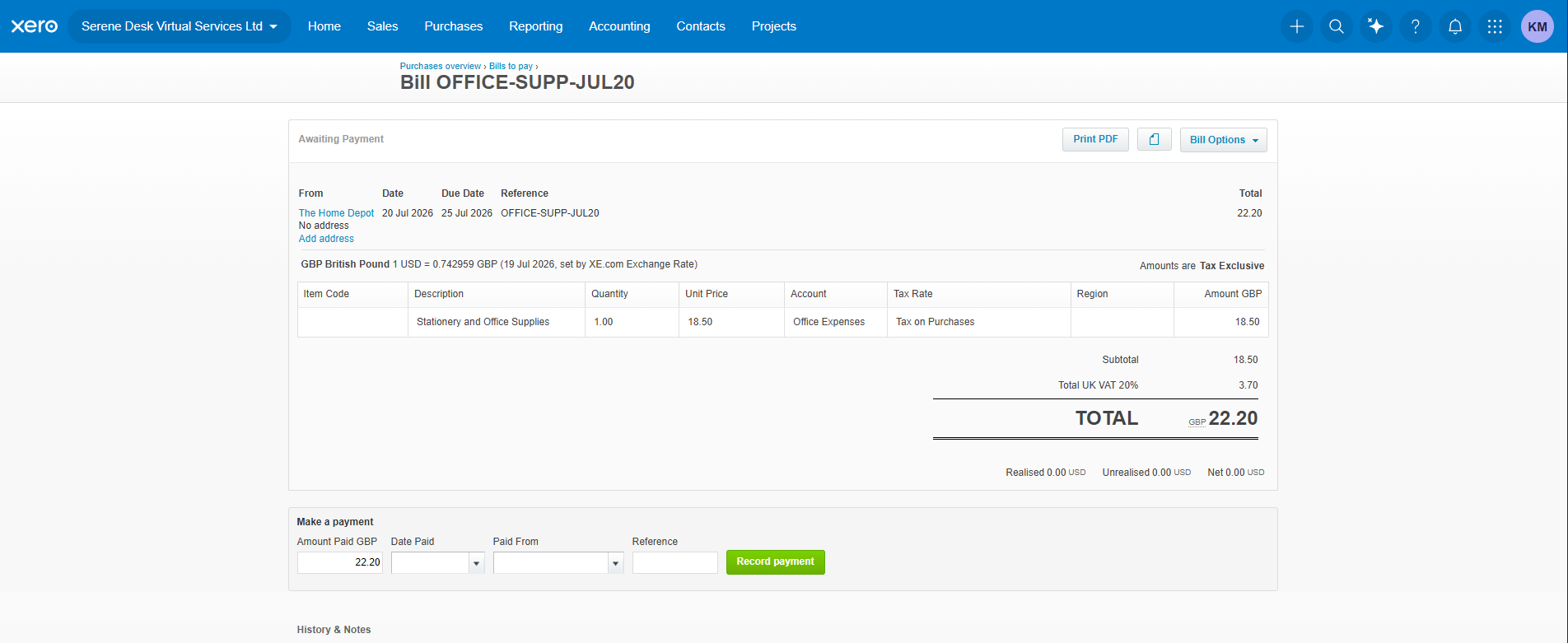
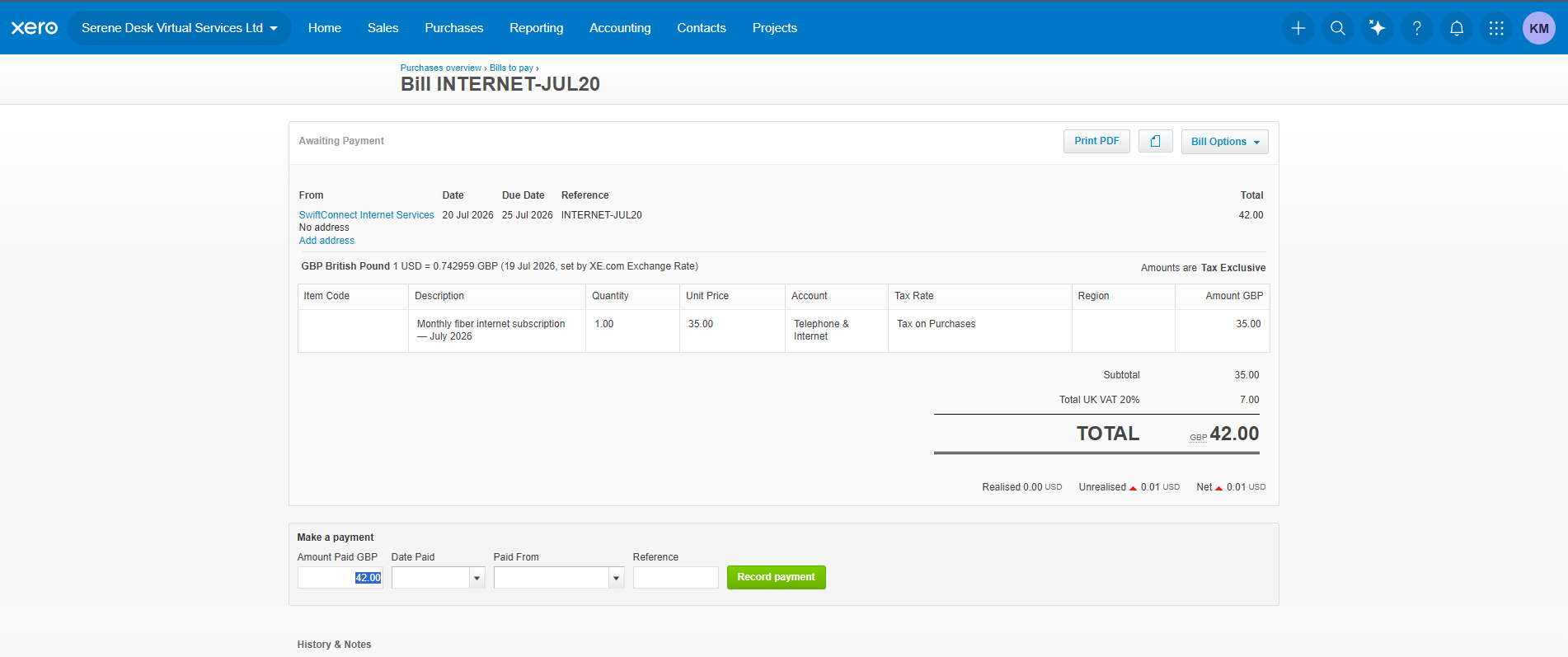
Recorded and approved supplier bills with different suppliers, descriptions, and amounts. Bills were correctly categorized under appropriate expense accounts to ensure accurate accounts payable tracking.
BANK RECONCILIATION
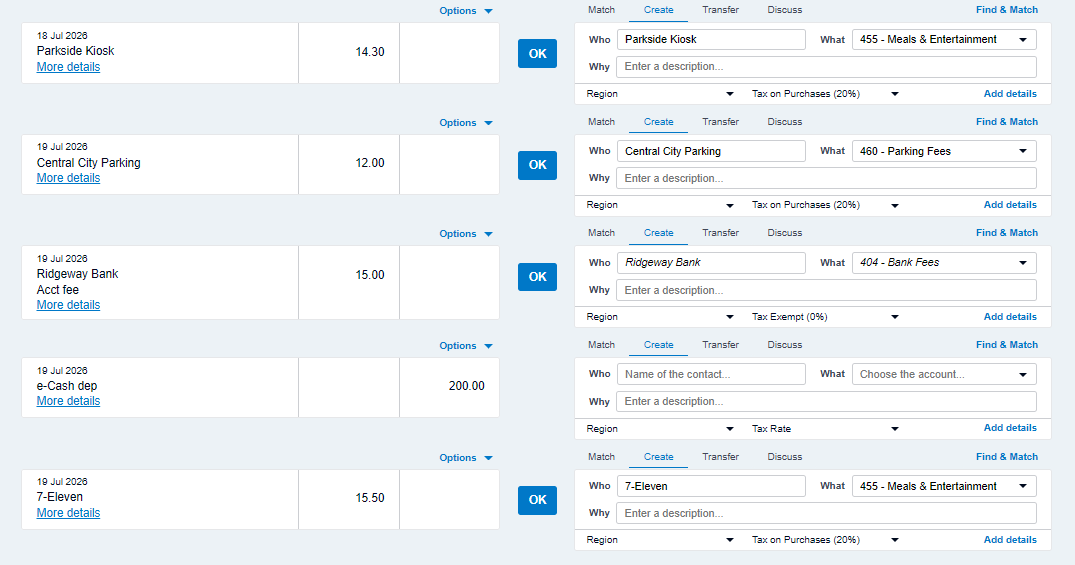
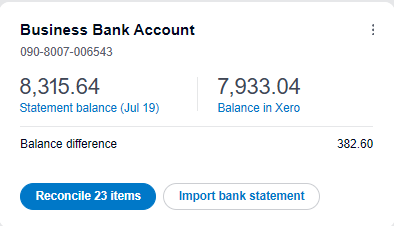
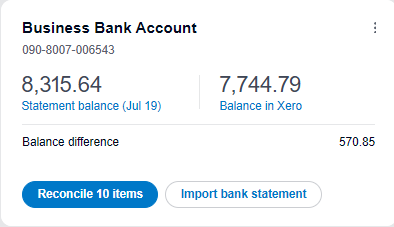
Performed bank reconciliation by matching pre-loaded bank transactions against approved invoices and bills in Xero. Unmatched transactions were categorized under appropriate accounts to ensure complete and accurate reconciliation.

PROFIT & LOSS REPORT
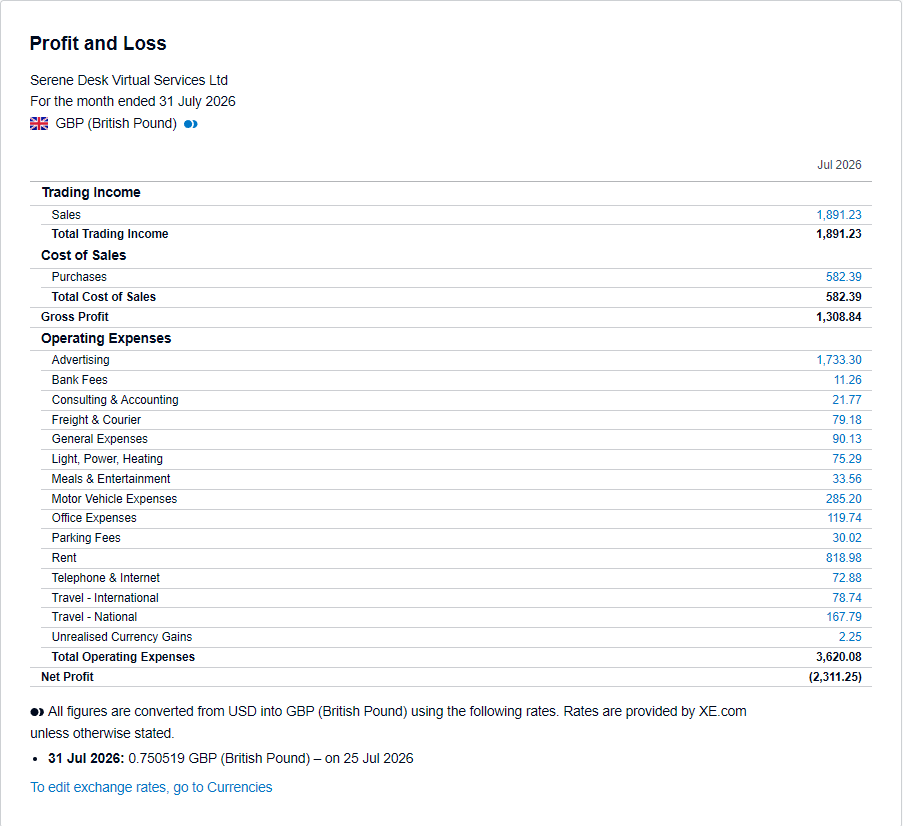
Generated a Profit & Loss report for the current month in Xero. The report summarizes total income, total expenses, and net profit for the period — providing a clear financial overview of business performance.