Data Entry

Accuracy over speed, always.
Typing Test Result 50 words per minute 100% accuracy
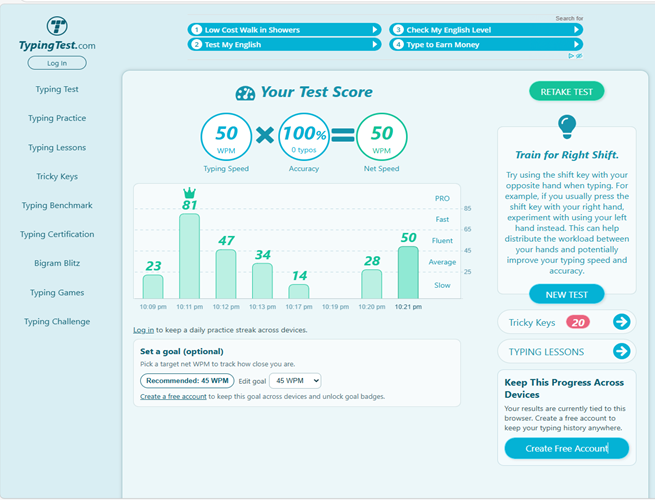
As a Data Entry Specialist with over 12 years of experience, I have extensive experience in creating files, encoding data, and managing digital records. I ensure that all information is accurate, well-organized, and efficiently maintained using Microsoft Excel and Microsoft Word.
1. Company Manual / Policy Document
Application Used: Microsoft Word
File Description:
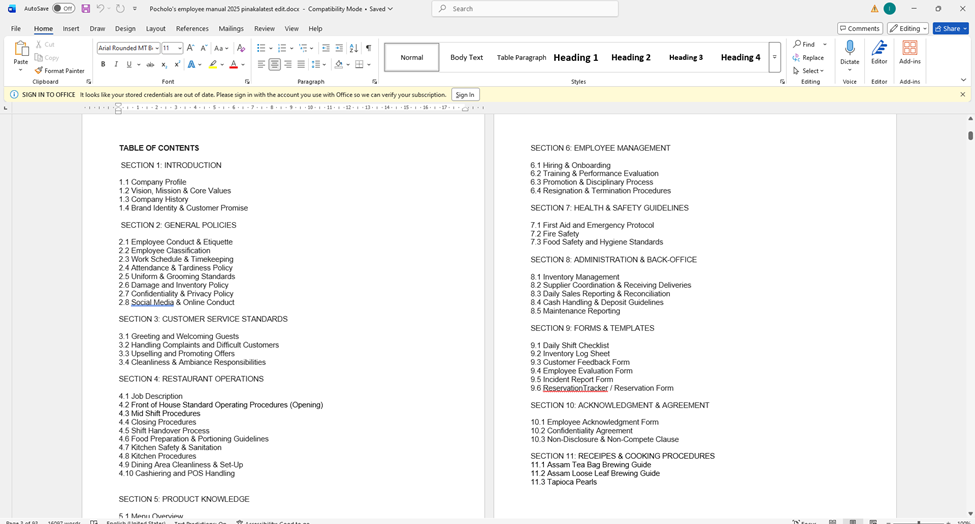
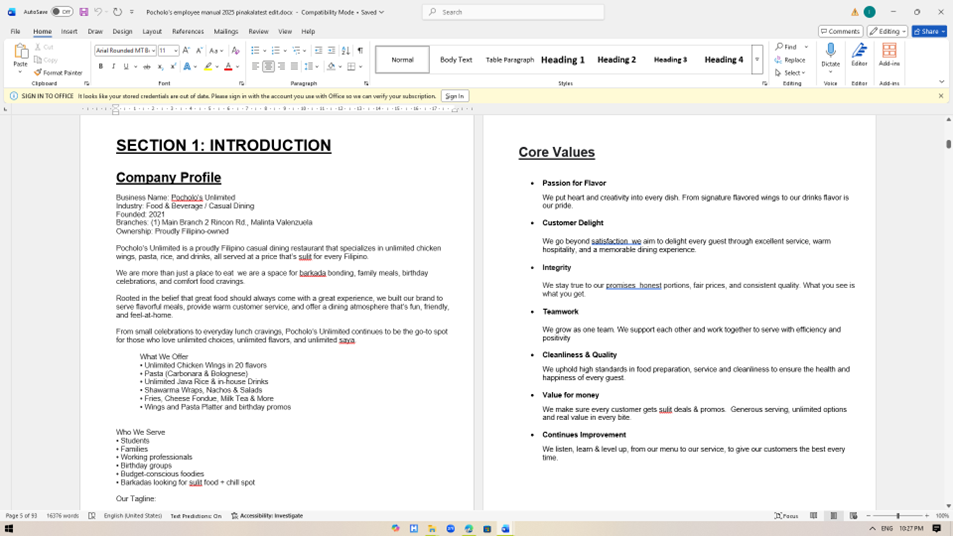
The top-left and bottom-left screenshots show a multi-page company document
opened in Microsoft Word. The document includes:
- A Table of Contents
- Sections such as Introduction, Company Profile, and Core Values
- Structured headings and subheadings
- Paragraph text and bullet points
- Page navigation and formatting tools visible in the ribbon
Purpose:
Used for creating formal documents such as company manuals, reports, policies,
and written business documentation.
2. Employee Attendance / Payroll Sheet
Application Used: Microsoft Excel
File Description
This spreadsheet appears to be an attendance or time-tracking sheet. It
includes:
- Columns for employee names
- Daily attendance records
- Overtime columns
- Labor budget calculations
- Organized rows and columns with formatted cells
Purpose:
Used for recording attendance, tracking work hours, and performing calculations
automatically using formulas.

3. Payroll Computation Sheet
Application Used: Microsoft Excel
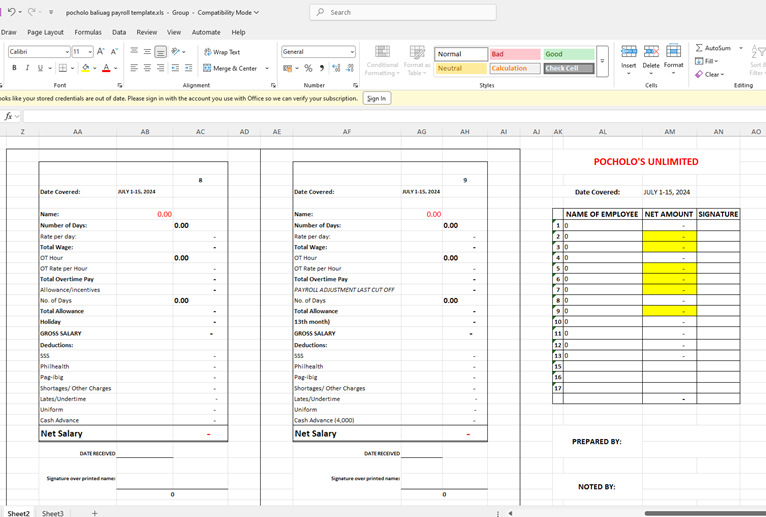
File Description (Bottom-Right Screenshot):
This file appears to be a payroll computation sheet containing:
- Salary breakdown sections
- Deductions and allowances
- Net salary calculations
- Prepared by / Noted by sections
- Highlighted cells for important values
Purpose:
Used for salary computation, payroll management, and financial record keeping.
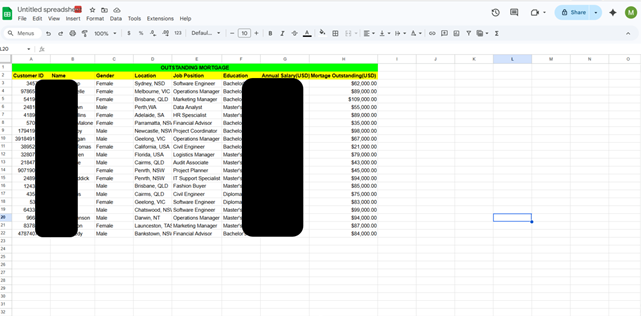
MONITORING MORTGAGES

LIST OF TOP 30 CEO'S
