Calendar and Booking Set up
Project: BrightMind Tutoring Center
Type: Portfolio Project
Platform: GoHighLevel
Overview
This calendar and booking setup was created for BrightMind Tutoring Center to make appointment scheduling simple and organized inside GoHighLevel. The setup was built to support a smooth booking experience with clear scheduling flow, time selection, and final detail submission.
Booking Setup Included
- Calendar date selection
- Time slot selection
- Appointment scheduling form
- Booking flow structure
- Desktop booking experience
Calendar & Booking Screens
Below are screenshots showing the booking flow from schedule selection to appointment confirmation.
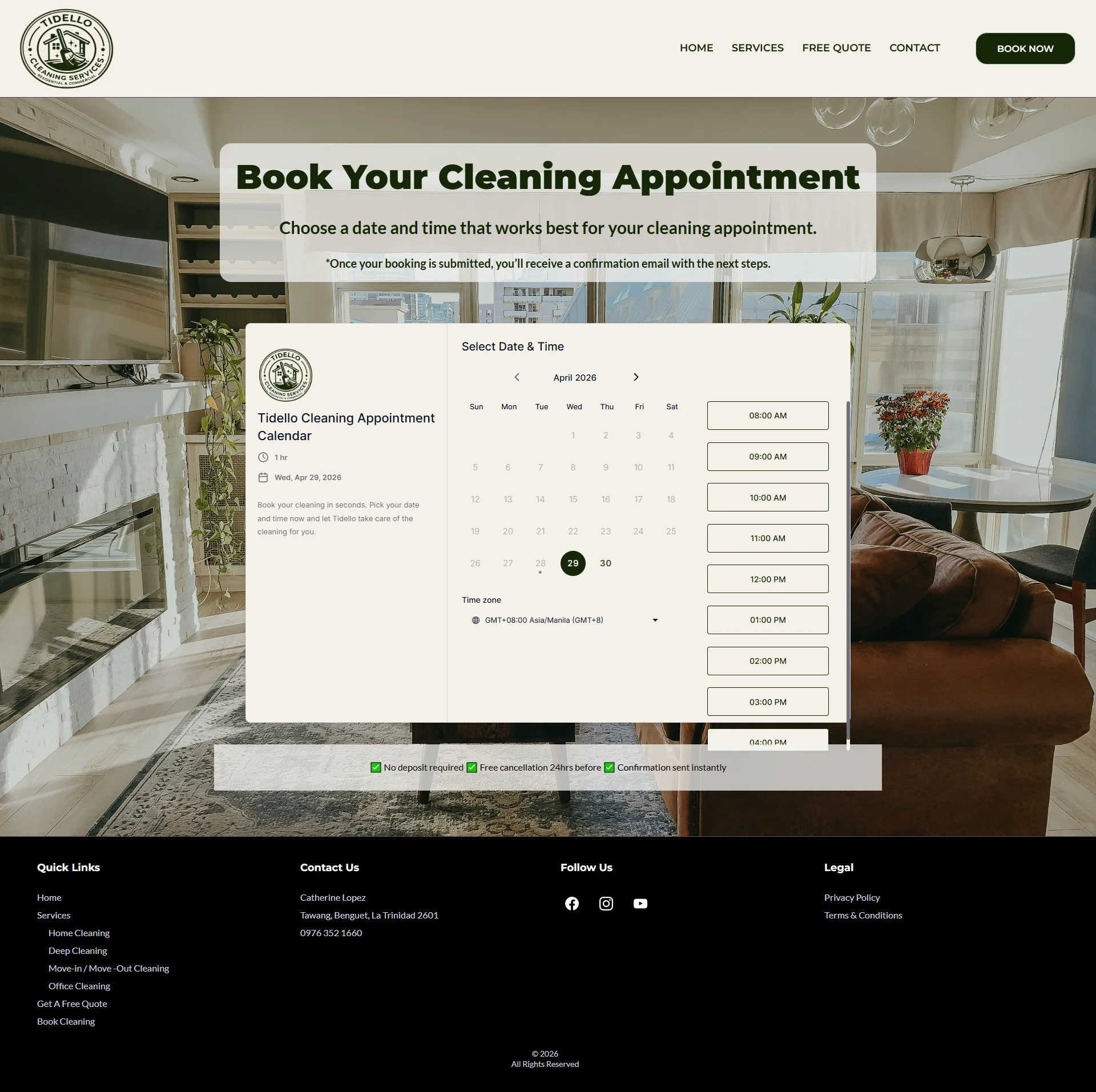
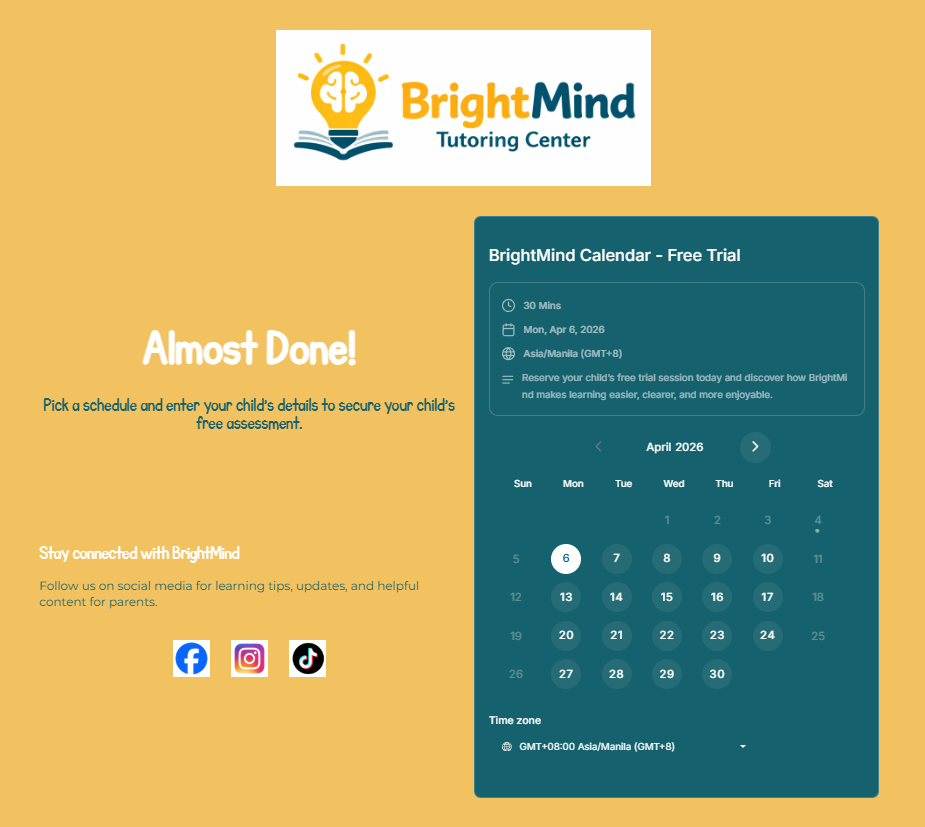
1. Calendar Selection View
Shows the date selection step where parents choose an available schedule for the free trial session.
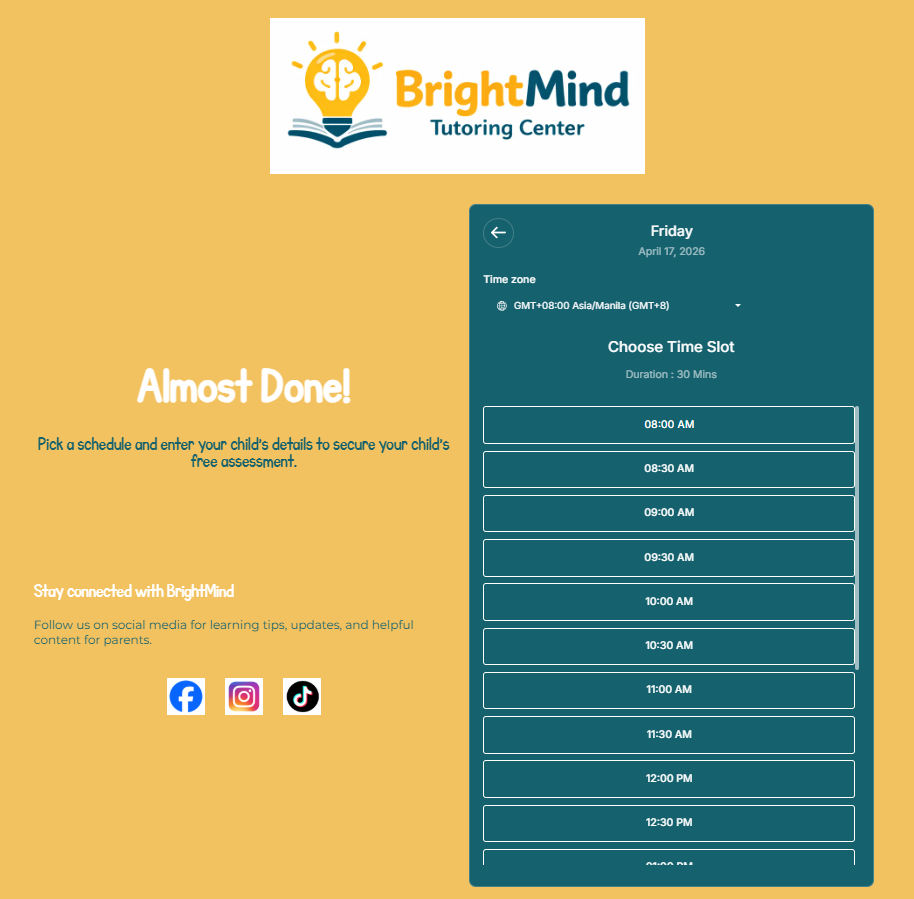
2. Time Slot Selection View
Shows the available appointment times after a date is selected.
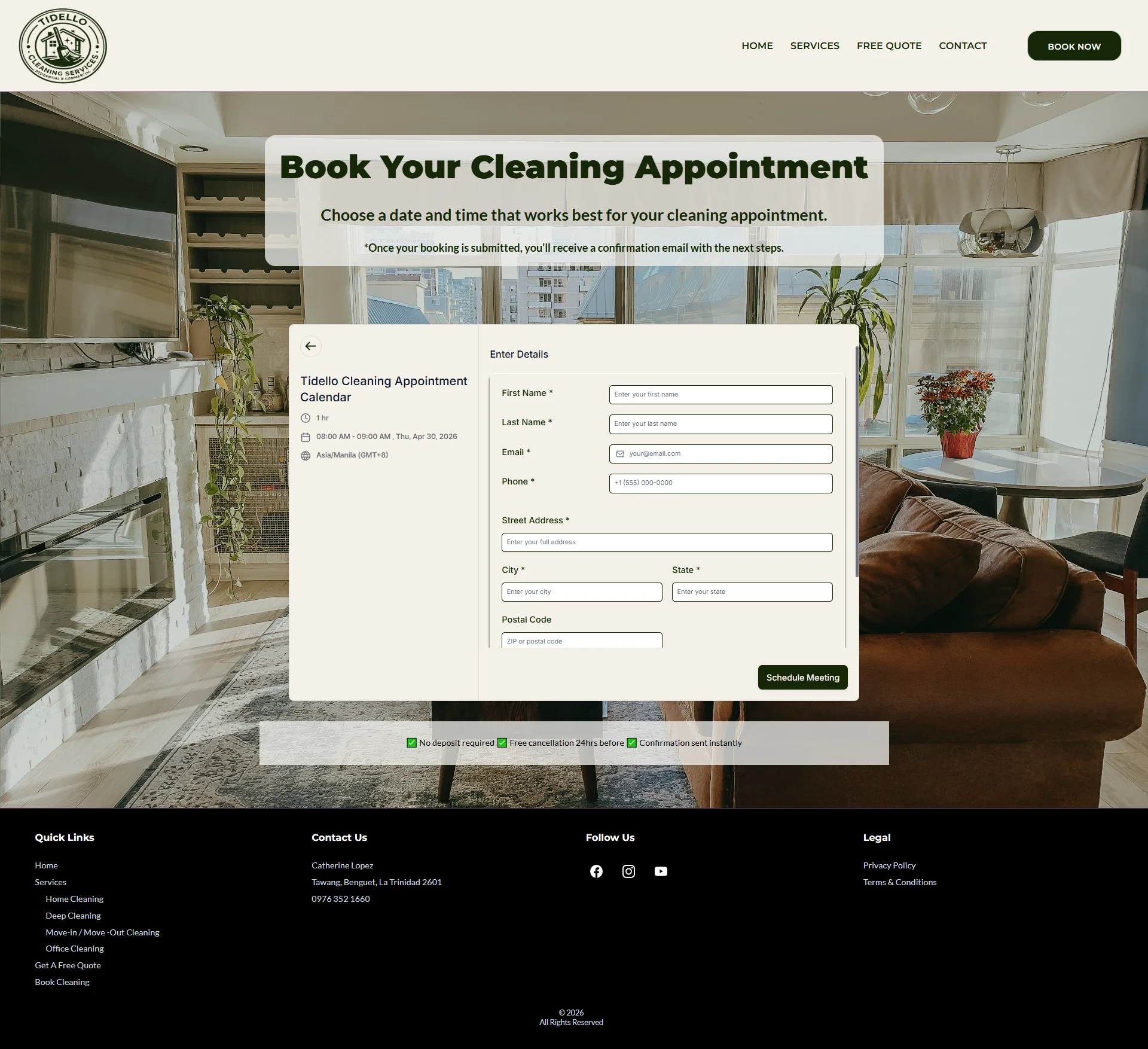
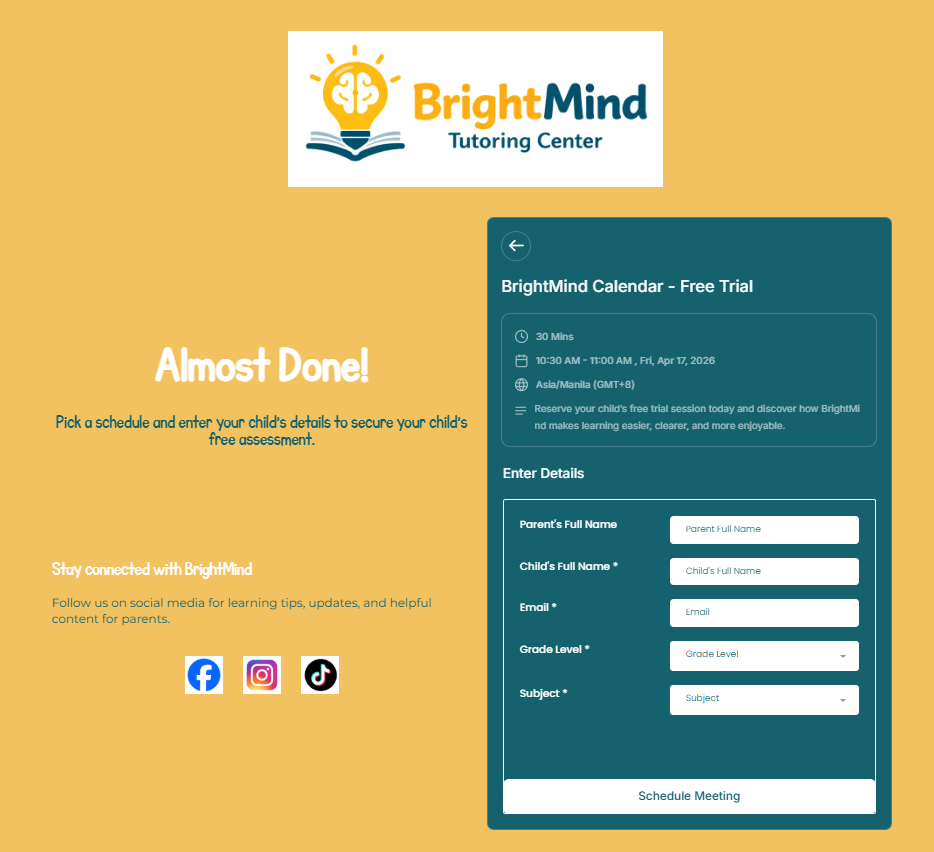
3. Appointment Scheduling Page
Shows the final booking step where parents enter their details to confirm the selected session.
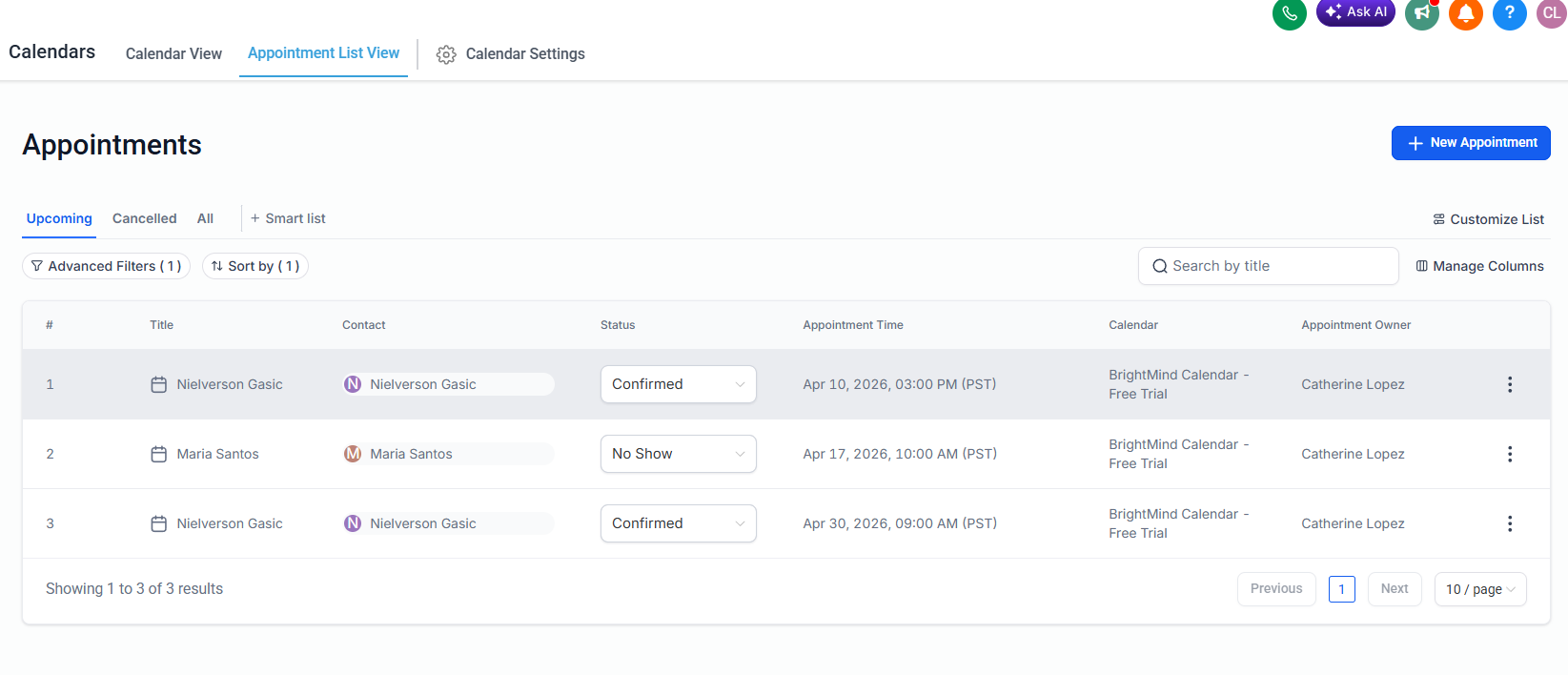
4. Appointment List View
Shows booked appointments, status, assigned calendar, and appointment owner inside GoHighLevel.
5. Calendar View
Shows how scheduled sessions appear inside the calendar for easier tracking and management.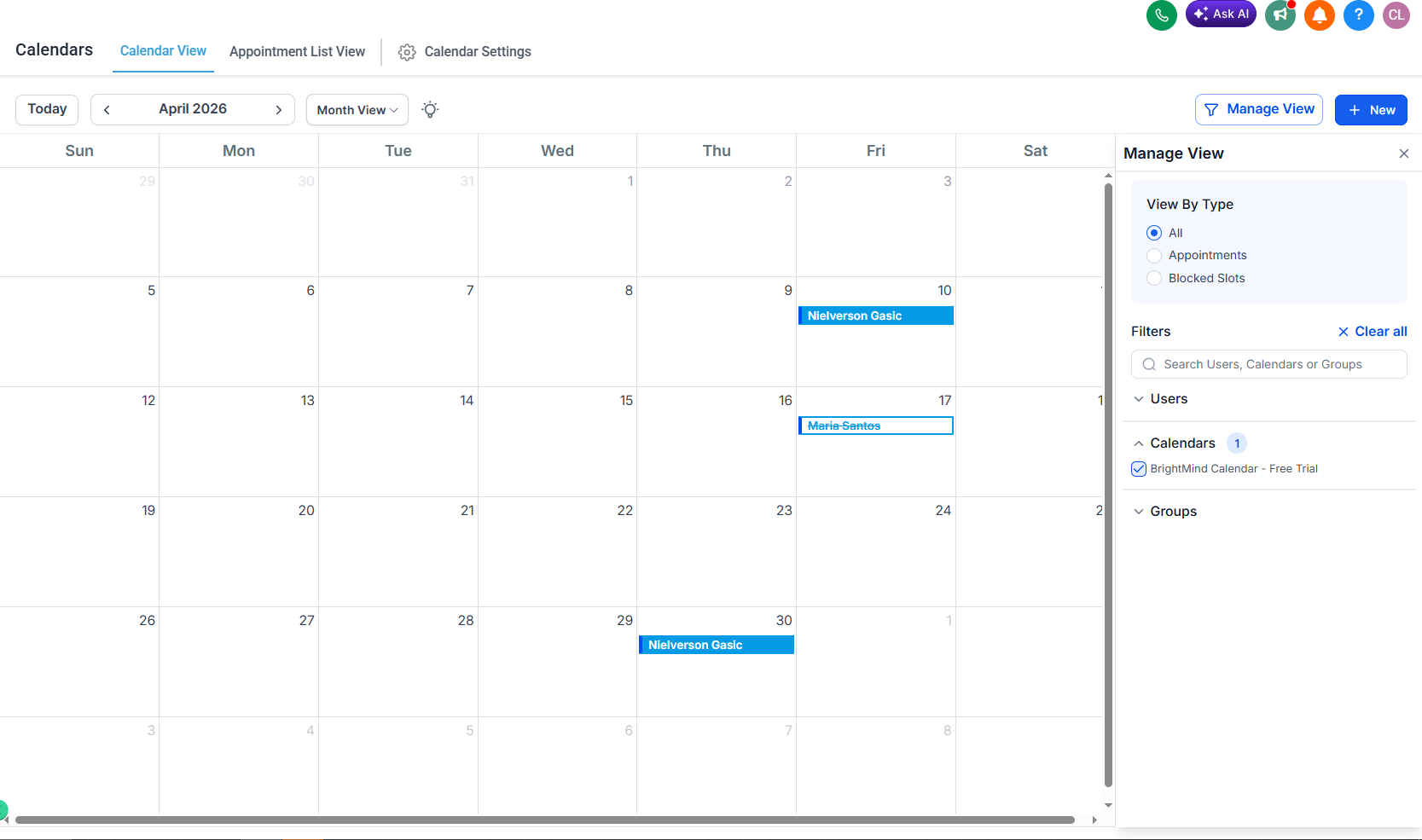
Purpose
This setup was built to improve appointment scheduling, organize booked sessions clearly, and support smoother follow-up after booking.
Title: Tidello Cleaning Services — Calendar & Booking Setup
Overview:
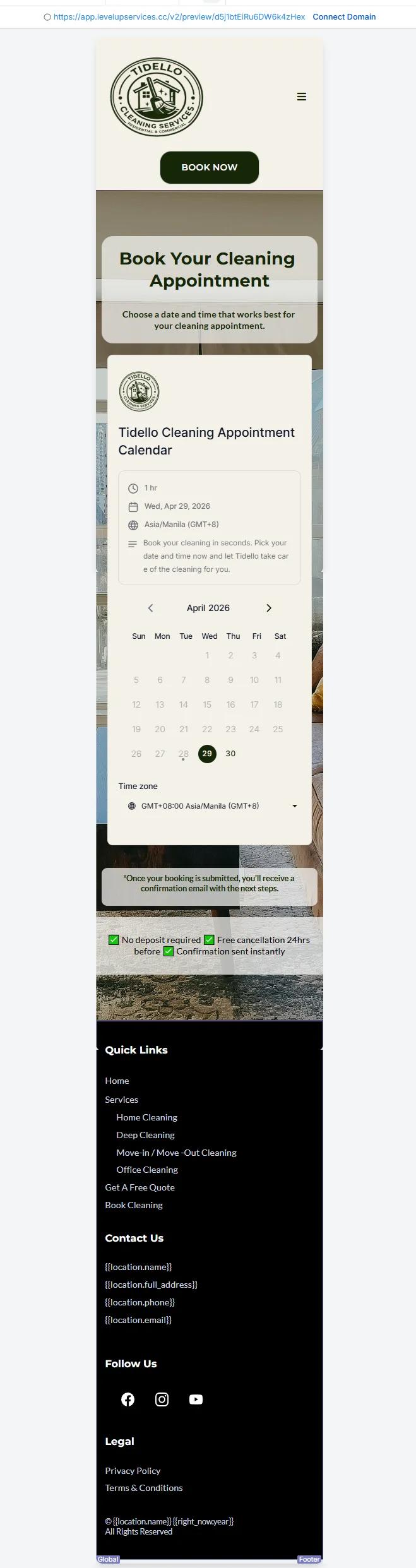
This calendar and booking setup was built for Tidello Cleaning Services to make appointment scheduling simple and professional. Clients can select their preferred date and time, enter their details, and receive an instant confirmation — all automated inside GoHighLevel.
Booking Setup Included:
Calendar date and time selectionAsia/Manila GMT+8 timezoneAppointment duration configurationFull name, email, phone, address fieldsTerms & conditions checkboxAutomated confirmation email24hr reminder email and SMS1hr reminder SMSNo show follow up system