QuickBooks Bookkeeping Support
Practical bookkeeping tasks completed using QuickBooks
This QuickBooks bookkeeping sample highlights my ability to efficiently manage financial data, including bank transaction classification, account reconciliation, invoicing, vendor bill recording, financial reporting, and chart of accounts management—ensuring accuracy and organized financial records for business operations.
Categorizing Bank Transactions
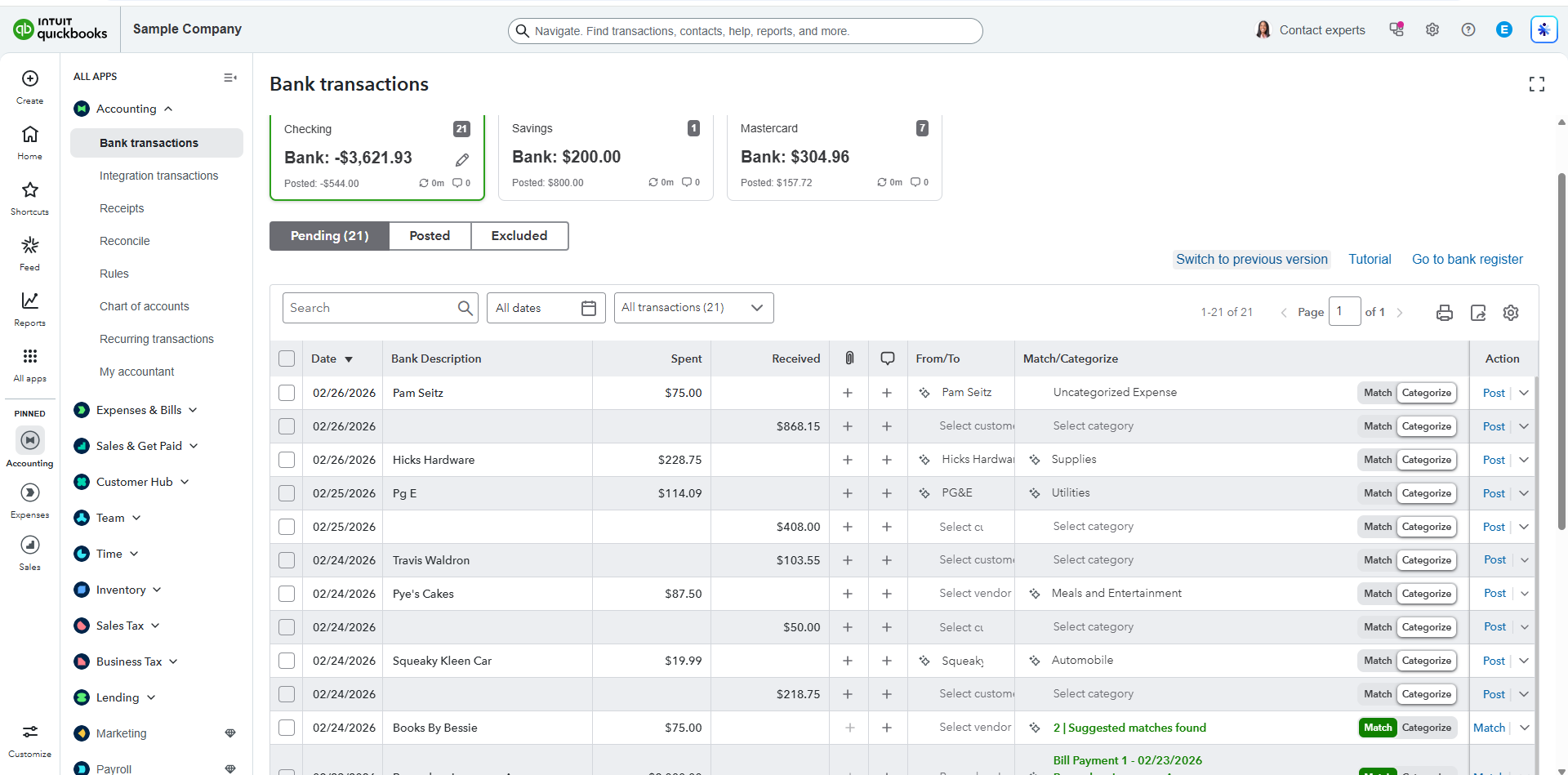
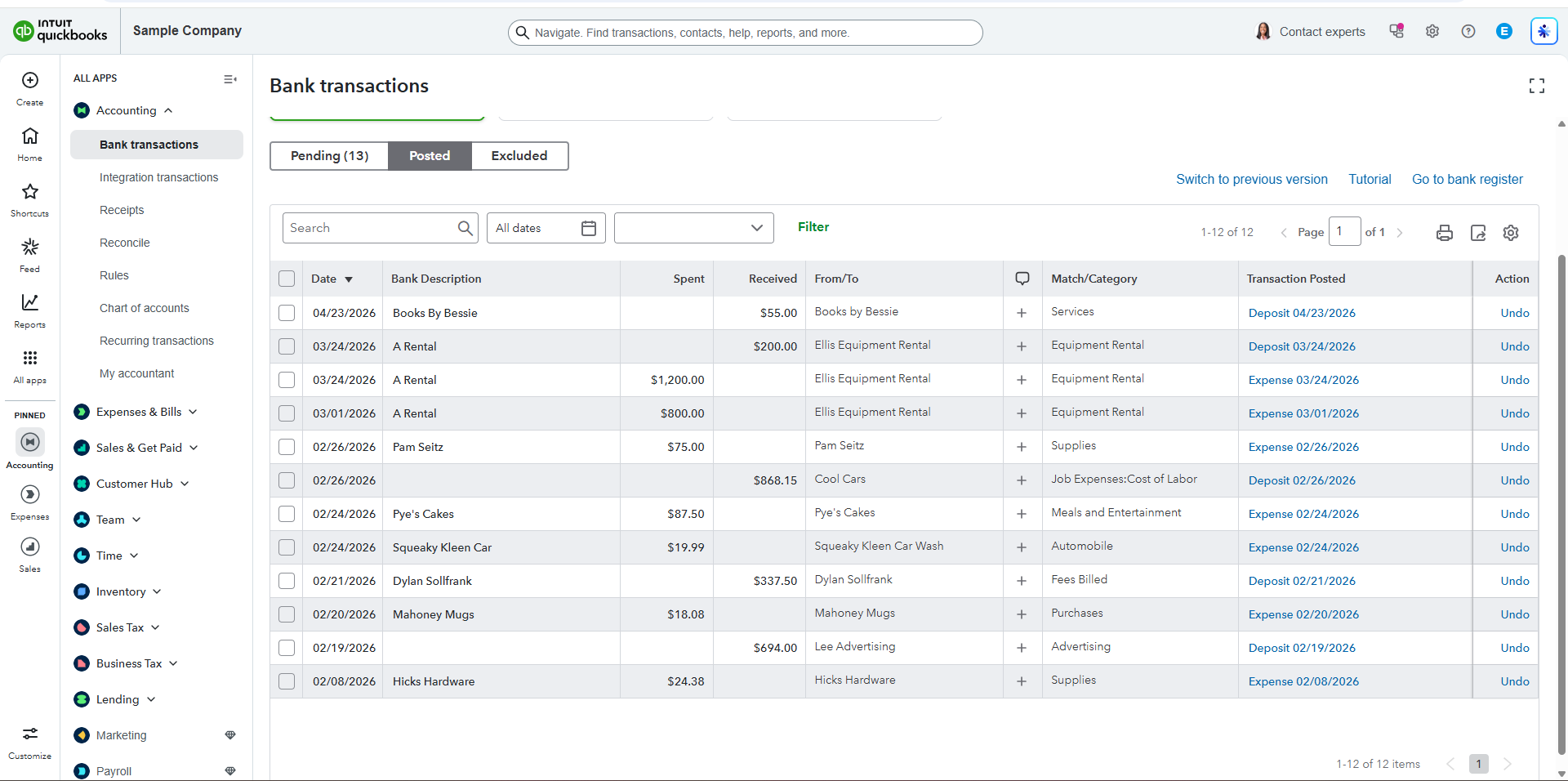
I logged in to the QuickBooks Online (QBO) Sample Company and navigated to the Banking tab to review uncategorized transactions. Under the “For Review” section, I selected at least 10 transactions and assigned the appropriate categories such as Office Supplies and Meals. I also added clear and meaningful memos for each transaction, ensured that the correct vendor or payee was indicated, and then clicked “Add” to move them to the Categorized section. Screenshots were taken before and after the categorization process to document the changes and confirm that the transactions were properly recorded.
Reconciling bank accounts
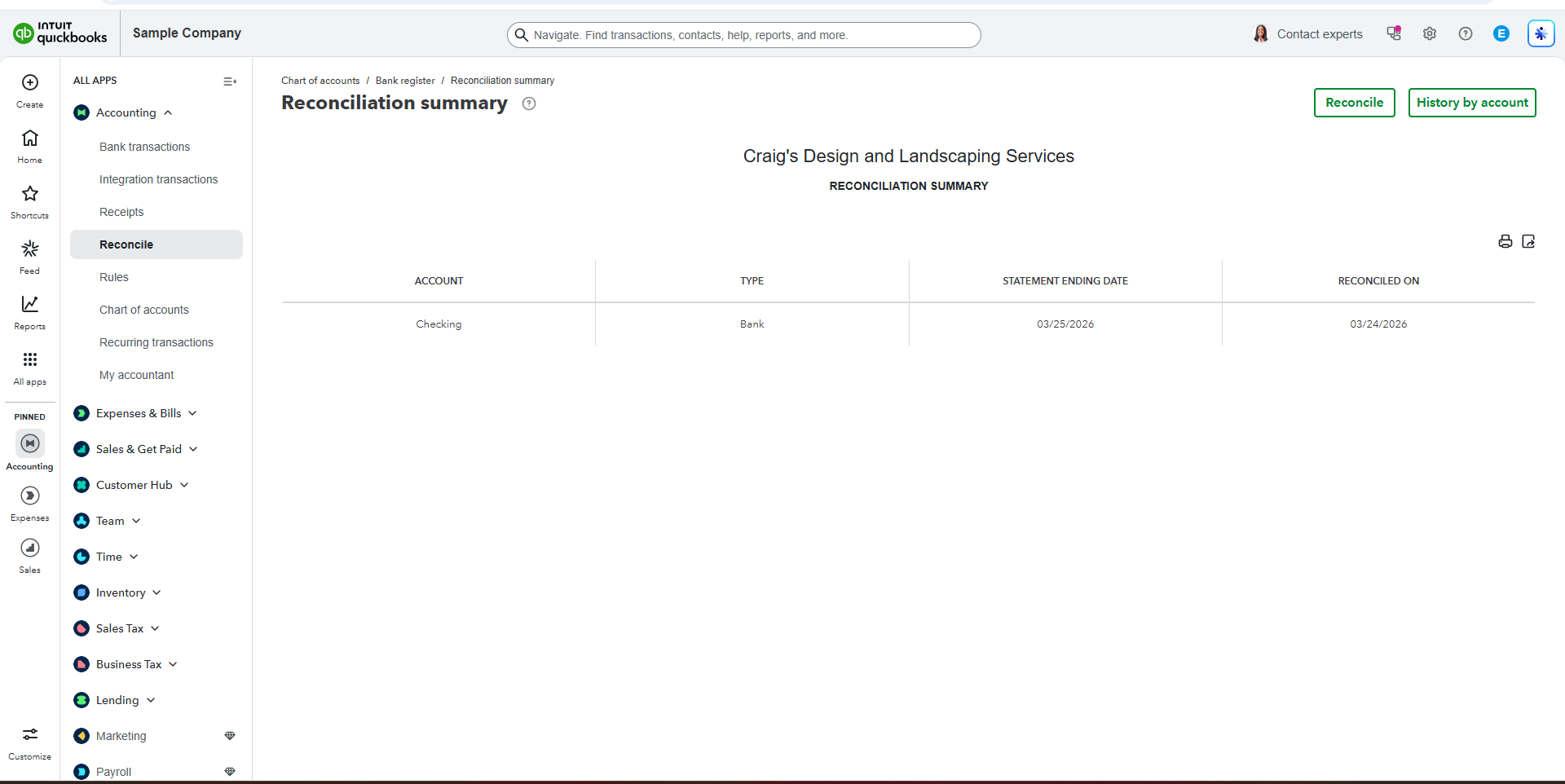
Reconciling a bank account in QuickBooks is the process of comparing your recorded transactions with your bank statement to ensure they match. It involves reviewing deposits, expenses, and balances, identifying any discrepancies, and making necessary corrections. This helps maintain accurate financial records, prevents errors or fraud, and ensures that your reports reflect the true financial position of the business.
Creating and sending invoices
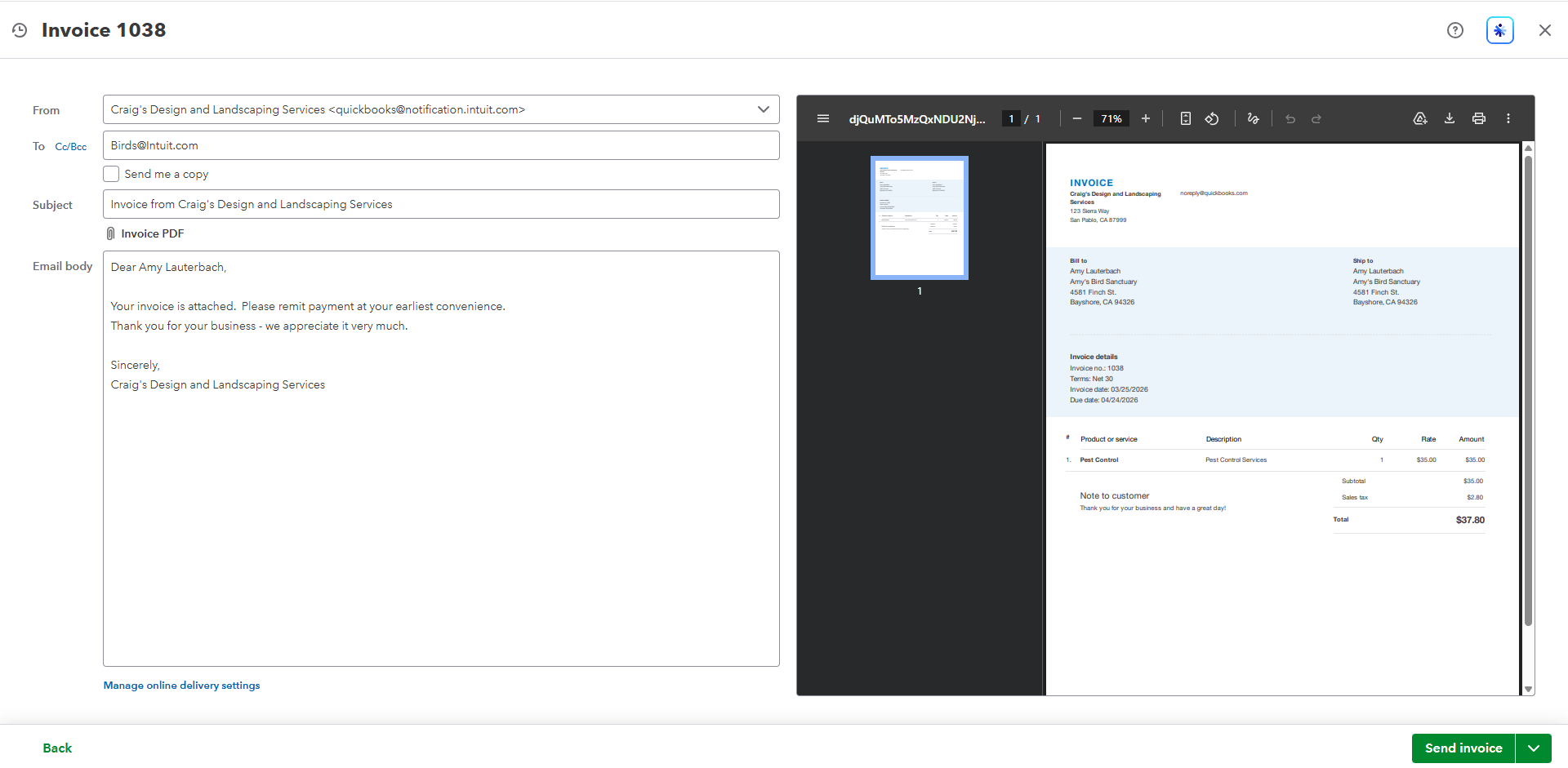
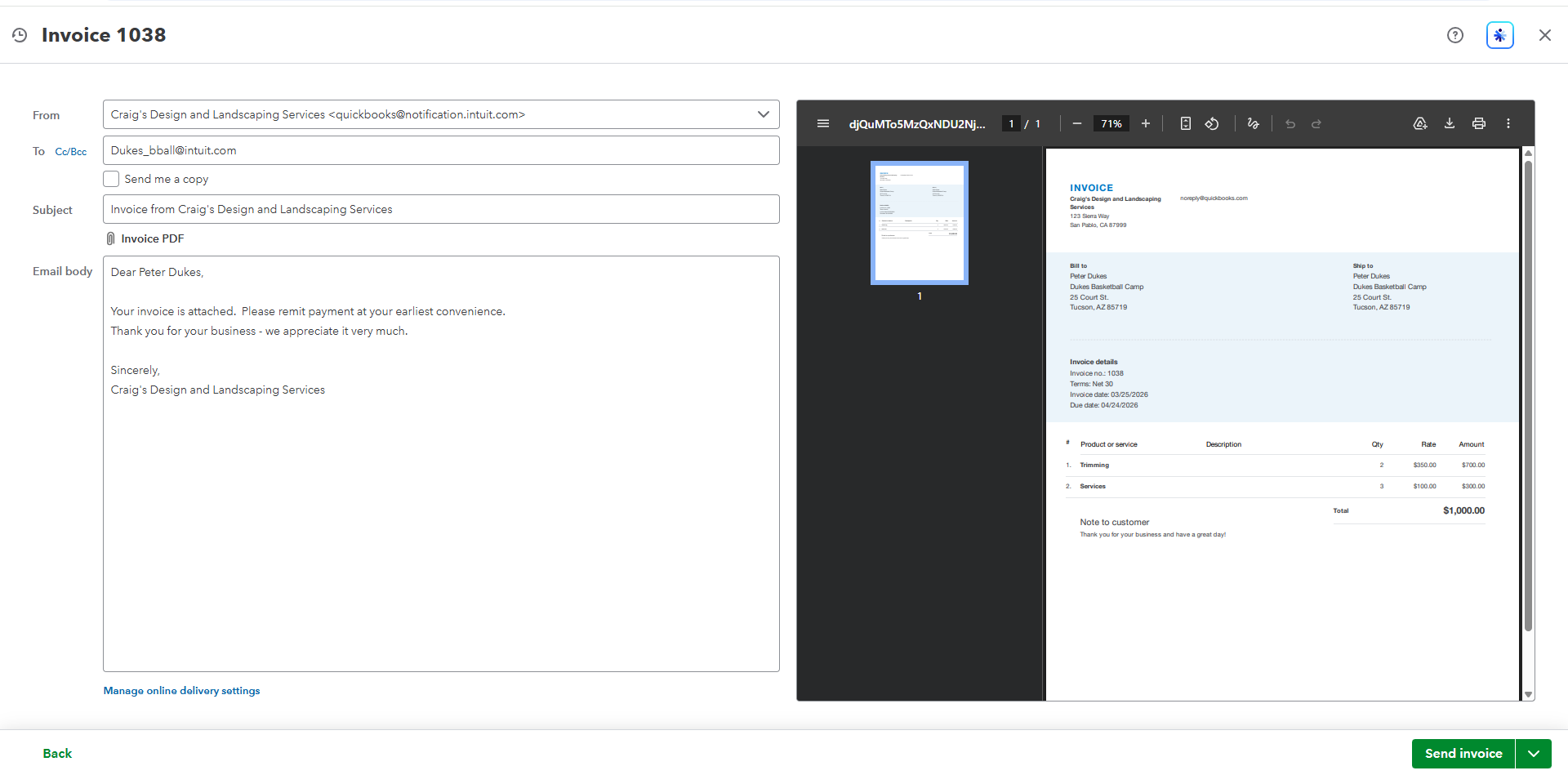
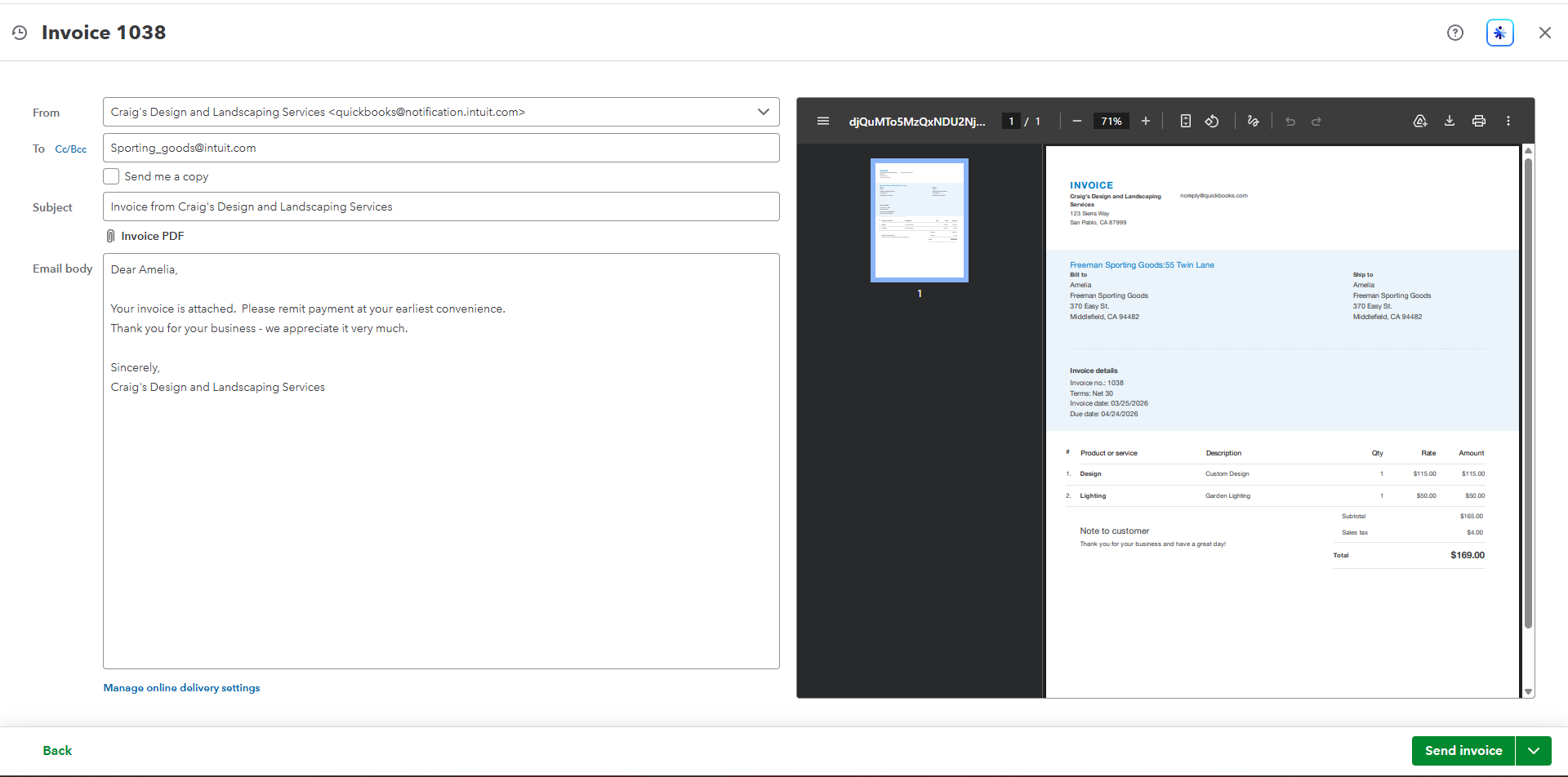
Creating and sending invoices in QuickBooks involves generating a bill for products or services provided and delivering it to the customer for payment. You enter the customer details, items or services, amount, and payment terms, then review the invoice for accuracy before sending it via email or sharing a link. This process helps ensure timely payments, keeps income records organized, and supports effective cash flow management for the business.
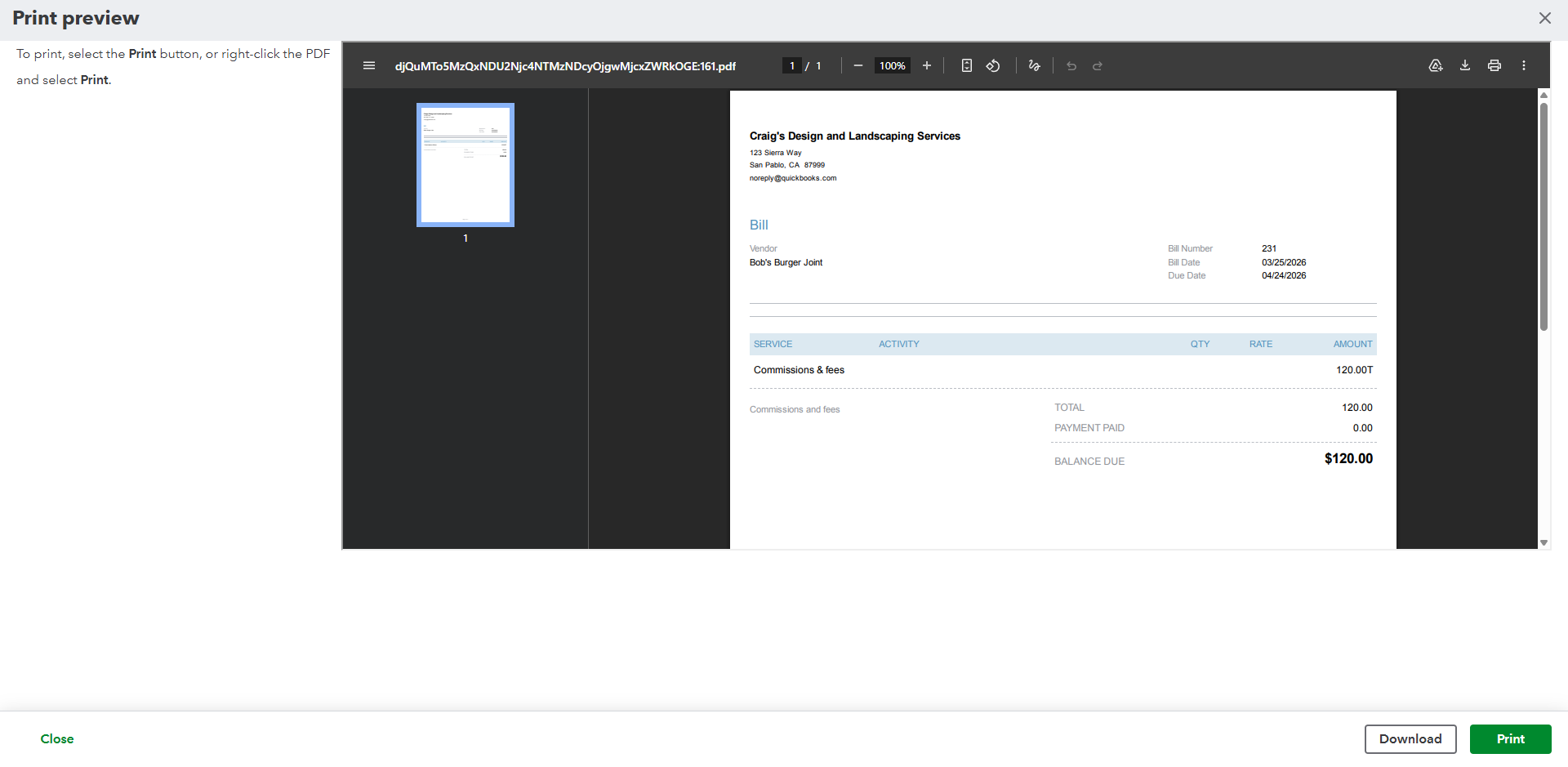
Recording vendor bills
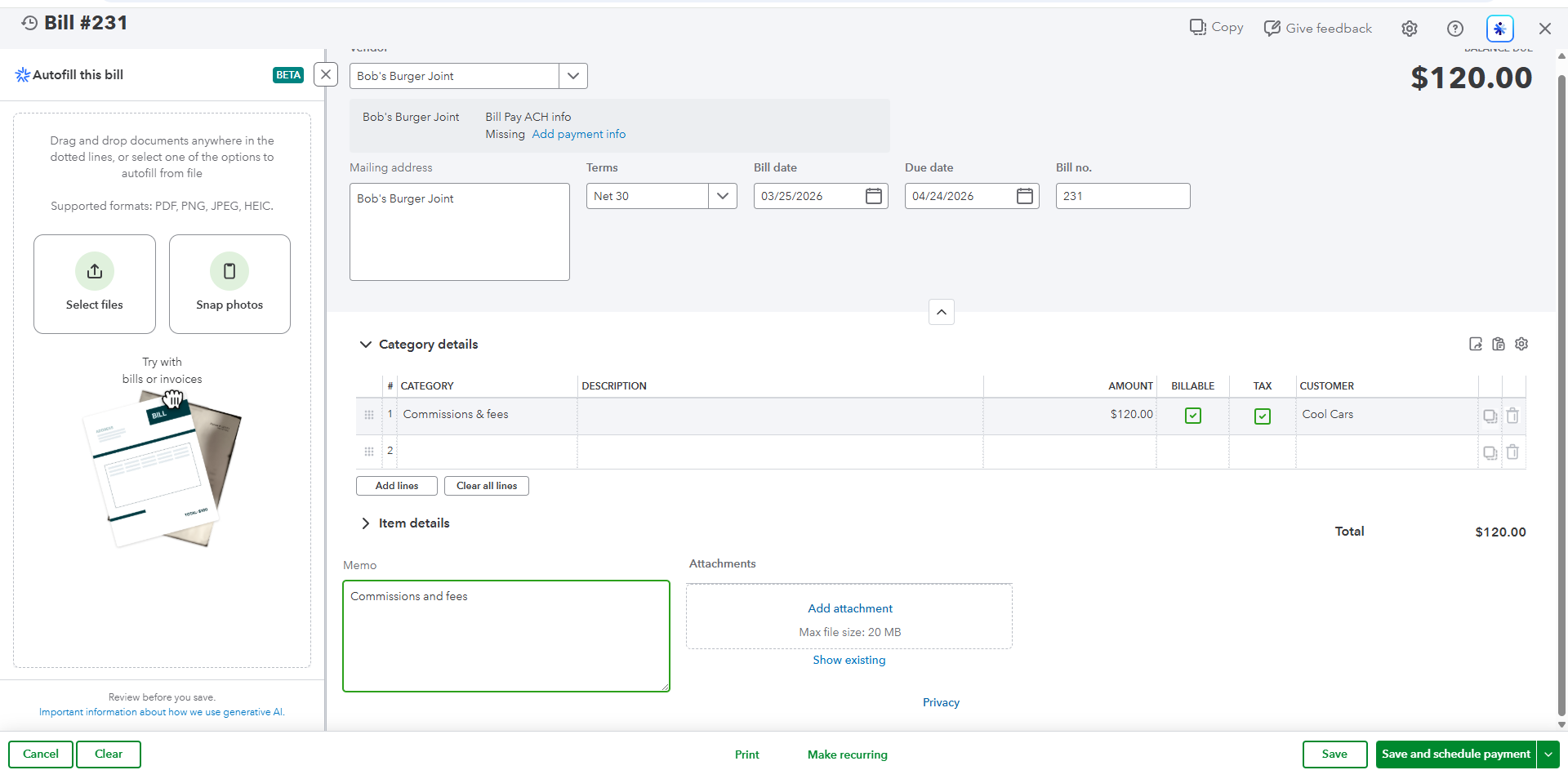
Recording vendor bills in QuickBooks involves entering expenses that your business owes to suppliers for goods or services received. You input the vendor name, bill date, due date, amount, and appropriate expense or account category. This helps track accounts payable, ensures timely payments, and keeps financial records accurate by properly reflecting outstanding obligations in your reports.
Generating a financial report
Generating a financial report in QuickBooks is used to track and understand a business’s financial performance. It helps you see your income, expenses, profits, and overall financial position, making it easier to make informed decisions, manage cash flow, and prepare for taxes or business planning.
Profit and Loss (Click to view the pdf)
This document is a Profit and Loss report from QuickBooks for Craig’s Design and Landscaping Services, covering January 1 to March 25, 2026. It shows that the business earned a total income of $9,791.02 and had expenses of $5,009.03, resulting in a net operating income of $4,376.99. After accounting for additional other expenses of $2,916.00, the final net income is $1,460.99, which means this is the actual profit the business made during the period. Overall, the report helps track how much the business earned, spent, and ultimately kept as profit.
Balance Sheet (Click to view the pdf)
For the Balance Sheet, it shows what the business owns and owes. The business has about $23,583 in assets (cash, inventory, truck, etc.), but it owes more money ($31,255 in liabilities), which means it currently has more debt than assets.
A/R Aging Summary Report (Click to view the pdf)
In the simplest terms, this report from QuickBooks shows who still owes the business money and how late they are in paying.
It tells you that customers owe a total of about $5,281.52, and it groups them by how long the payment has been unpaid (like current, 1–30 days late, 31–60 days, etc.). This helps the business know which customers need to be followed up for payment and how overdue the money is.
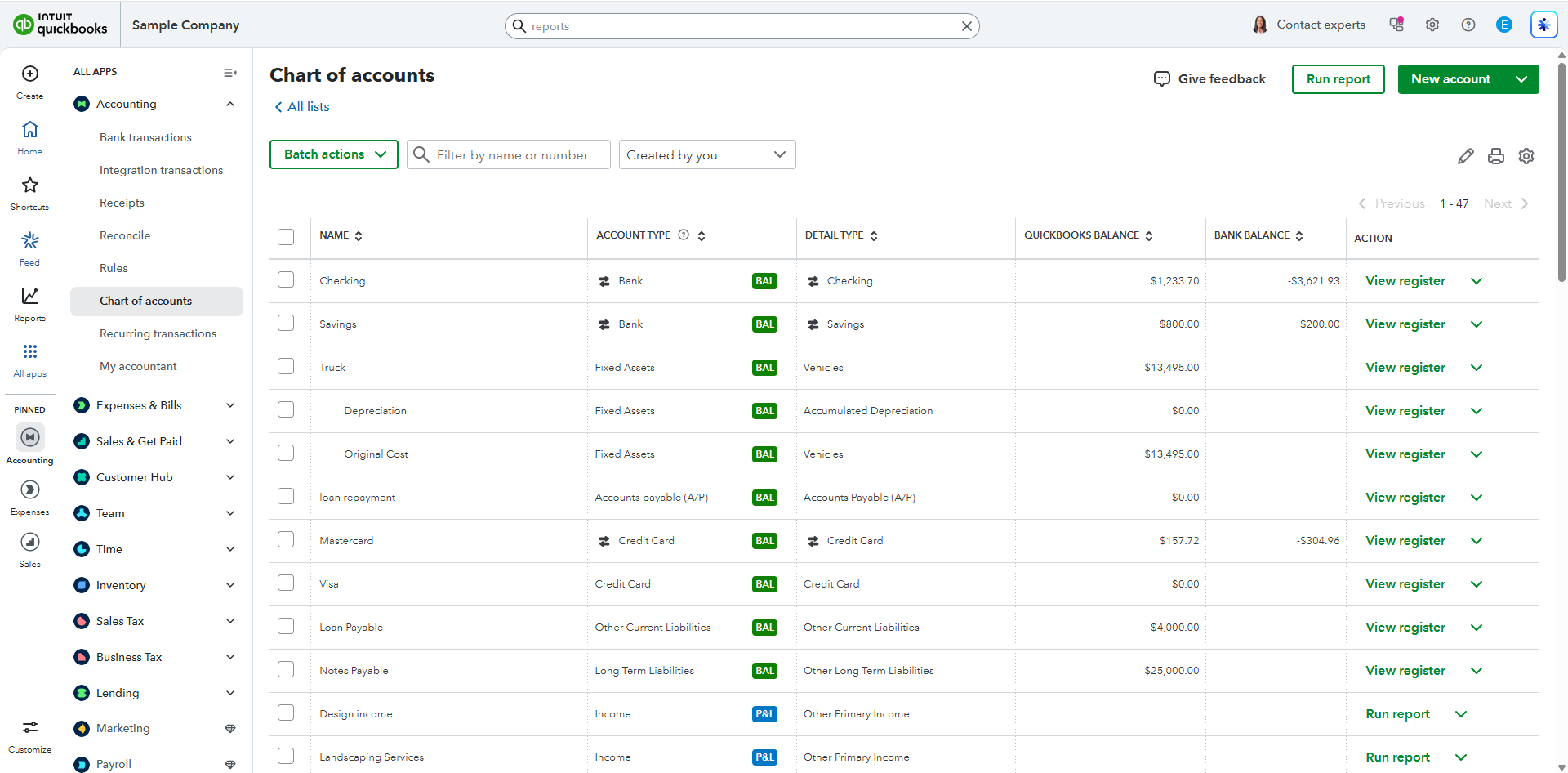
Chart of accounts
The Chart of Accounts in QuickBooks is simply a master list of all the categories used to organize your business finances, like folders for your money; it groups everything into five main types—assets (what you own, like cash and bank accounts), liabilities (what you owe, like loans and bills), income (money you earn), expenses (money you spend), and equity (your ownership or profit)—so that every transaction you record goes into the right category, making it easy to track your finances and generate reports.
👉 Remote Bookkeeping & Financial Reporting (QuickBooks)
-Performed end-to-end bookkeeping tasks using QuickBooks, including transaction categorization, account reconciliation, and financial data management
-Reviewed and accurately categorized bank transactions, ensuring proper account allocation and detailed documentation
-Conducted bank reconciliations to verify balances, identify discrepancies, and maintain accurate financial records
-Created and issued customer invoices, supporting timely billing and improved cash flow tracking
-Recorded vendor bills and managed accounts payable, ensuring accurate tracking of business obligations
-Generated and analyzed key financial reports (Profit & Loss, Balance Sheet, A/R Aging) to evaluate financial performance
-Maintained and organized the Chart of Accounts to ensure consistent and accurate financial reporting
-Demonstrated strong attention to detail, accuracy, and understanding of core bookkeeping and accounting processes.
Through this work, I’ve developed a solid approach to managing financial data in QuickBooks. I make sure records are accurate, well-organized, and easy to review, helping businesses stay on top of their finances.